
How do I insert symbols like Greek letters?
Last updated on July 07, 2025
Elsa’s import from Word function doesn’t always support symbols like Greek letters or some mathematical symbols.
To insert symbols, go to the top toolbar and click on "Special Characters" icon on the Home ribbon of the toolbar.
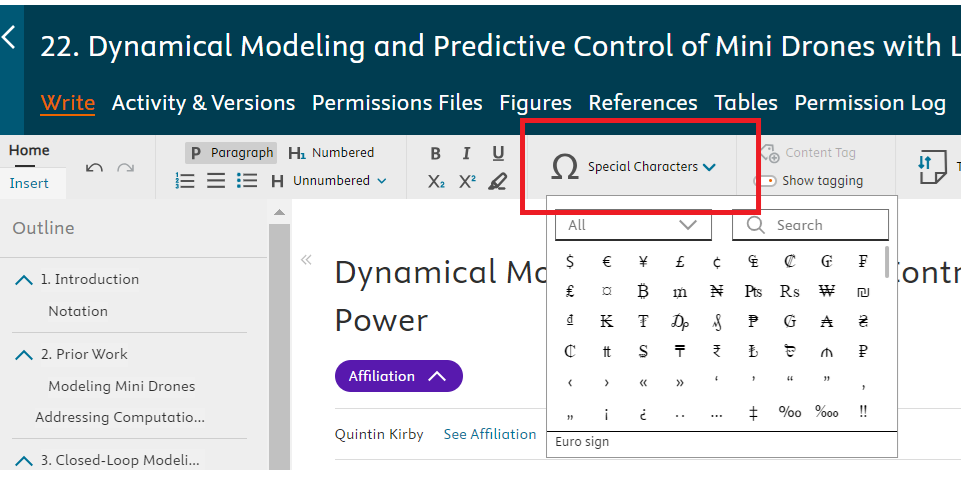
Make sure your cursor is placed in the area you’d like your symbol to appear in order to activate the icon.
Did we answer your question?
Related answers
Recently viewed answers
Functionality disabled due to your cookie preferences