
I live in Mainland China and have purchased a license, but it is not appearing on my account
Last updated on May 07, 2026
Also available in
Complete Anatomy is now available in multiple languages, and we strive to provide the best experience through our two Customer Centres.
When you first launch the app, your Complete Anatomy account will be linked to the appropriate Customer Centre based on the location you select. If you choose China as your location, your account and license will be connected to our CN Customer Centre.
To verify the Customer Centre your account is linked to, please navigate to Settings > Preferences, where it will show either ROW (Rest of World) or CN (China).
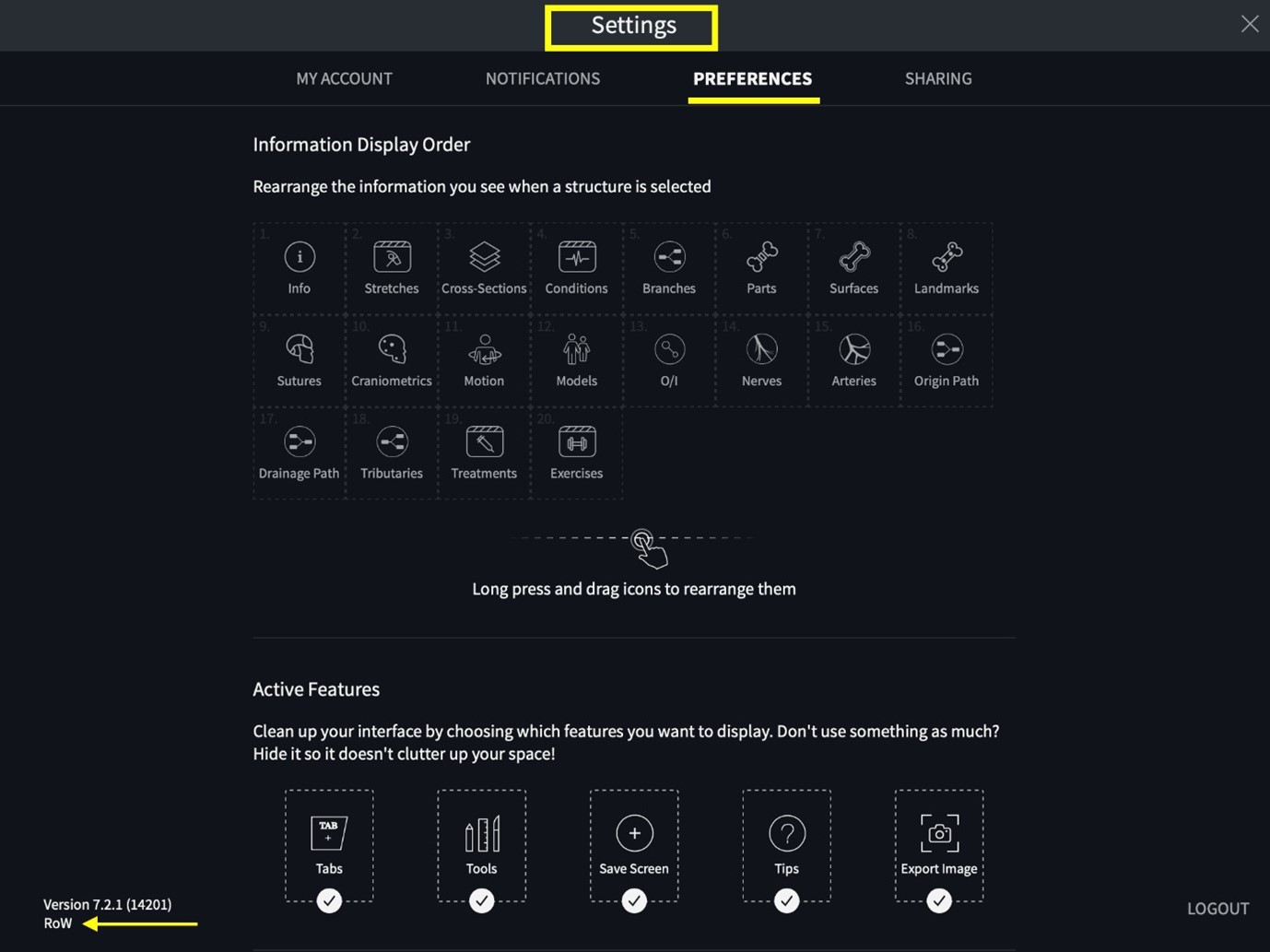
If you are logged in and still do not see your license, it's possible that you selected the wrong Customer Centre at login. To resolve this, please delete the app, reinstall it, and select the correct Customer Centre at login. You can find the steps for reinstallation hereopens in new tab/window. Additionally, we have included a helpful troubleshooting video below.
Did we answer your question?
Recently viewed answers
Functionality disabled due to your cookie preferences