
Required login: Federated access SSO Shibboleth step by step
Last updated on October 21, 2025
Federated Access/SSO/Shibboleth
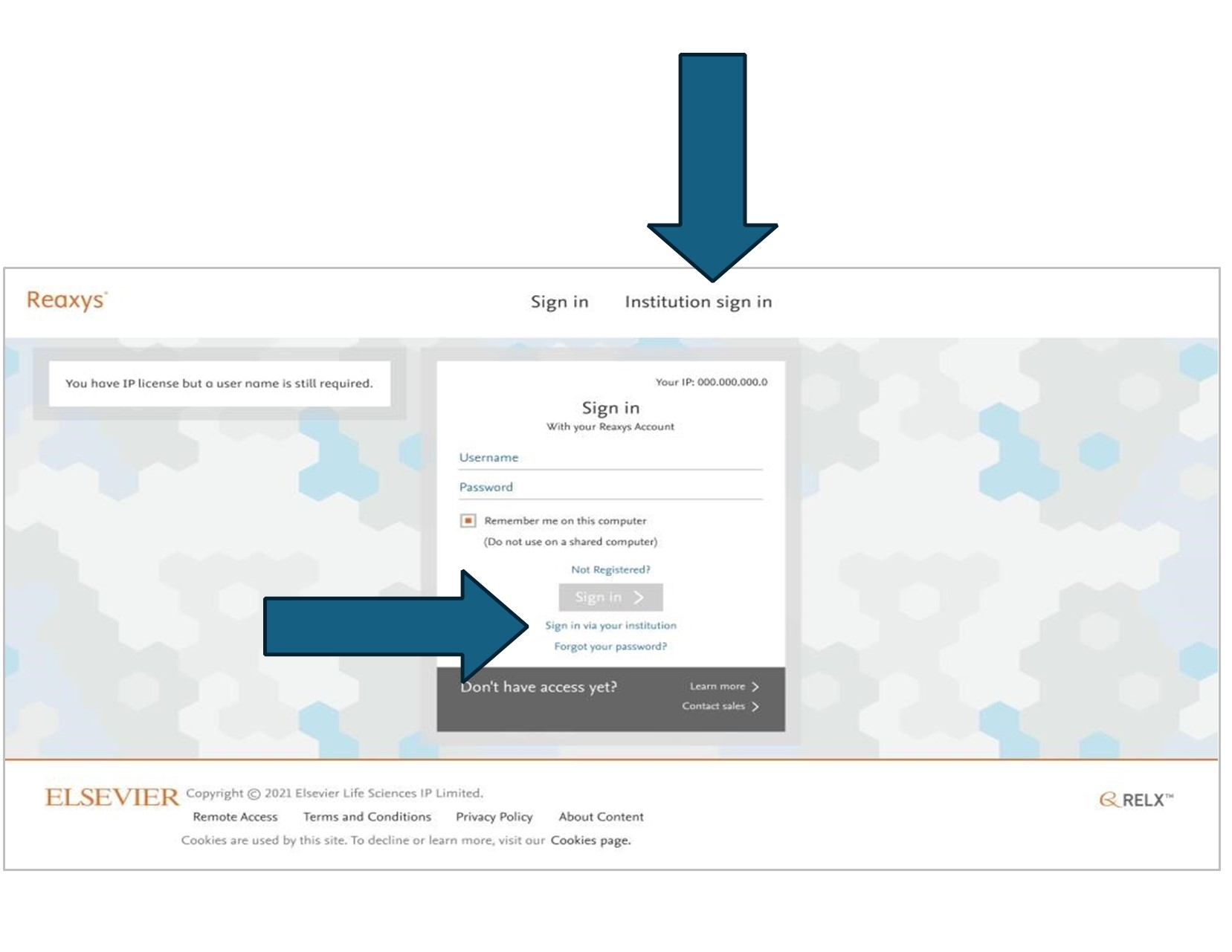
- Go to : https://www.reaxys.com
- Click on Institution sign in or Sign in via your institution
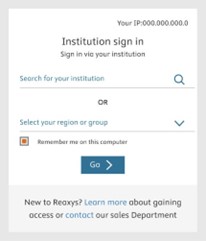
- Search and select Institution then Click Go
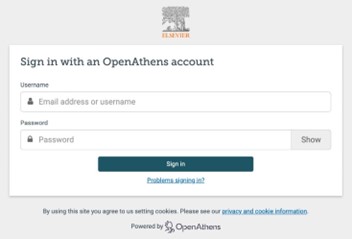
- Sign in with your identity provider e.g Open Athens
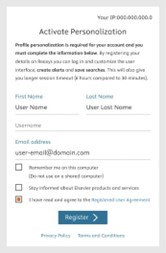
- For a new user the personalization page will pop up, complete form and click register
- Please use your work email, and tick you agree to the user agreement
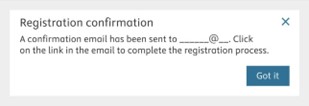
- You will see a notice that a confirmation email has been sent to your email address.
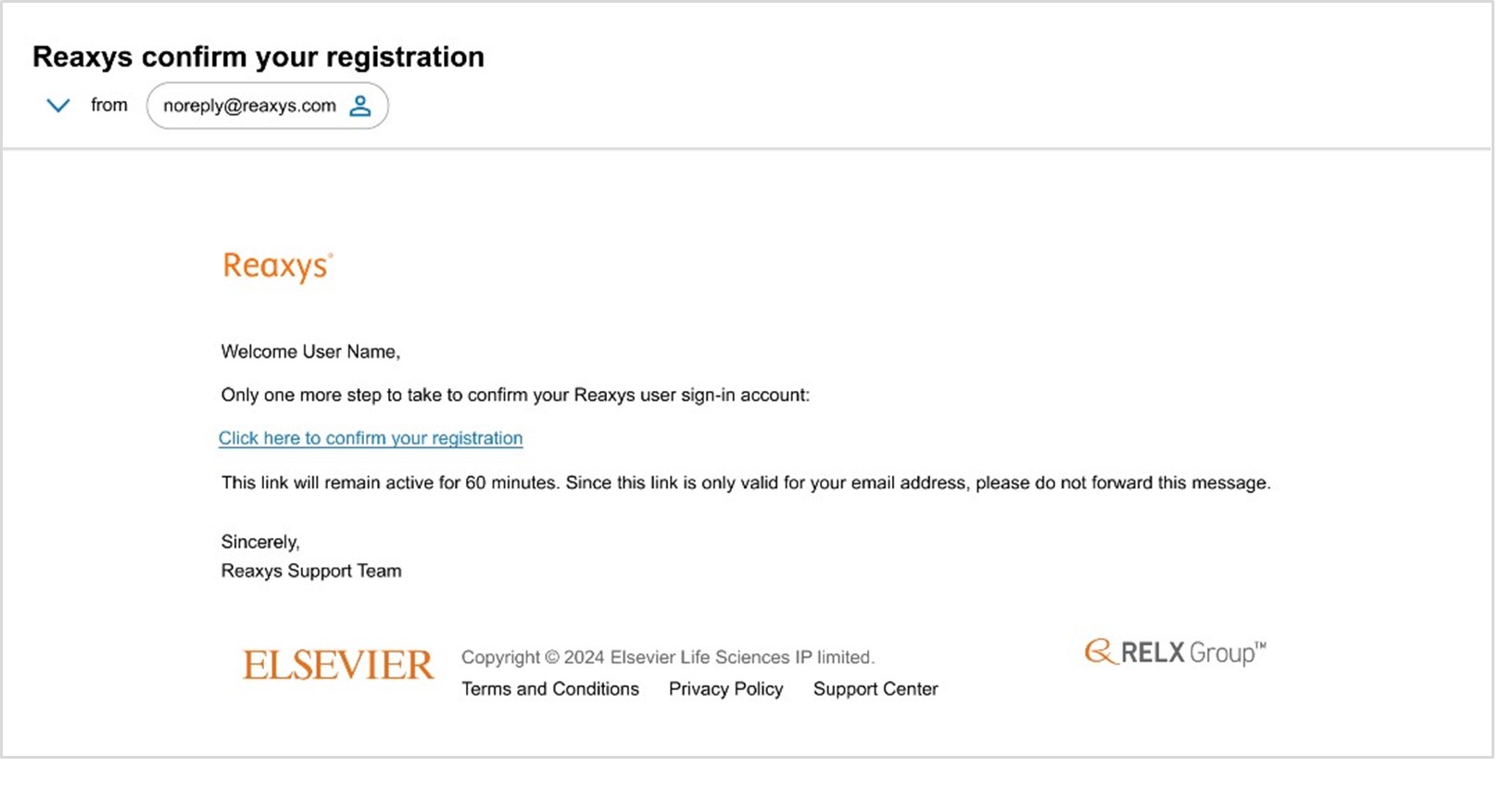
- Check your inbox for a confirmation email and click the link to complete your registration.
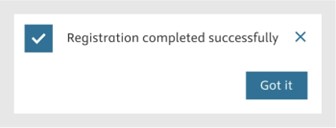
- Once you see this note confirming your registration has been completed successfully, you’re all set!
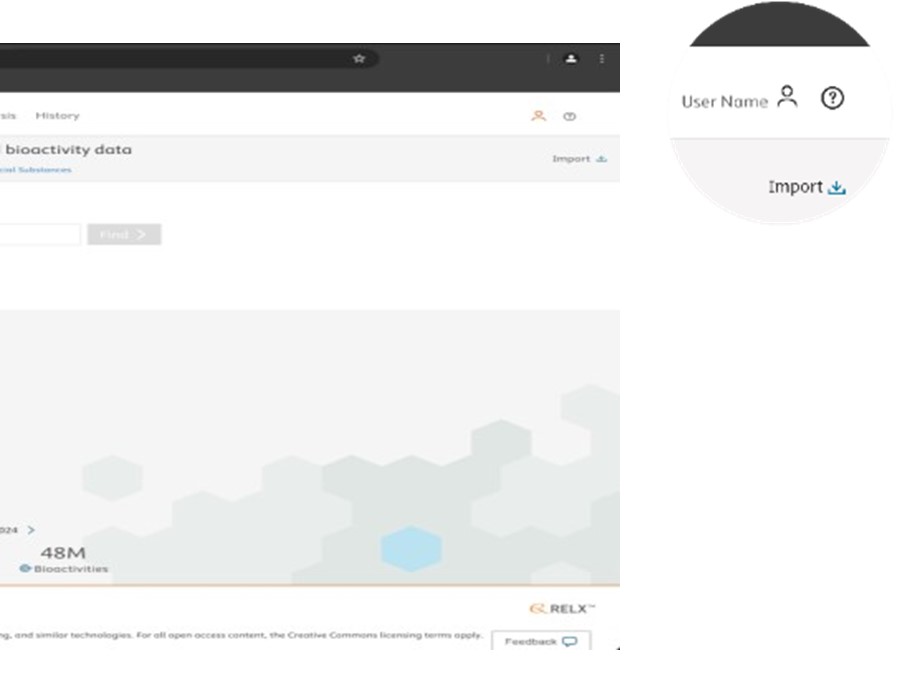
- User who are already registered, will see their user name and be directed to the query page.
Did we answer your question?
Related answers
Recently viewed answers
Functionality disabled due to your cookie preferences