
Laying the model in supine or prone positions (full 3D rotation)
Last updated on August 04, 2026
Also available in
You can lay the model in a supine or prone position to perform a virtual cadaveric dissection or to run through a surgical procedure. This model position be done by activating Full 3D Rotation. To do this, you need to go to Settings > Preferences and activate Full 3D Rotation.
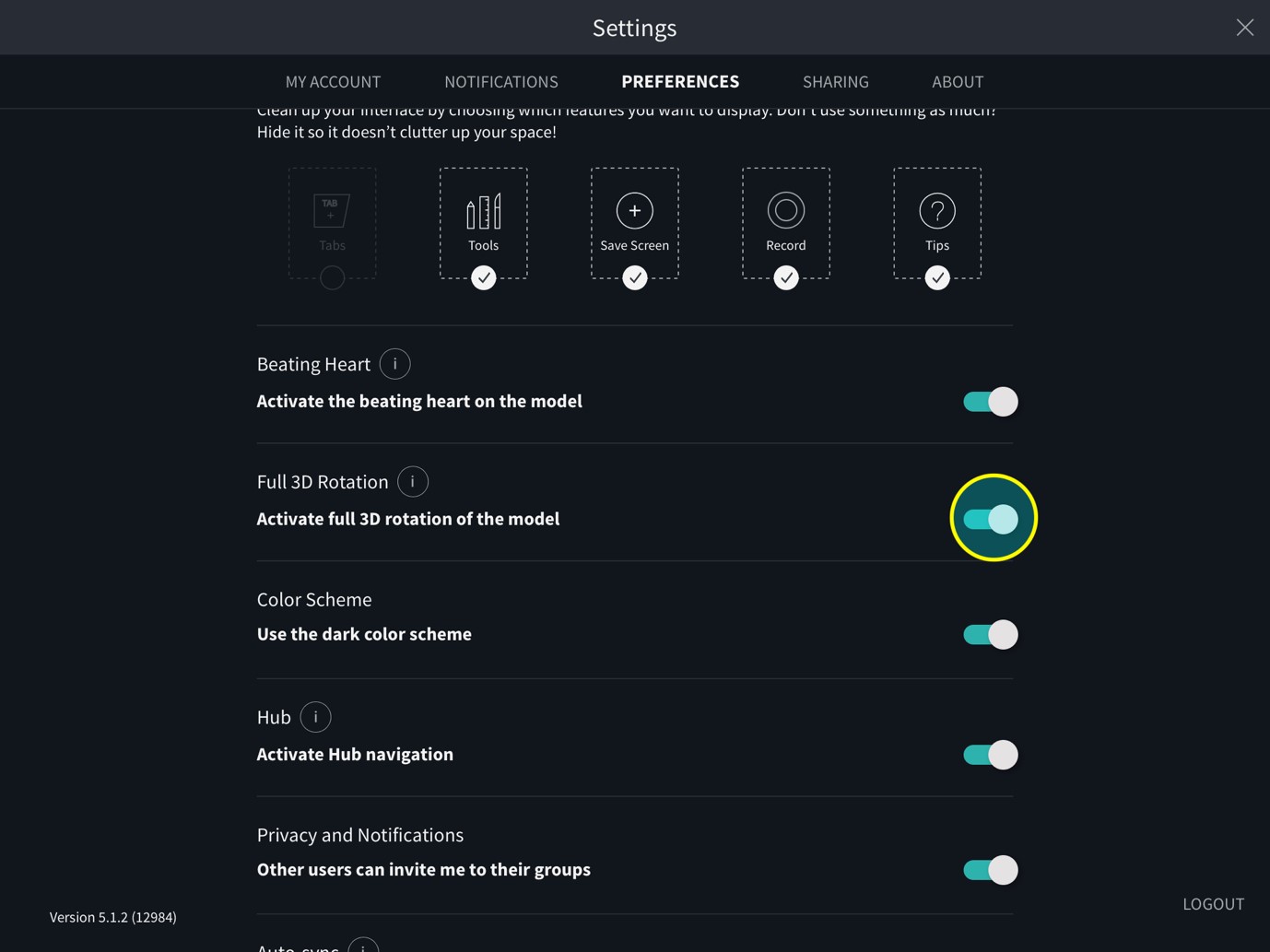
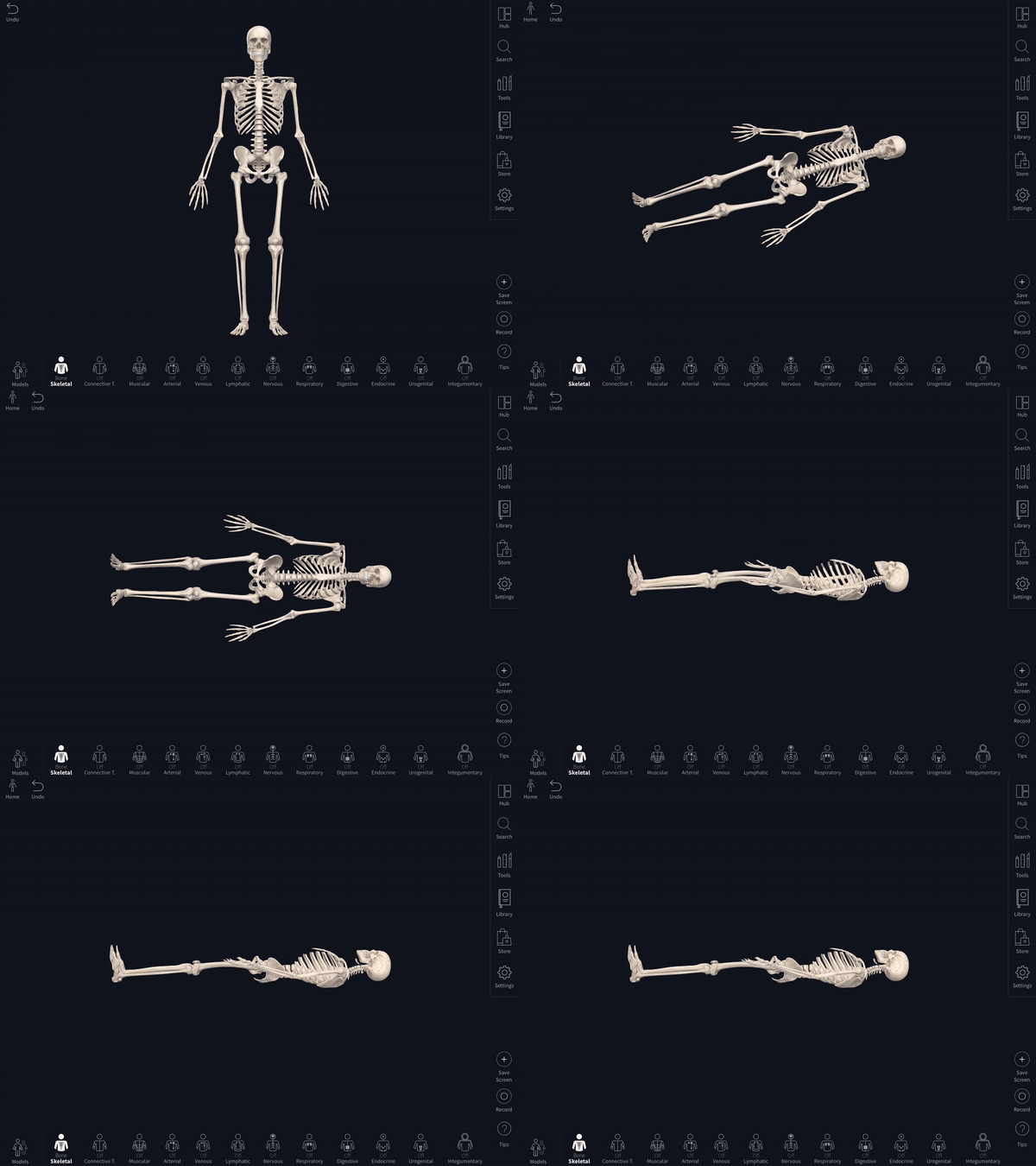
Once Full 3D Rotation is turned on, you can either twist with two fingers (touchscreens), or drag with ALT (option key for Mac devices) + left, right keys to rotate the model around to a horizontal position.
Guides will appear once the model is lying horizontal. You can then rotate the model to either supine or prone by swiping with one finger (touchscreens) or holding ALT + up, down keys. To return the model to the Home position, click Home.
Did we answer your question?
Related answers
Recently viewed answers
Functionality disabled due to your cookie preferences