
How do I customize the visual characteristics of the gross 3D anatomy model?
Last updated on May 07, 2026
Also available in
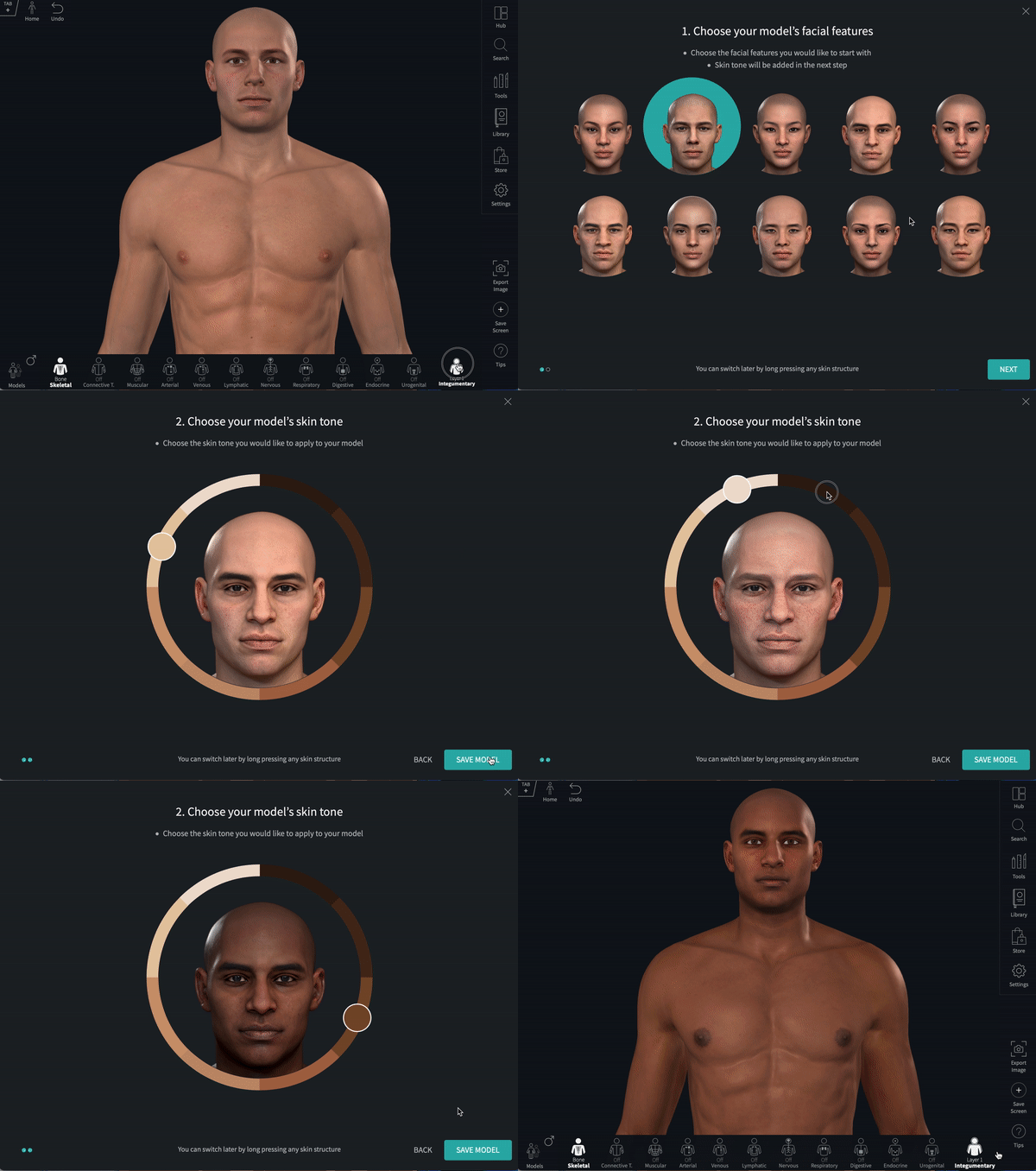
You can change the skin tone and visual characteristics of your model at any point, by simply clicking on the Integumentary button, from the Systems Panel, and selecting Change Skin.
This can also be achieved by long-pressing / long-clicking on any skin structure on the model.
The model customization overlay will appear and will allow you to choose skin tone and facial features:
Did we answer your question?
Related answers
Recently viewed answers
Functionality disabled due to your cookie preferences