
How do I redeem my Institutional Activation Code?
Last updated on August 04, 2026
Also available in
- Download Complete Anatomy from your chosen app store.opens in new tab/window When it's on your device, go ahead and launch the app.
- Continue through the registration steps to create a Complete Anatomy account.
- Select ‘Sign Up via Institution’ and enter your university email address
- When finished, you'll receive a verification email to confirm your details. Follow the link in the email to verify.
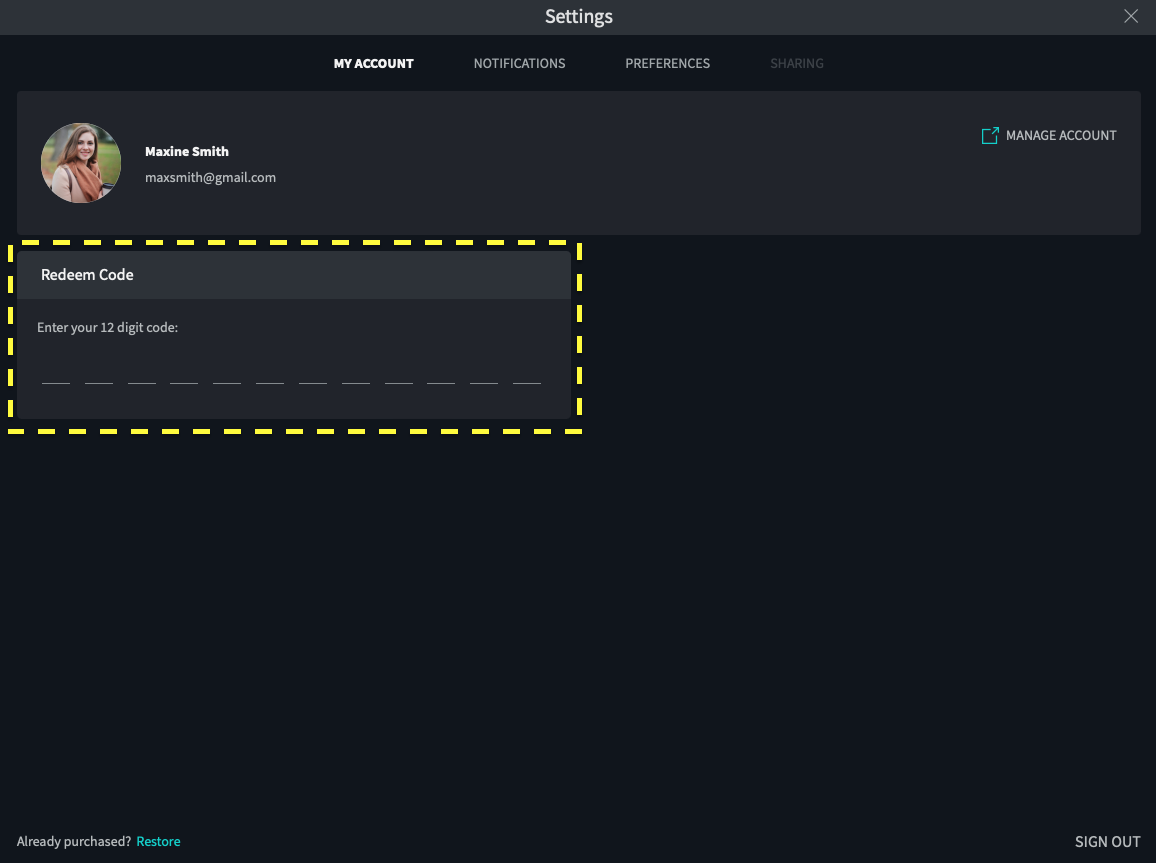
- Enter your 12 digit code and select REDEEM. Your license is automatically activated and will appear under Your License Details.
If you have already created an account, log in with your institutional account and go to Settings. Under the My Account tab, you will see a Redeem Code section where you can enter your 12-digit code.
Our Activation Codes can sometimes consist of letters and numbers. Please be mindful the letter “I” appears very similar to the number “1”, and the letter “O” appears very similar to the number “0”. If you receive an “invalid code” alert, please try again with the above variations.
Did we answer your question?
Related answers
Recently viewed answers
Functionality disabled due to your cookie preferences