
View by category
How do I create a Figures List?
Last updated on August 17, 2026
A figures listopens in new tab/window is connected to an active book project (i.e. a book that is being developed). The assumption is that the owner (creator) of a figures list is aware of the book project and therefore knows the DAC Key for the book being developed.
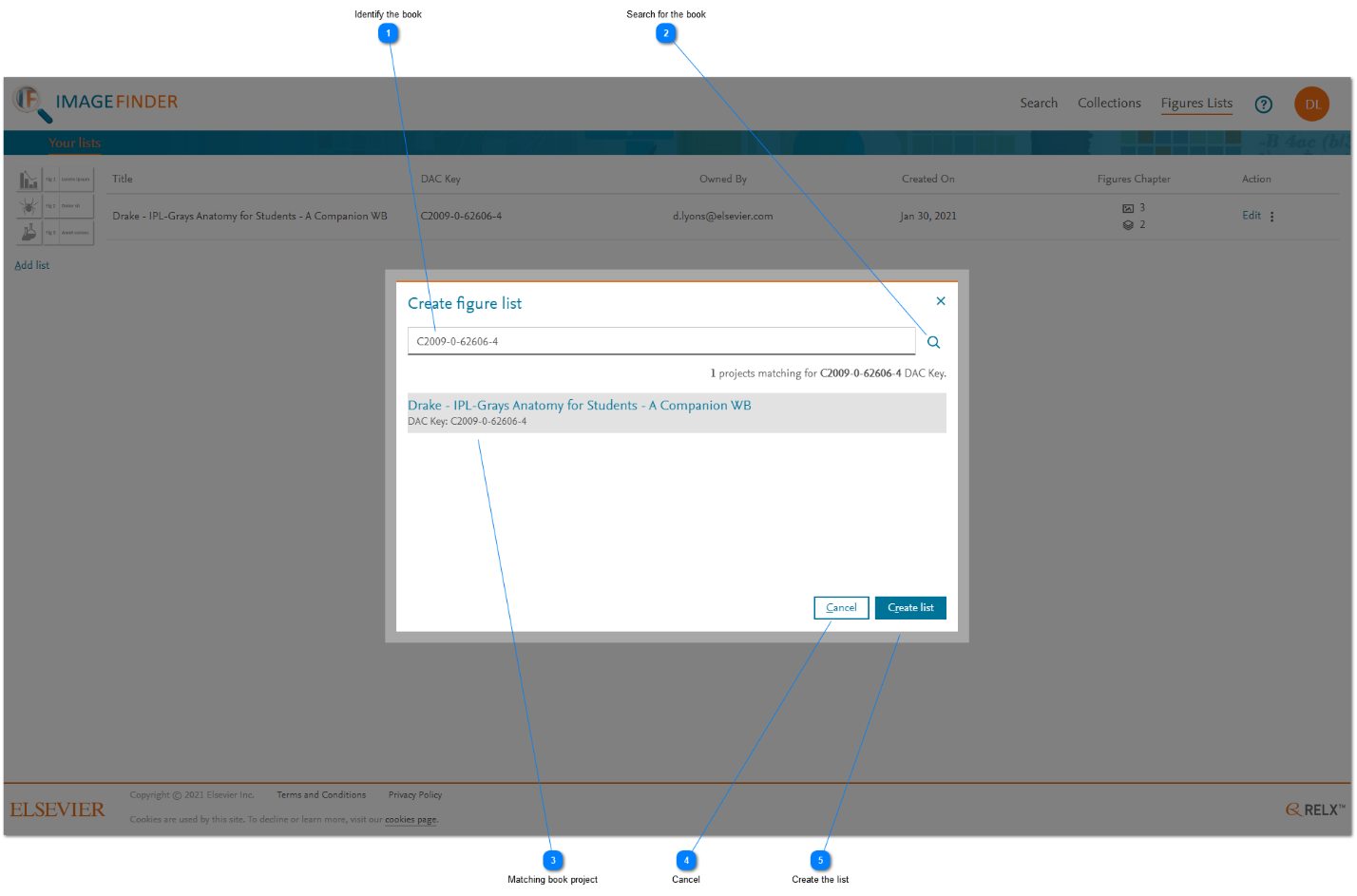
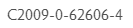
- Identify the book: Enter the DAC Key for the book that is being developed.
- Search for the book: Click the magnifying glass icon to find the book in the book management system.
- Matching book project: Click the book project to select it. Make sure the title of the book is shown as you expected.
- Cancel: Click 'Cancel' to cancel creation of a new figures list. The pop-up window is closed and the 'Your lists' tab is displayed.
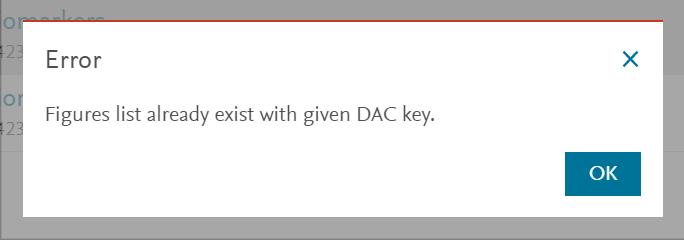
- Create the list: Click 'Create list' to create a figures list. If a list has already been created for the selected book, either by you or by somebody else, an error message is displayed and the list is not created.




Did we answer your question?
Related answers
Recently viewed answers
Functionality disabled due to your cookie preferences