
How do I register / log in to Embase?
Last updated on November 16, 2023
Depending on your access method to Embase the process for log in or registering will be a bit different.
IP/Proxy access to Embase
If you are accessing Embase from an authorized IP or proxy, you’ll directly get to the 'Quick Search' page and you can use Embase as an anonymous user.
Click 'Sign in' to access this page.
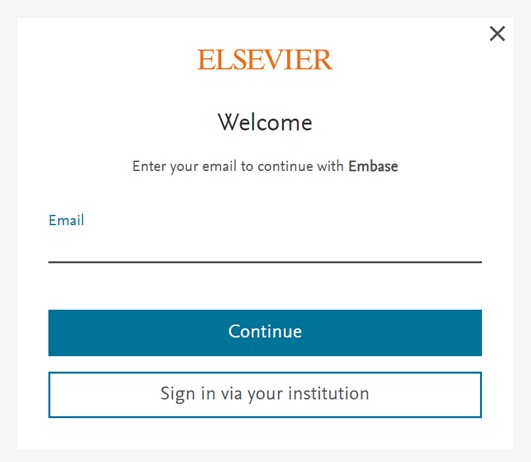
Enter your email and click on ‘Continue’. The next step will be different whether you’re already registered or not.
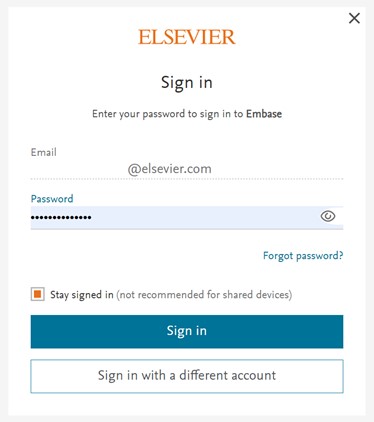
- If you’re registered, it’ll ask for your password, so you’ll be able to log in.
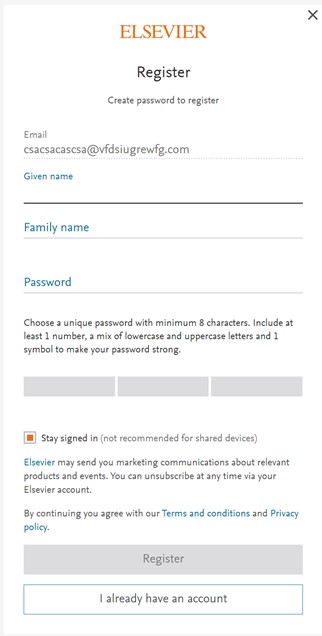
- If you’re not registered, you’ll be accessing the following screen where it’ll ask the personal details and will allow you to create an Embase account.
Please note: If you already have an account with another Elsevier product you can use the same credentials to log in into Embase.
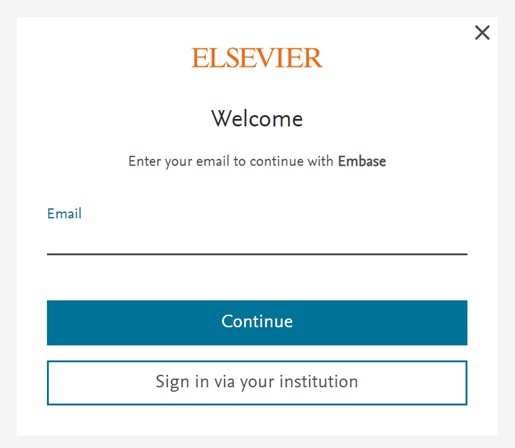
If your institution doesn’t have direct access to Embase or you’re trying to access Embase outside your institution. You’ll arrive to the following page:

You’ll have two options here, ‘sign in’ and ‘check access’. These buttons do different things:
Sign in - Signing into a product, usually by providing your email address and your password, allows Elsevier to show you content that is specific to you and to personalize your experience.
When you are signed in you are no longer anonymous.
Check access - Elsevier needs to know which institution you are from so you can get access to your institution's Embase subscription. You do not need to create an Elsevier account or sign in to Elsevier to get access to your institution’s subscribed content.
Search for your institution to check your institutional access.
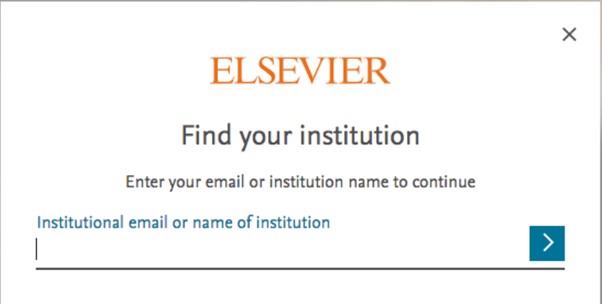
Once you choose your institution you will be directed to the remote access method that is supported by your institution, such as Federated Access.
To save time in future, you can create an Elsevier account and connect it to your institution. That way you can use your registered email to access Embase outside your institution.
Did we answer your question?
Related answers
Recently viewed answers
Functionality disabled due to your cookie preferences