
This remote access option allows you to sign in and prove your association with your organization via an email sent to your organization mailbox.
Remote access: you will be accessing Elsevier products remotely whenever you are outside your organization’s IP range (typically outside your organization’s or institution’s premises) or whenever you are not connected to its VPN.
First, we need to know which organization you belong to so that we can either send you an email to your organization email address or ask you to sign in if you have already verified your affiliation with that organization in the past few months.
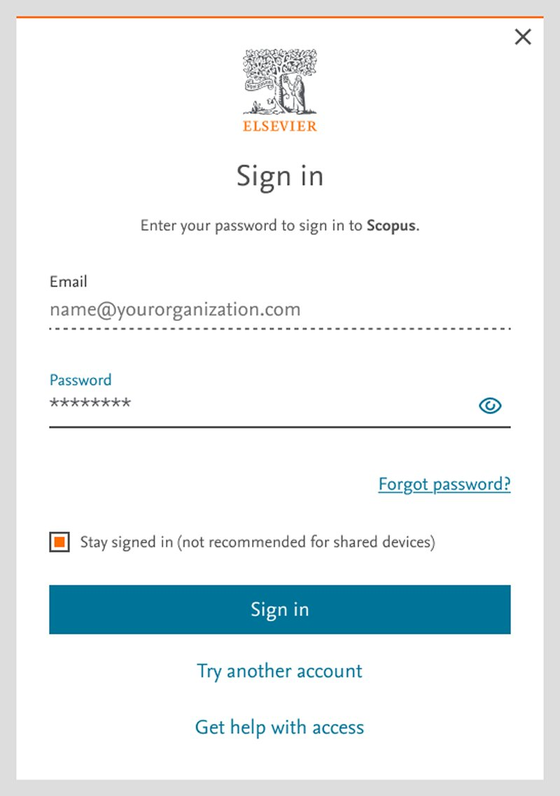
Once you tell us your organization, and the corresponding email address, we will either ask you to simply sign in (if you have verified your affiliation recently) ask you to verify and confirm your organization’s email address:
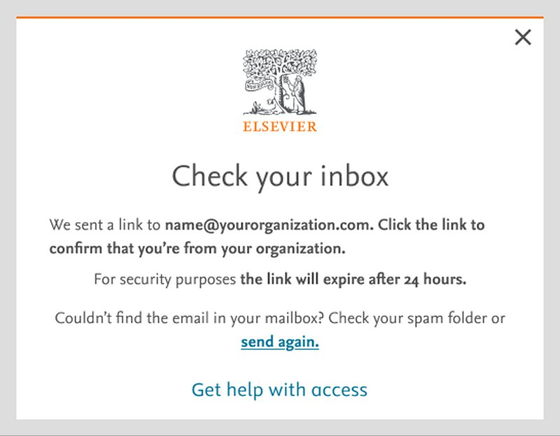
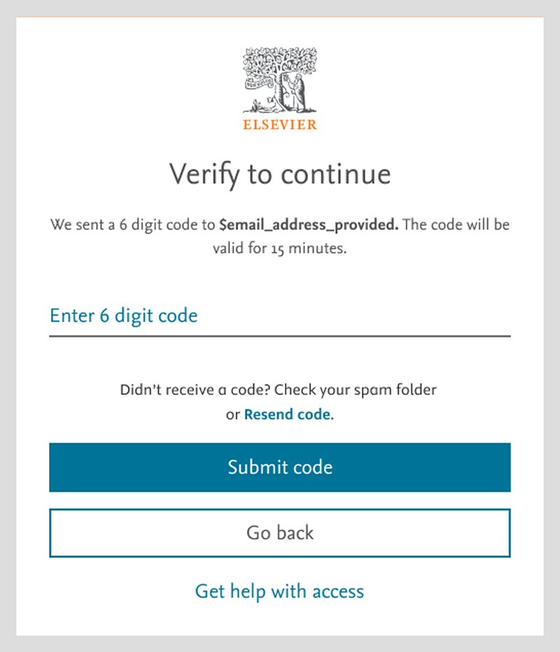
If we ask you to verify your email address before continuing, you will need to submit the 6-digit one-time passcode from the email that you receive in your organization's inbox:
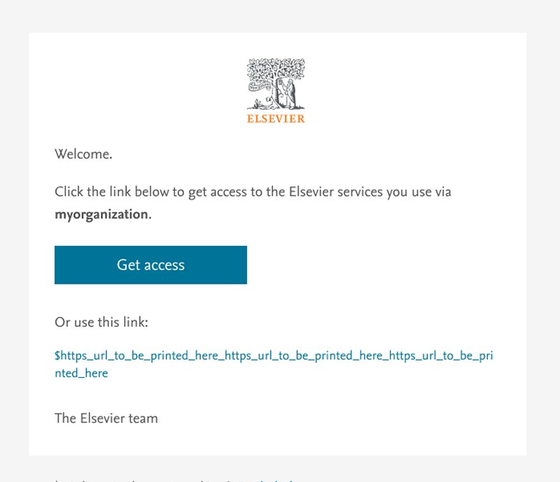
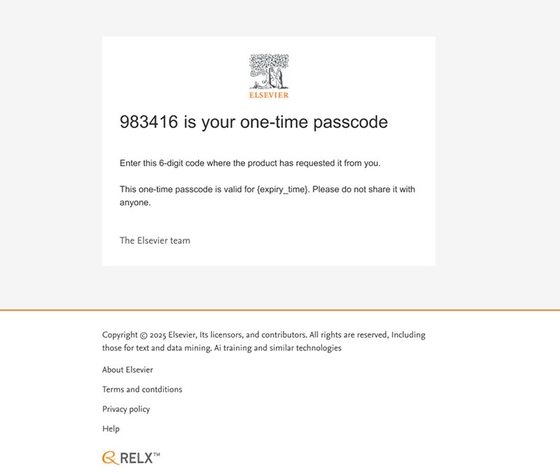
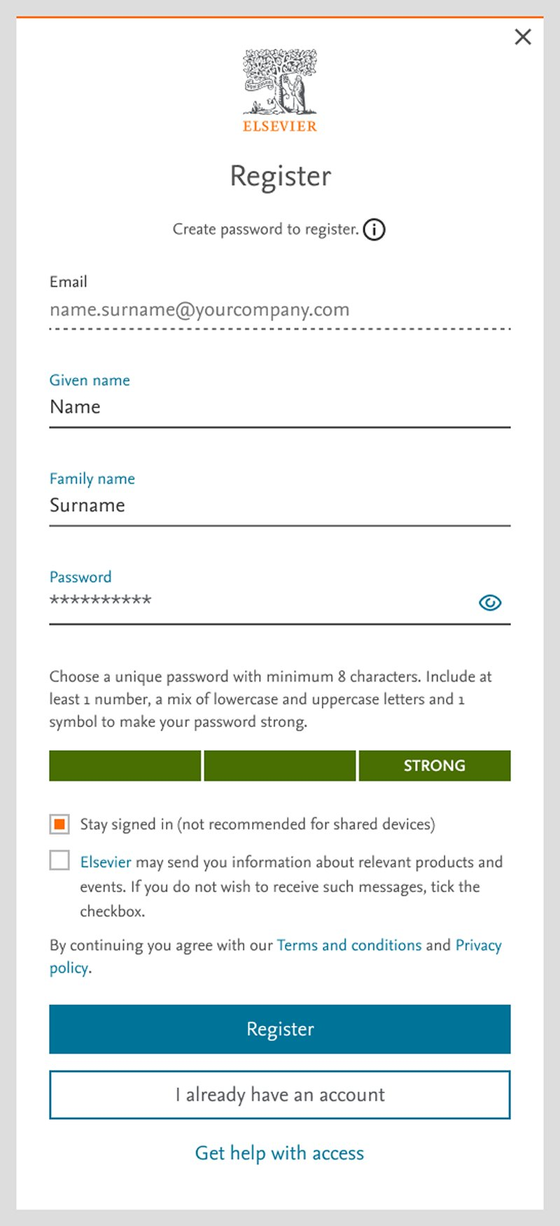
Once you submit a valid 6-digit one-time passcode, you will be asked to register or you will be taken directly through to the product if you are already a registered user.
Did we answer your question?
Related answers
Recently viewed answers
Functionality disabled due to your cookie preferences