
What if the verification link I received is not working?
Last updated on April 15, 2026
You will be sent a verification link once you have successfully registered in Elsevier.com. If you encounter an error after clicking the verification link, follow the below steps:
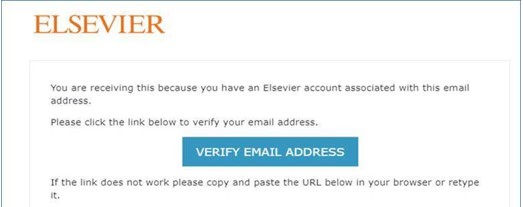
- Check if the verification link is still active.Your verification link is inactive if it is already grayed out or if still clickable, routes you to a blank page.
- Confirm if you have entered the email address you registered in Elsevier.com.
- Confirm if you entered the correct password.
- Clear cache, cookies and browsing history.
Please note: If you can't find the verification link on your inbox after successful registration, check your junk/spam folder.
If you are still having issues after following the above steps, contact us via our webform with the details of the steps you've done and a screenshot of the error message (if available).
Did we answer your question?
Recently viewed answers
Functionality disabled due to your cookie preferences