
View by category
What are hyper-authored papers / kilo papers and how can I remove them from my analysis?
Last updated on November 15, 2024
Also available in
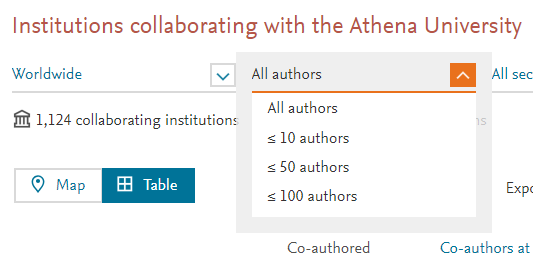
Publications with hundreds or thousands of co-authors, commonly referred to as hyper-authored / kilo / thousand-author / hyperauthorship papers, can potentially skew the meaning of your results, especially when you are looking at collaboration patterns. In SciVal we allow you to limit the number of co-authors to only publications with ≤ 10, ≤ 50, or≤ 100 co-authors only, allowing you to see the “real” collaboration.
How can I find out how many authors are on the publications I’m looking at?
Any time you export a list of publications from SciVal, you are presented with over 30 export field options. Select the ‘Number of Authors’ option. Your spreadsheet will then indicate the number of co-authors on each paper.
How can I remove hyper-authored publications in the Collaboration module?
When looking at an institution or group of institutions in the Collaboration module, you can limit the number of co-authors on a publication by using the authors filter.
How can I remove hyper-authored publications from my entity, and visualize the metrics associated with the new set of documents?
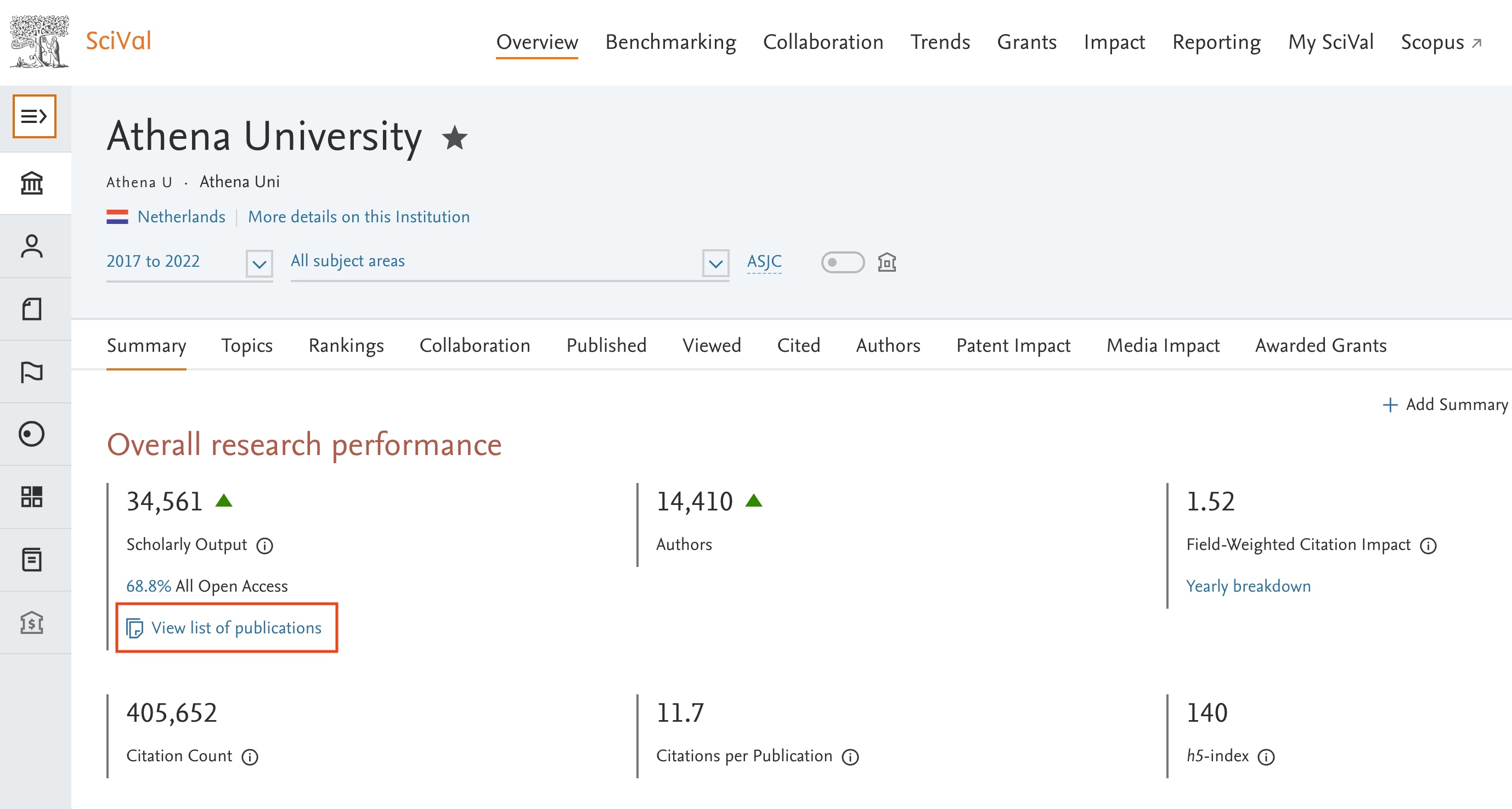
- From the Overview in SciVal, choose ‘View list of publications’. This can also be done from any other page in SciVal where you can view a list of publications, e.g. the table view in Benchmarking for scholarly output over time.
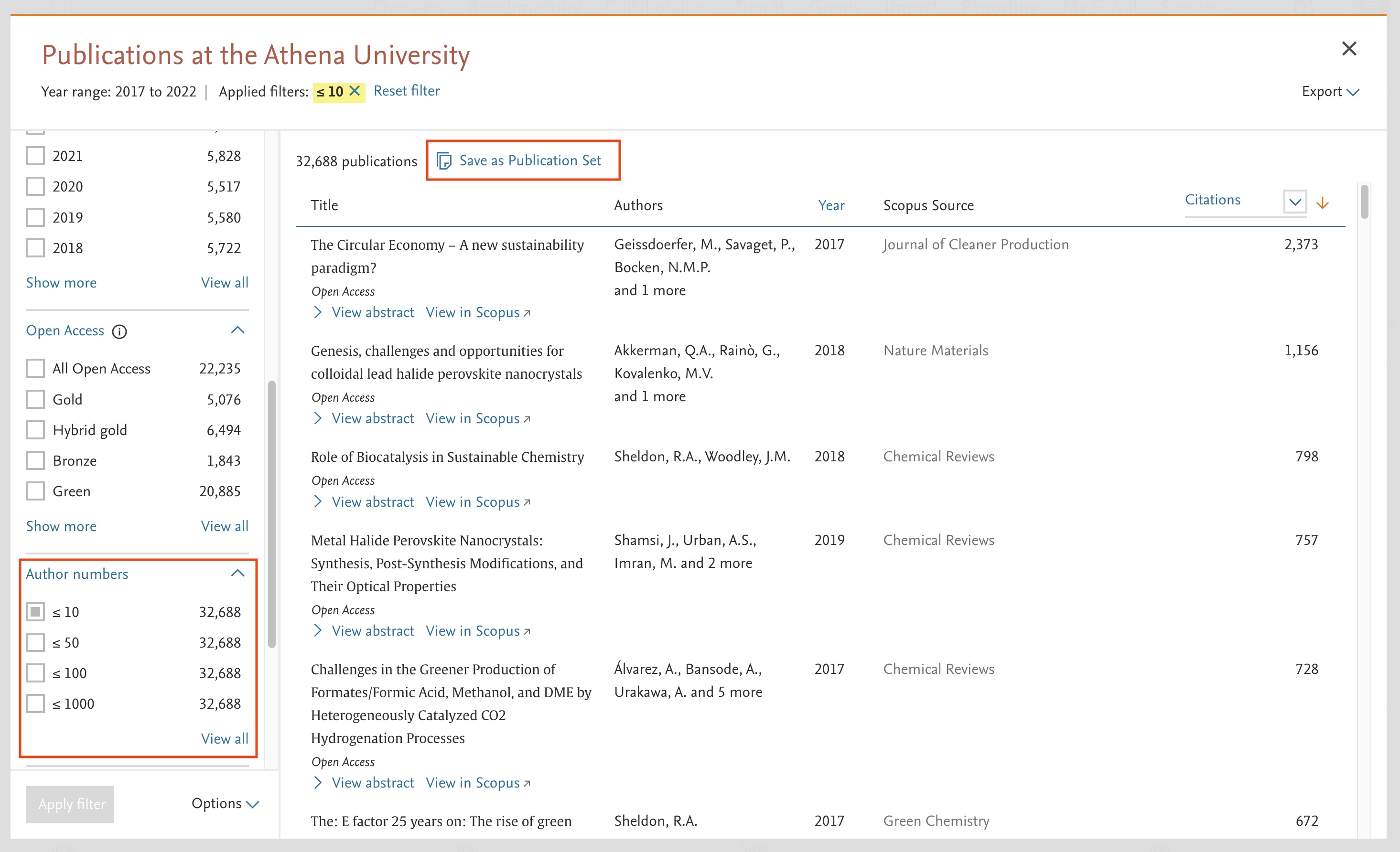
- Exclude publications with the desired number of authors and click 'Save as Publication Set'.
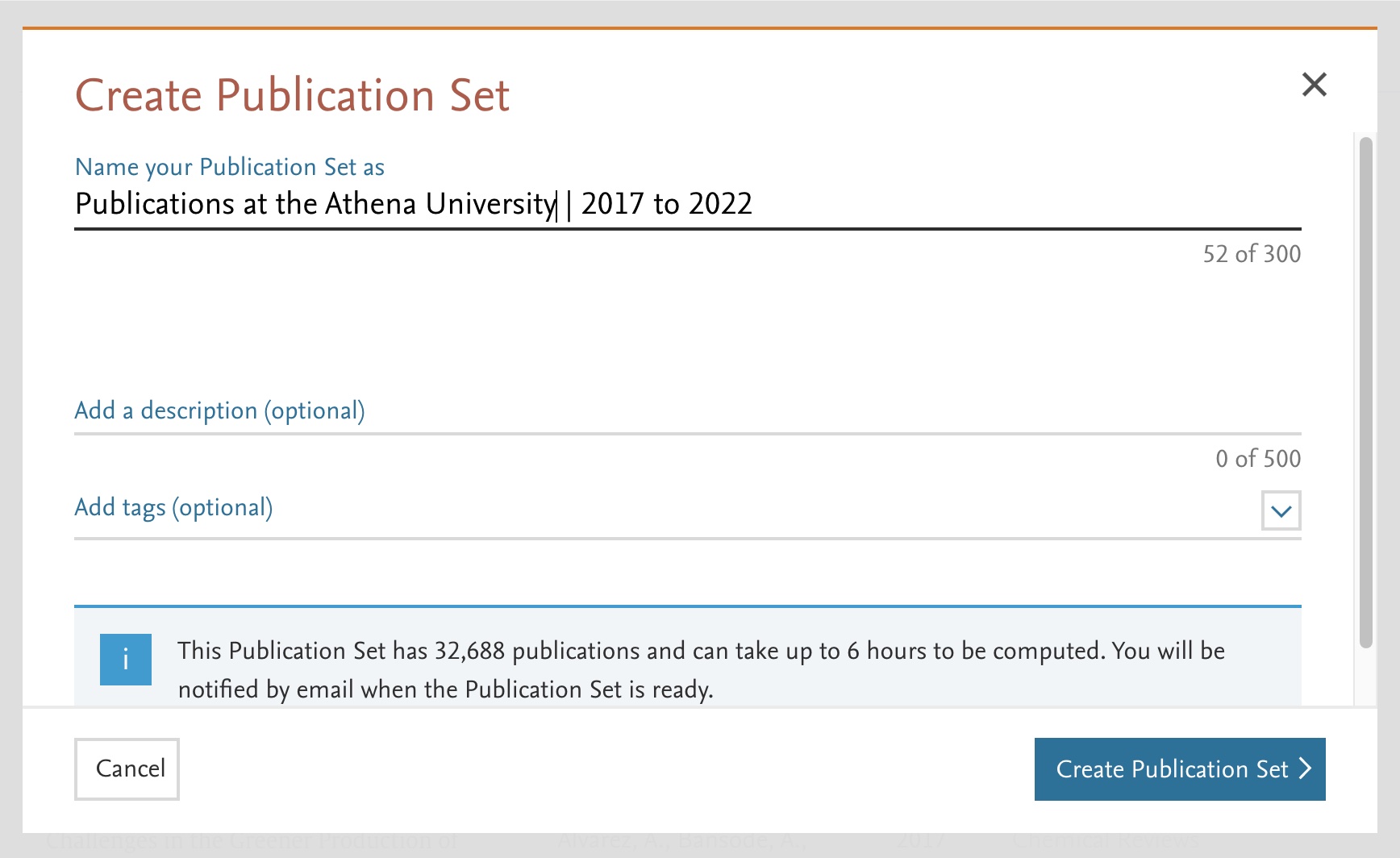
- Name and give the Publication Set a description, then click 'Create Publication Set'.
- Once your Publication set is calculated you can analyse it in more details in SciVal.
Did we answer your question?
Related answers
Recently viewed answers
Functionality disabled due to your cookie preferences