
How do I install the Mendeley Desktop citation plugin?
Last updated on March 17, 2025
You will need to have installed Mendeley Desktopopens in new tab/window.
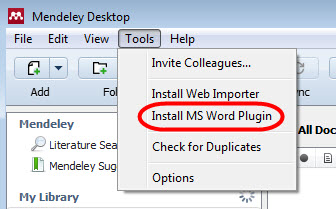
Windows:
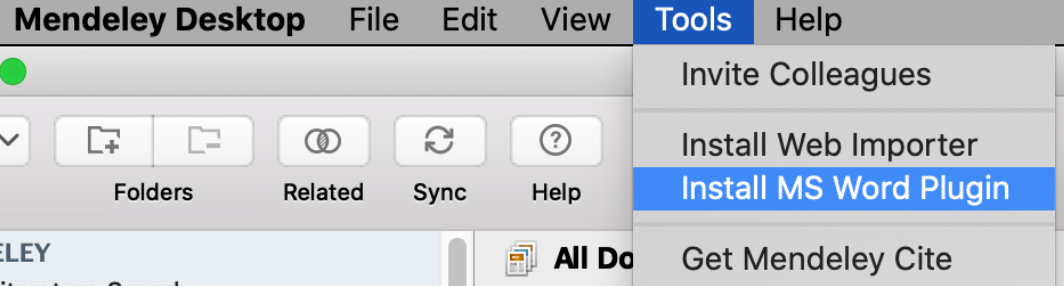
Mac OSX:
Mendeley will detect which word processor(s) you have installed, so the options available to you may vary.
- Ensure your word processor is closed before attempting to install the plugin.
- Open Mendeley Desktop
- Open the Tools Menu and select the appropriate option.
- The citation tool installs very quickly and will confirm once it finishes.
Did we answer your question?
Related answers
Recently viewed answers
Functionality disabled due to your cookie preferences