
View by category
How do I update an image in a Curated Collection?
Last updated on August 17, 2026
After an image has been addedopens in new tab/window to a collectionopens in new tab/window and if you have the Add permissionopens in new tab/window, you can update the metadata of that image at any time, if required.
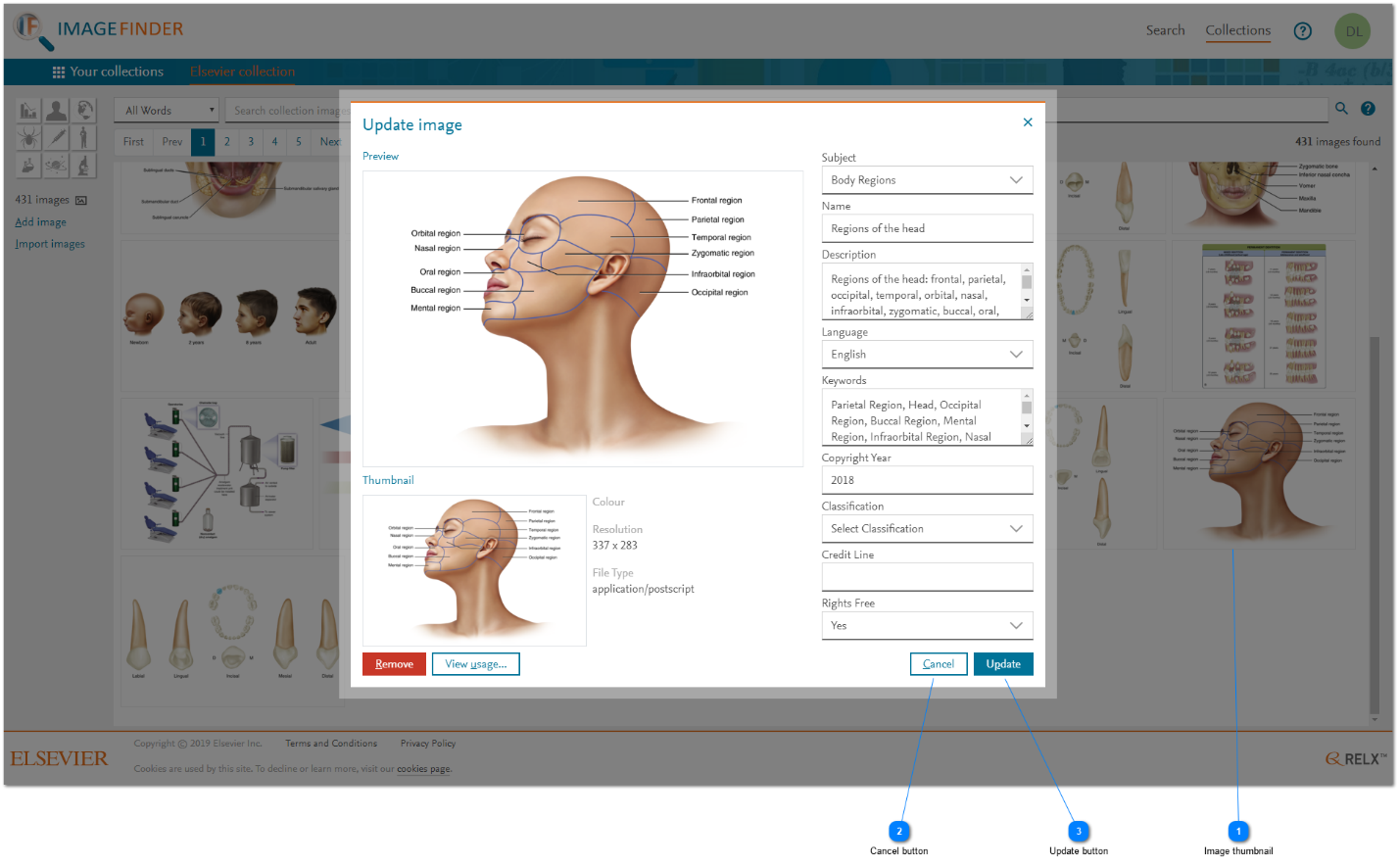
How
- Image thumbnail: To update the image's metadata click on its thumbnail in the search results grid of the collection's administration tab. The 'Update image' pop-up window is displayed.
- Cancel button: To abandon the update process of the image's metadata, click 'Cancel'. Any changes entered is lost and no changes to the image's metadata is made.
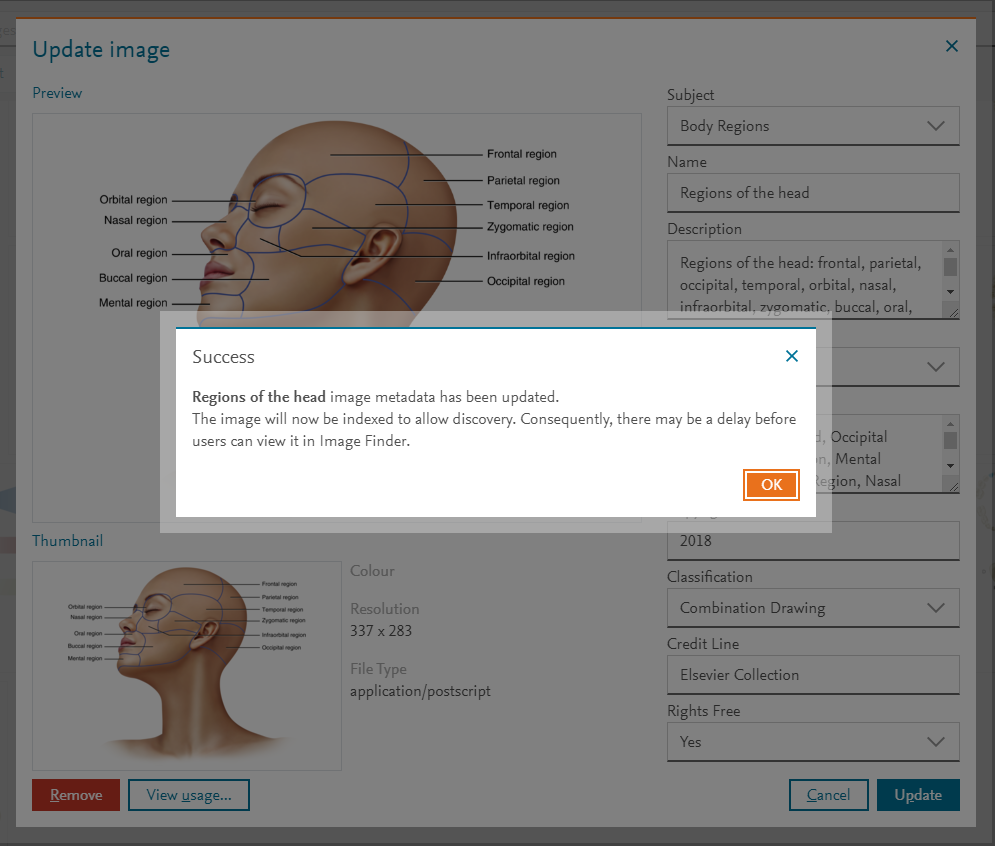
- Update button: Change the metadata properties as necessary and then click 'Update' to apply the changes. See How do I upload individual images into a Curated Collection in Image Finder?opens in new tab/window The update process needs to update the index of images and this might take a little while to complete.



Did we answer your question?
Related answers
Recently viewed answers
Functionality disabled due to your cookie preferences