
View by category
How do I request high resolution images from a Figures List?
Last updated on August 17, 2026
In a figures listopens in new tab/window, for images that you have sourced from an Elsevier book by using Image Finderopens in new tab/window, you need to submit a requestopens in new tab/window for a copy of the original artwork from the Global Book Archive because the resolution of these images that are displayed in Image Finder is too low for publication purposes.
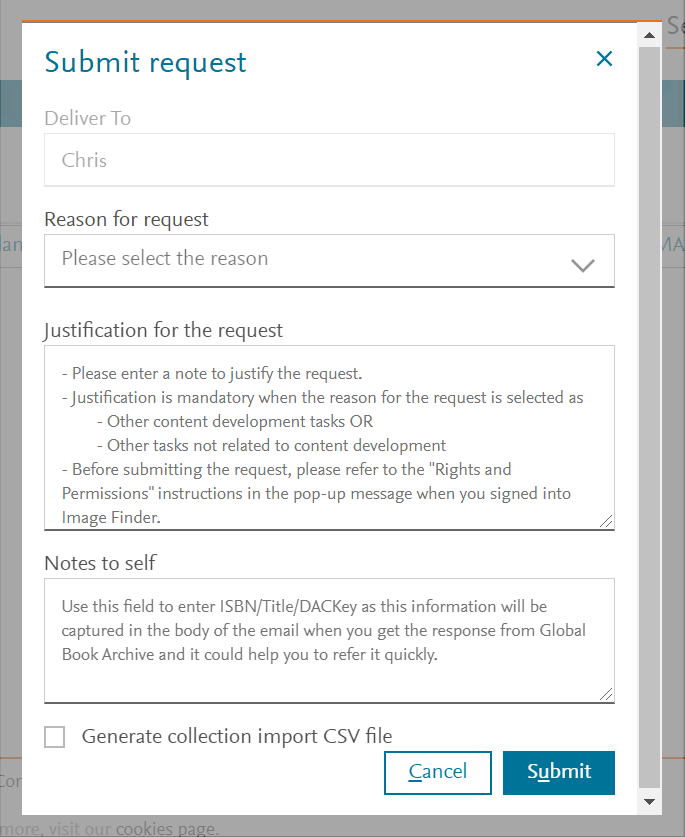
In figures lists, you can submit a request for:
- A single image - by clicking the vertical ellipsis for the relevant figure.
- All images for all the outstanding figures in a chapter - by clicking the vertical ellipsis for the relevant chapter.
- All images for all the outstanding figures in a project - by clicking 'Request originals' for the relevant figures list.


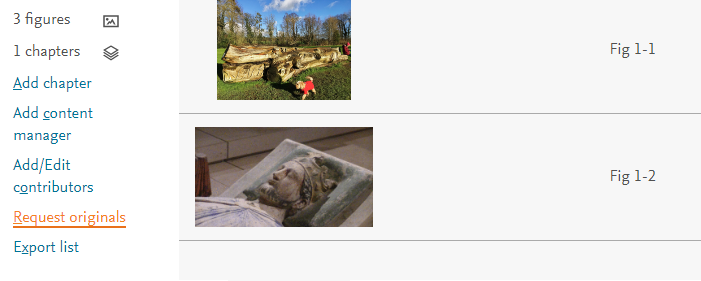
Outstanding figures
When you submit a request for multiple images in a single request, the process only asks for images for those figures that have not already been requested. It is more efficient for the archive team to process a request for multiple images than to process large number of requests for individual images.
If you have any issues with images requests, please contact us using the Email option at the bottom of this page.
Did we answer your question?
Related answers
Recently viewed answers
Functionality disabled due to your cookie preferences