
View by category
How can I sign in to my Elsevier account?
Last updated on May 09, 2024
When you visit an Elsevier product you will see an option to sign in.
- If you have registered with an email address you can use your email id and password:
- Enter your email id and click 'Continue'.
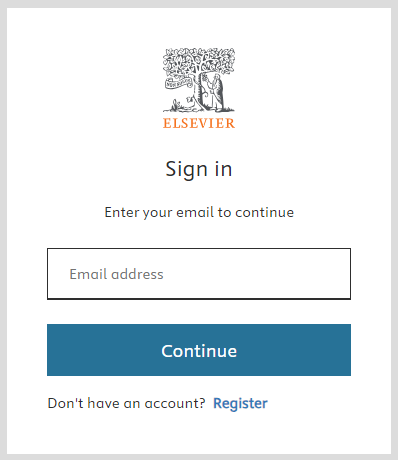
- Enter the password and submit.
- If you have forgotten your password you can select Forgot password? and you will be able to reset your passwordopens in new tab/window.
Did we answer your question?
Related answers
Recently viewed answers
Functionality disabled due to your cookie preferences