
View by category
How can I reset a forgotten password?
Last updated on March 12, 2024
There are two ways to reset your password:
During Sign In
- Enter the email id and click 'Continue':
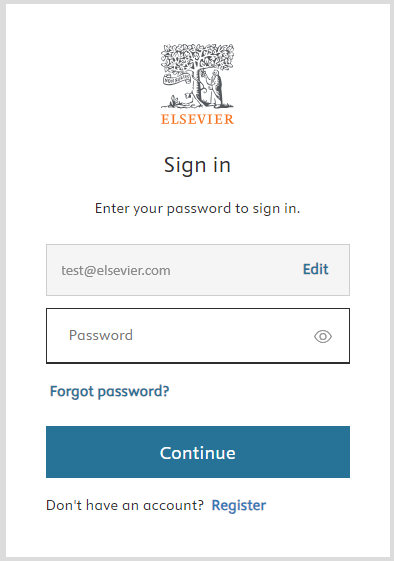
- On the next page, click 'Forgot password'.
- Enter the email id again and click 'Continue'.
- Check your inbox for a change password link.
- You can enter a new password in that page and submit.
- Sign in with the new password.
Within the My Account page
- Select the edit option within the 'Password' field:
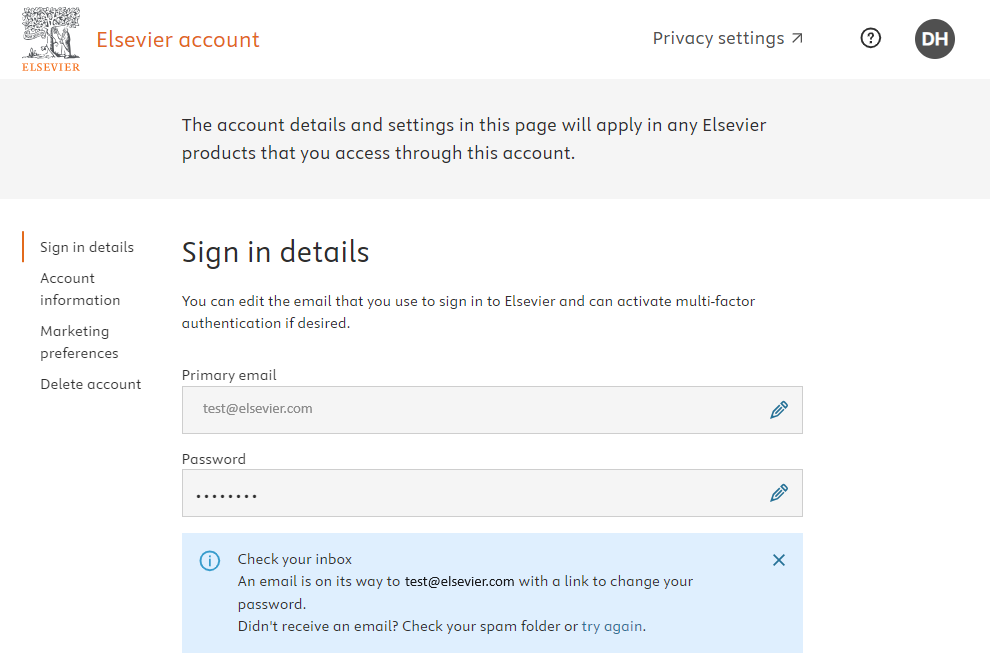
- Check your inbox - an email will be sent to your email with a link to change your password.
If you don’t receive an email, check your spam folder or try again.
Did we answer your question?
Related answers
Recently viewed answers
Functionality disabled due to your cookie preferences