
View by category
How do I delete my Elsevier account?
Last updated on July 25, 2024
Your Elsevier account enables access to many Elsevier products and services.
If you want to delete access to specific Elsevier products, please visit myaccount.elsevier.comopens in new tab/window. In the “Delete account data” section, choose the product from the list and follow the provided steps.
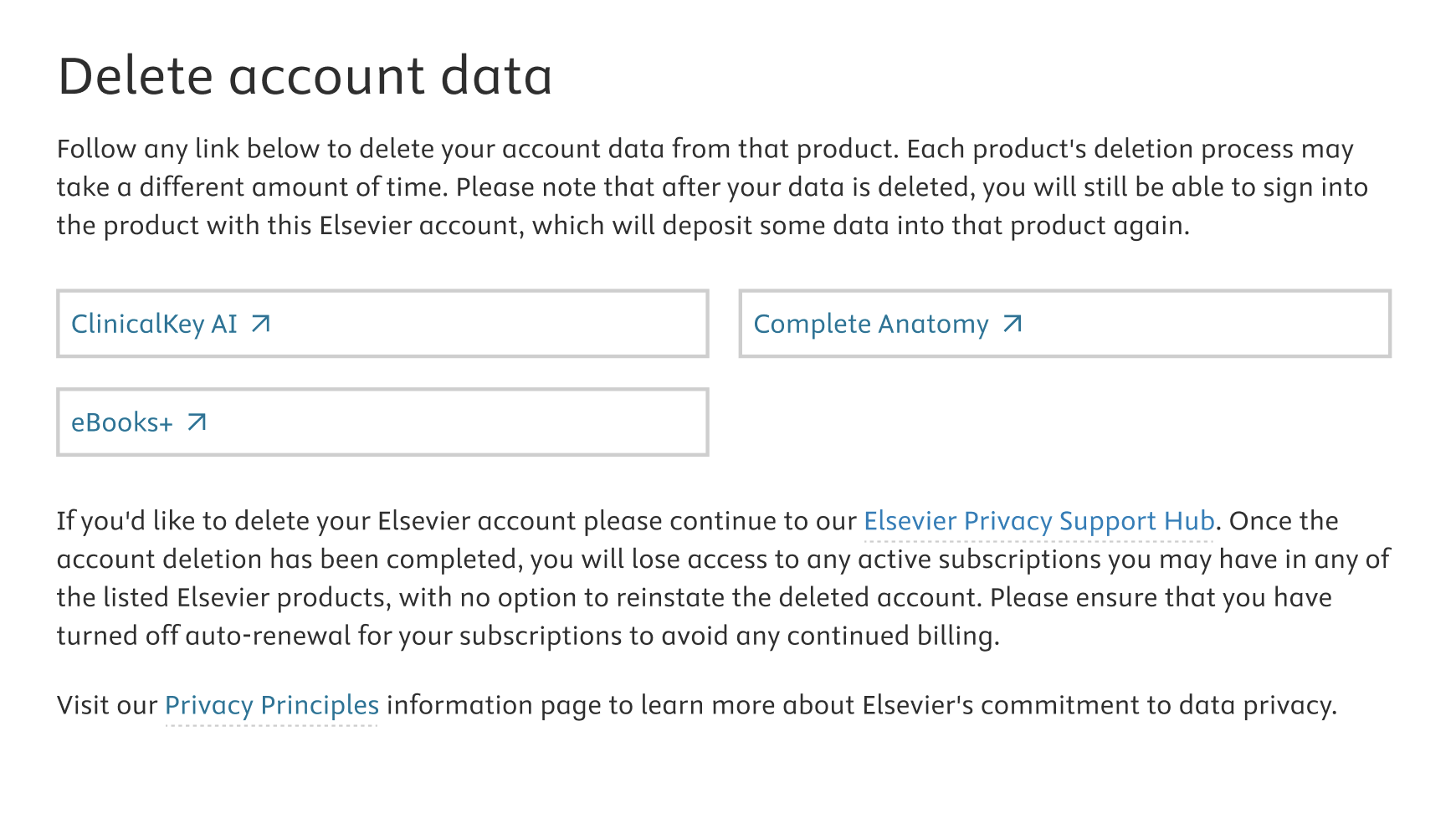
If the product you want to delete is not listed, please continue to the Elsevier Privacy Support Hubopens in new tab/window and complete the form to contact Elsevier’s Data Protection and Privacy Office. In the form, select the “Deletion of personal information” request type.
Additionally, if your Elsevier account is administered by your organization (such as an employer or university), then you must contact your organization’s administrators or use an appropriate internal system to delete your account data.If you’d like to execute your data subject rights please continue to our Elsevier Privacy Support Hubopens in new tab/window. This is where you can request all of the data that Elsevier holds on you to be deleted.
Please note that once the account deletion has been completed, you will lose access to any active subscriptions you may have in any of the listed Elsevier products, with no option to reinstate the deleted account. Please ensure that you have turned off auto-renewal for your subscriptions to avoid any continued billing.
To learn more about Elsevier's commitment to data privacy please visit our Privacy Principles information pageopens in new tab/window.
Did we answer your question?
Related answers
Recently viewed answers
Functionality disabled due to your cookie preferences