
View by category
How do I create an Elsevier account?
Last updated on May 09, 2024
On the sign in page click 'Register'.
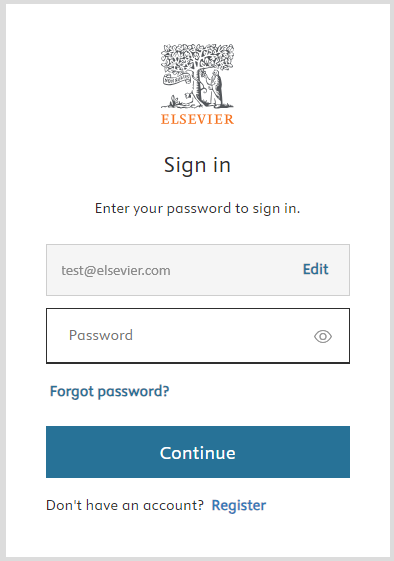
There are a number of ways in which you can register yourself with Elsevier.
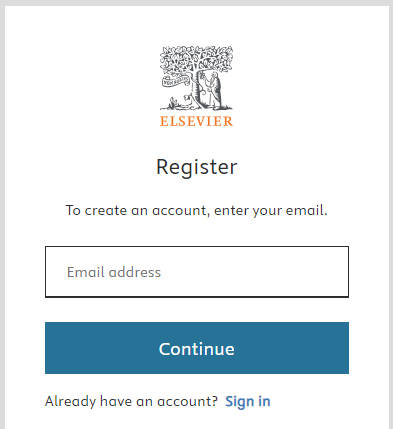
- Using Email id and password:
- Enter your email address and click 'Continue'.
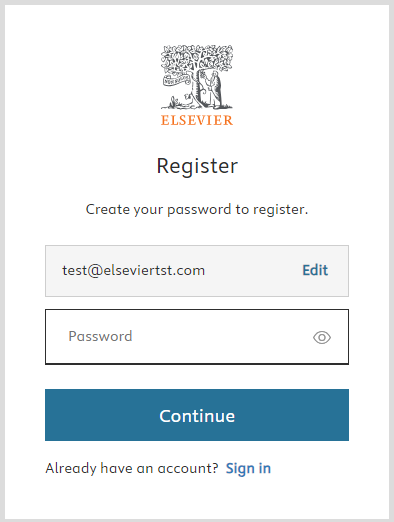
- Create a password according to the password guideline and submit.
- Continue to sign in with the credentials.
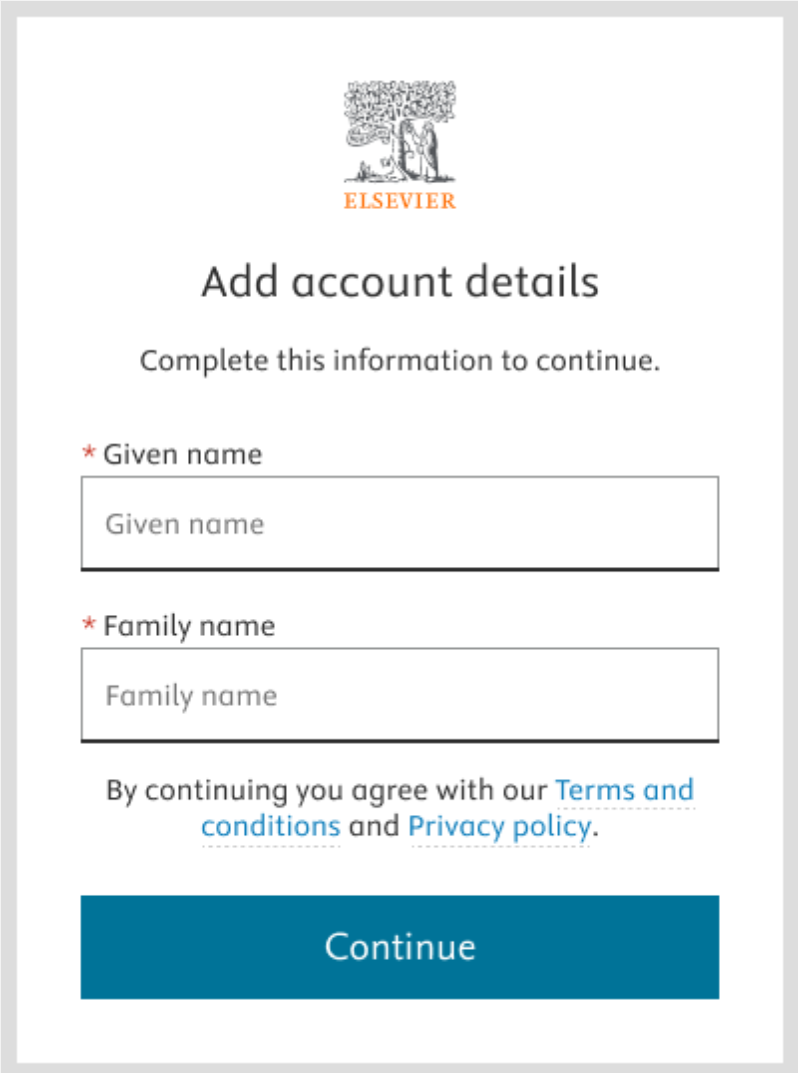
- You will be asked to provide your Given Name and Family Name. You can review Elsevier’s Terms and conditions and Privacy policy.
Select 'Continue'.
Did we answer your question?
Related answers
Recently viewed answers
Functionality disabled due to your cookie preferences