
How can I export a copy of my Table of Contents (TOC)?
Last updated on March 12, 2026
Elsa allows Content Managers/Editors/Authors to export a copy of your Table of Contents to a Word file.
The exported Word file will display a list of chapters, units, sections, and subsections with all the Contributors assigned.
NOTE: If someone is editing, they need to select "Publish Changes" to make the TOC public.
Click the TOC Export button to initiate the process.

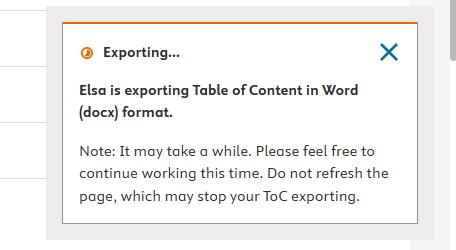
The TOC will begin to export on the bottom right of the page.
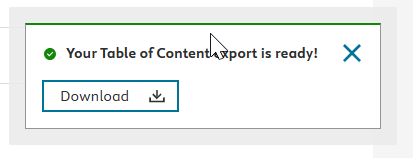
Once a TOC has successfully exported, you will see the message below.
If a Content Manager or editor/author leaves the TOC page, the export will stop processing and they would need to initiate the export again.
Did we answer your question?
Related answers
Recently viewed answers
Functionality disabled due to your cookie preferences