
How can I delete content in Elsa?
Last updated on April 11, 2025
We recommend authors delete content themselves in order to prevent accidental content loss and to maintain version control.
To do this, highlight your text starting from below the Keywords section down to the bottom of the page or just above the References section if you have linked references then select "delete" or "backspace". Once you import your new file, any linked references should update automatically to reflect those from your newly imported Word file. If you have an abstract and keywords section in your chapter, changes should be made directly in these areas rather than via Word import.
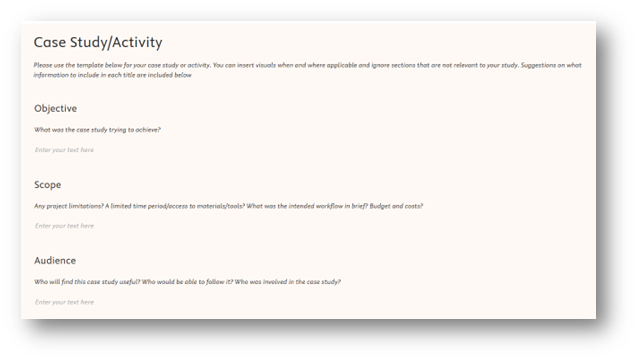
Templates (such as the one below) are auto-populated and cannot be deleted. If you do not need to use the template for your work, you can write directly below it. Our production teams will disregard a blank or partially completed template.
Did we answer your question?
Related answers
Recently viewed answers
Functionality disabled due to your cookie preferences