
View by category
How can I identify top performers, rising stars and most visible actors within a research topic?
Last updated on November 15, 2024
Identify the top performers within the Research Area. In the Institutions map view you can get a global overview of the top performing institutions within the Research Area. You can zoom in to a specific region or country, for instance, to see the top performing institutions in Europe in General Neuroscience:
How
Follow these steps to identify outstanding individuals:
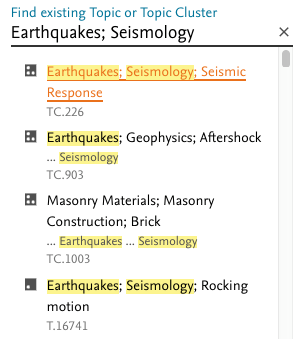
- Add General Neuroscience by clicking '+ Add Research Areas' at the bottom of the Research Area section in the entity selection panel on the left-hand side and start typing it in until it can be selected from the drop down menu.
- Go to 'Institutions' and select the Map view.
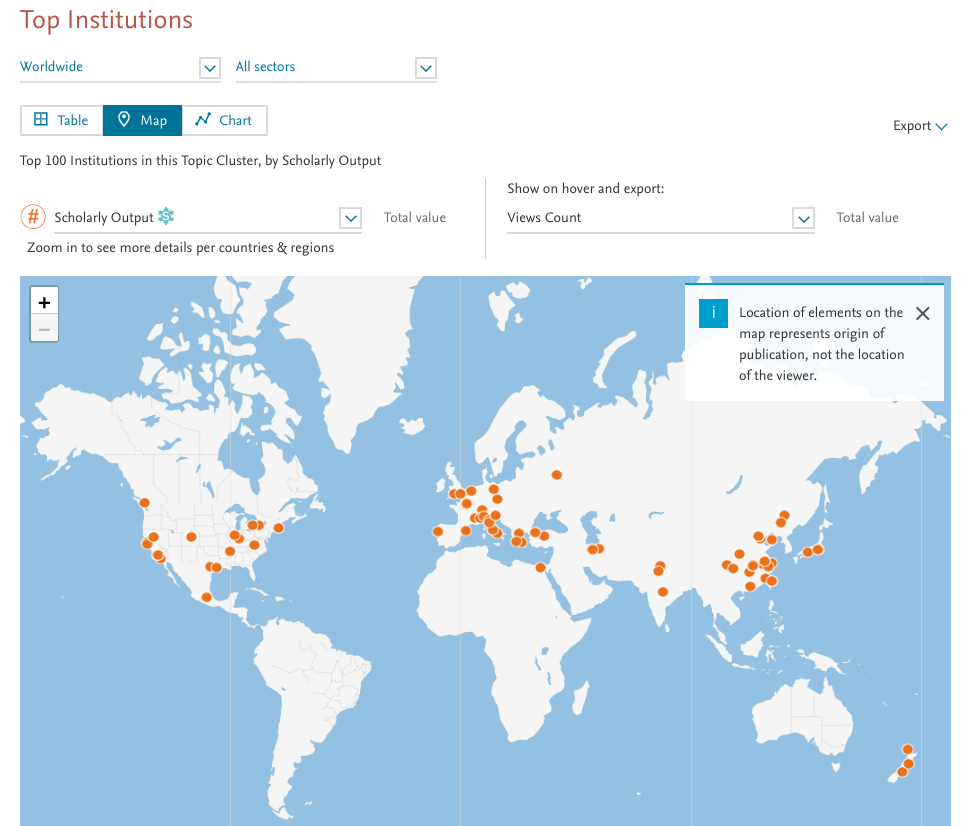
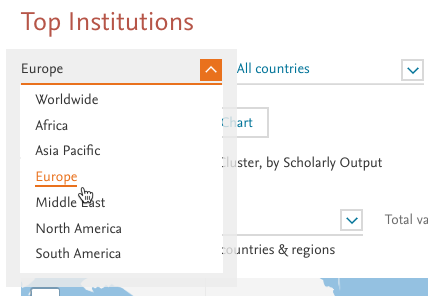
- Choose Europe from the region selection drop down to see the contributing institutions in Europe. By default Scholarly Output is visualized as the size of the circle and Views Count is visualized by color. In this view it is easy to spot clusters of activity in a geographic region.
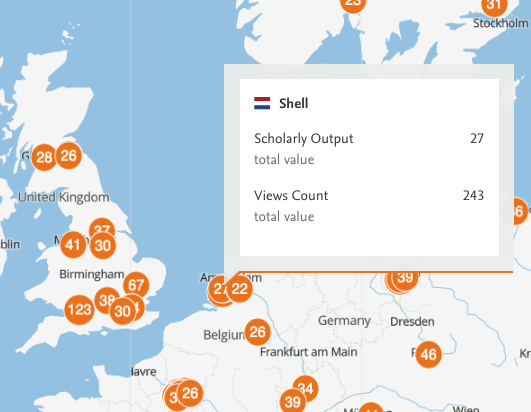
- Zoom in further using the plus button or the slider to the left on the map. By hovering over the institutions of interest we get more information about their contribution to the field. You can also click on the marker to see a more detailed view about the institution.
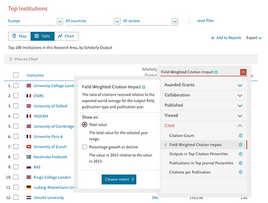
- To get a more detailed view change to the Table view. Here you can see different metrics in tabular format and sort by them. By default, the the table is sorted by Scholarly Output, but you can also see the citation impact instead. Click on one of the metric names and use the drop-down menu to switch to a metric of your choosing, such as number of citations, Citations per Publication or Field-Weighted Citation Impact.
Did we answer your question?
Related answers
Recently viewed answers
Functionality disabled due to your cookie preferences