
Troubleshooting Premium Package Activation in Mendeley
Last updated on June 16, 2026
If you've recently purchased a premium package that includes AI features, but you're not seeing the expected benefits, this article will help you resolve the issue.
Issue Overview
Some users who purchase a premium package may experience a delay in activating their new entitlements. After completing your purchase, you should see a pop-up message prompting you to sync your Mendeley account or sign out and back in to activate the premium features.
Note: In some cases, the pop-up message may not appear automatically.
If the Pop-up Doesn’t Appear
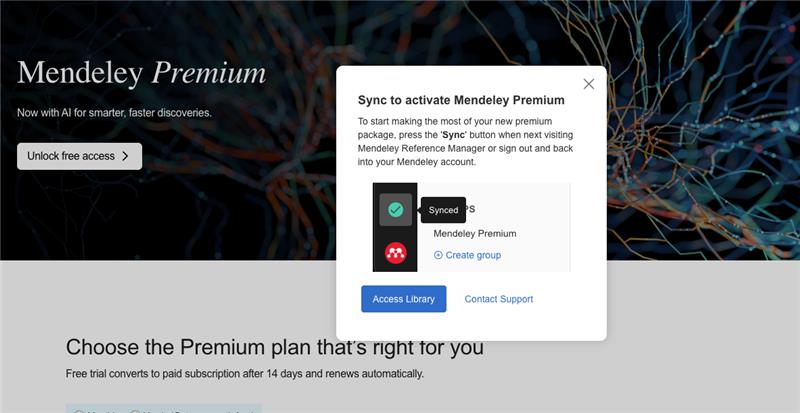
Open Mendeley Reference Manager and click on the sync button – bottom left, just above your account button - to synchronize your account and activate your premium features. Alternatively, you can sign out and back into the account used to purchase Mendeley Premium.
Did we answer your question?
Related answers
Recently viewed answers
Functionality disabled due to your cookie preferences