
How do I add secondary email to my Mendeley Account?
Last updated on October 13, 2025
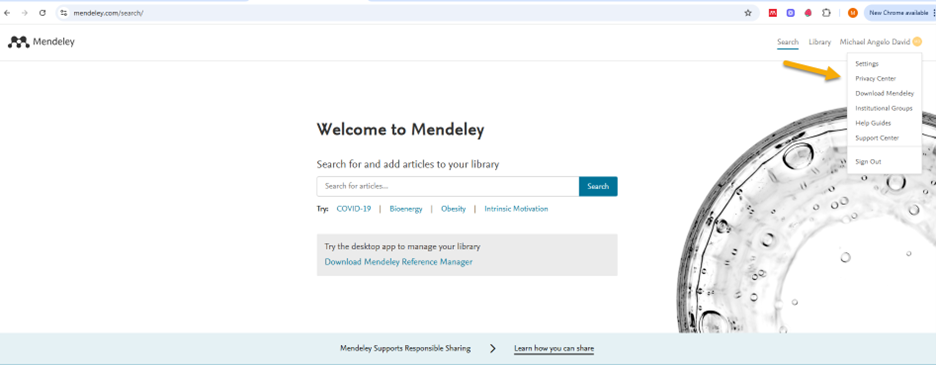
- Go to mendeley.com and login.
Click on Privacy Center.
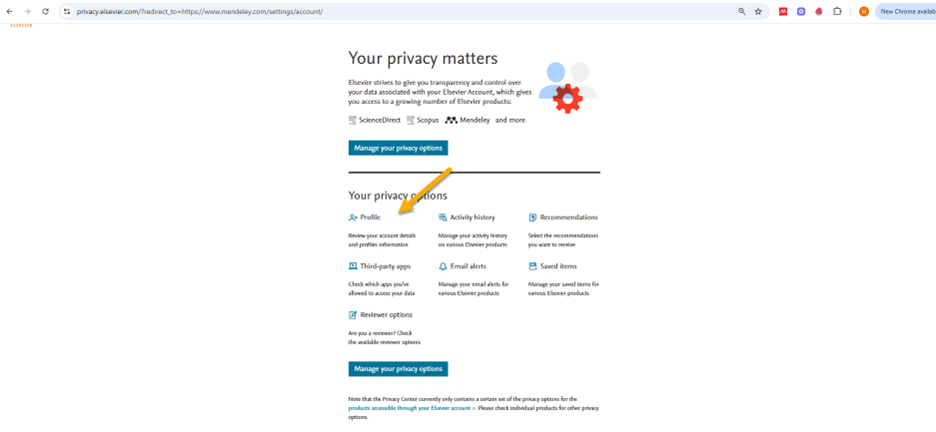
Click on Profile.
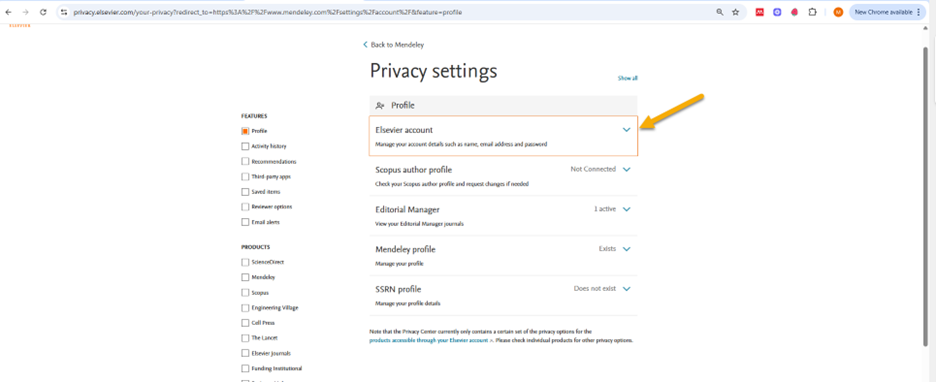
Click on Elsevier account, then click on manage your account details.
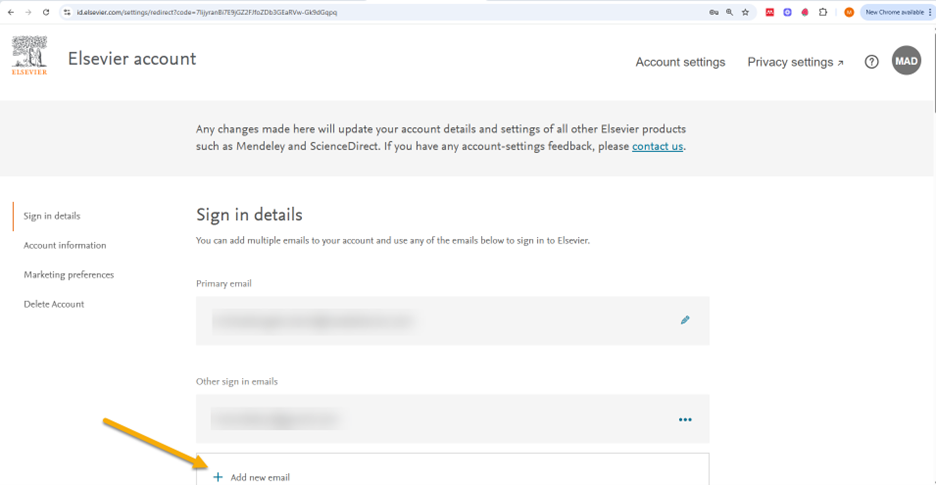
- The system will ask you to log back in to your account.
Once you logged back in you will now be able to add the secondary email address under Sign in details.
Did we answer your question?
Related answers
Recently viewed answers
Functionality disabled due to your cookie preferences