
View by category
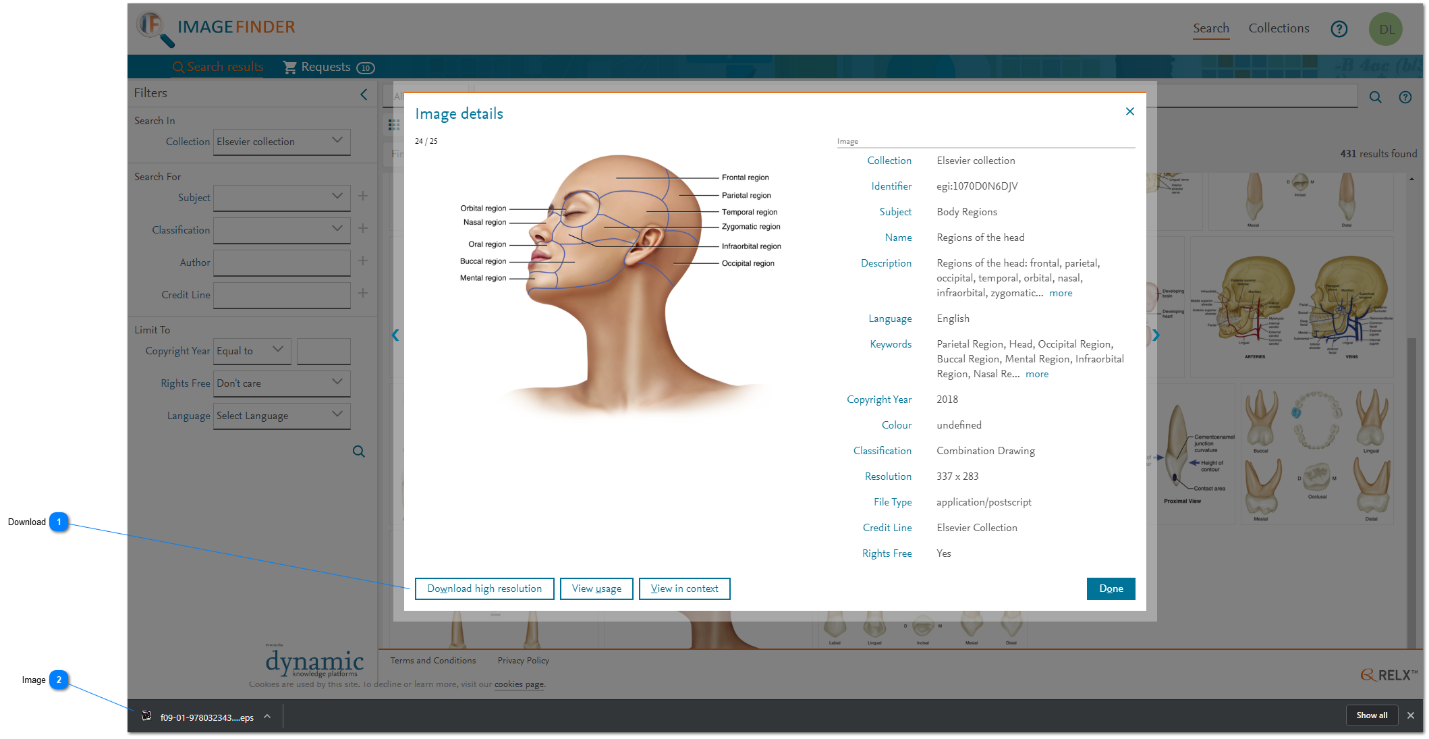
How do I download high resolution images for images found in Image Finder?
Last updated on August 17, 2026
The high resolution version of some images is available to download immediately (e.g. Journal images and Elsevier Collection images).
How


Did we answer your question?
Related answers
Recently viewed answers
Functionality disabled due to your cookie preferences