
View by category
What is 1-click approve and how do I use it?
Last updated on April 02, 2026
1-click approve speeds up approvals by letting you approve a request with a single click from the Pending list, as long as you have read-write access to that request.
It also allows you to approve multiple requests in sequence from within the list page.
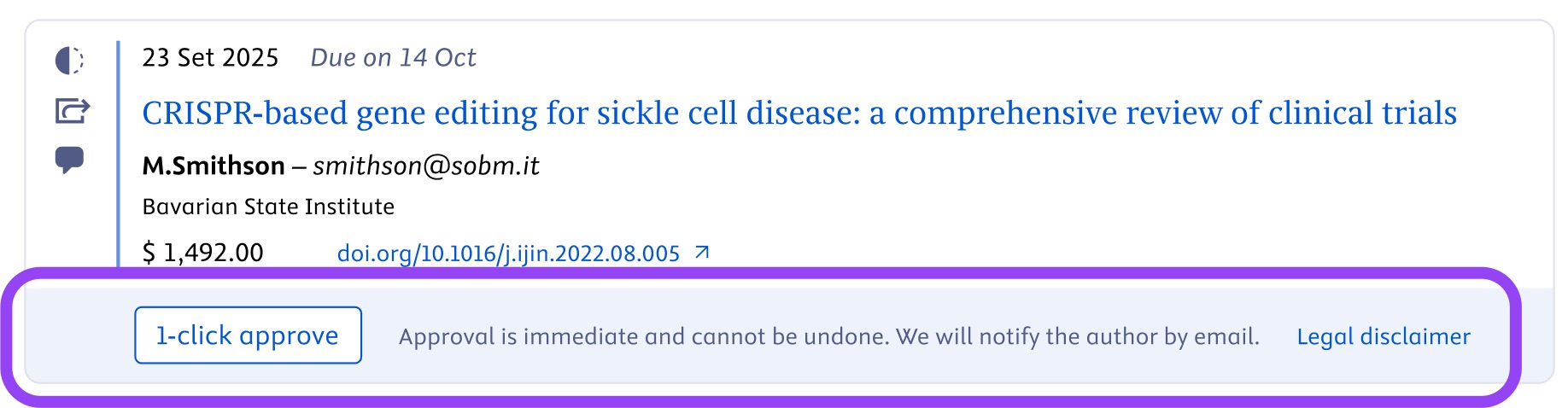
Interface showing 1-click approve button on a pending request.
How does it work?
- Once you click the button, the request is processed immediately, without leaving the Pending list.
- If the request is approved: it moves to the Approved list, but the on-screen notification remains until you refresh the page. At the same time, the author receives a notification email informing them of the approval.
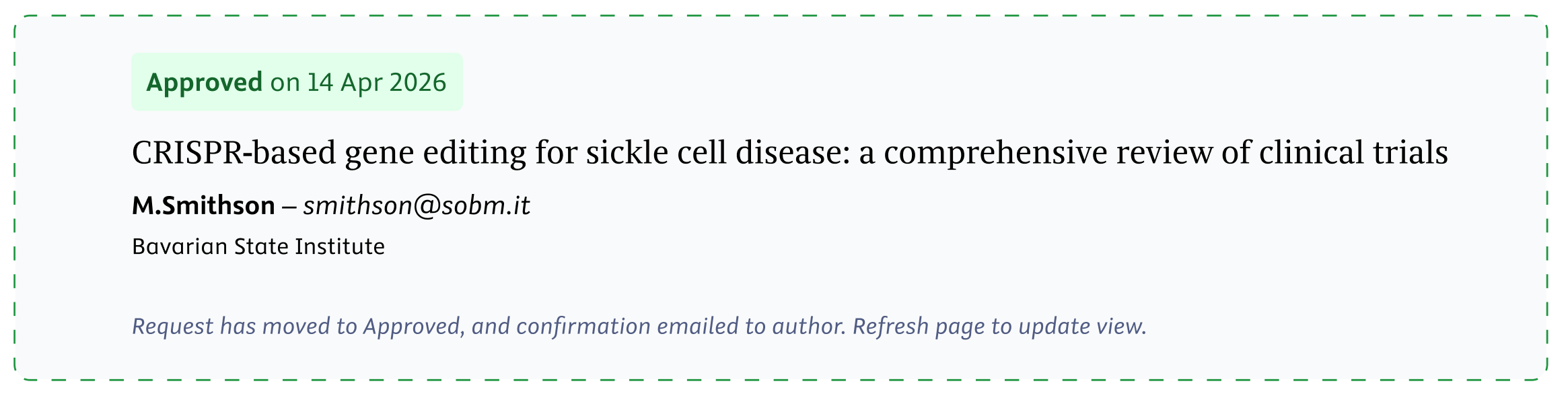
Notification that a request was approved.
If the approval is not successful: you will see a failure message. The request stays in Pending, and the on-screen error message remains until you refresh the page. After you refresh, the notification disappears and you can try approving again.
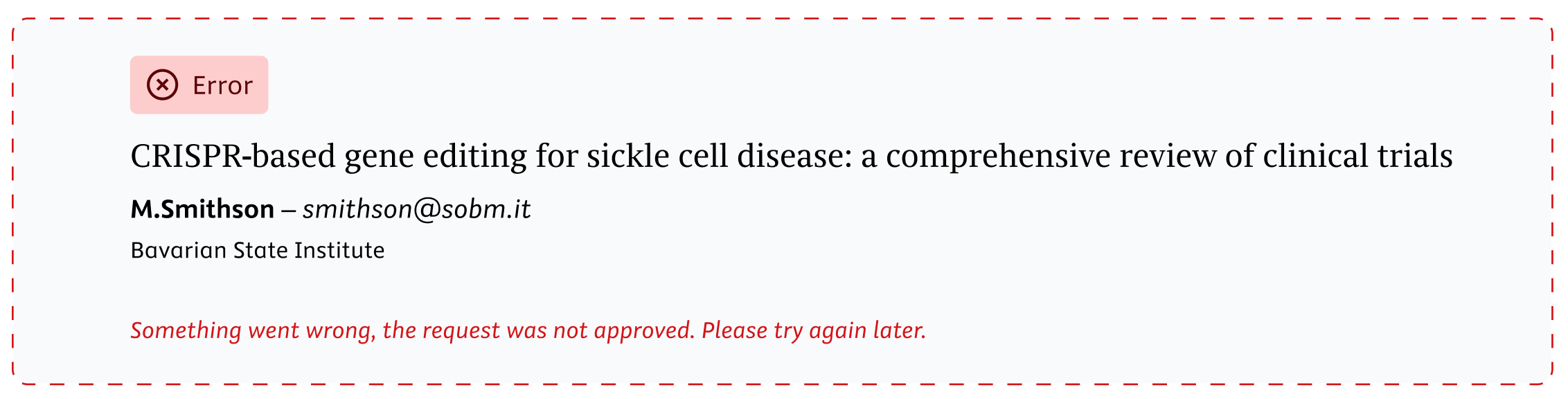
Notification that a request was not approved, due to an unforeseen error.
Importantly, please be aware that:
- Using 1-click approve implies acceptance of the following legal disclaimer:
“By approving this request, I confirm that I am an authorized representative acting on behalf of the organization identified in the request notification, that this author is affiliated to the organization, and that the terms of the institutional agreement between the organization and Elsevier shall apply to this author.” - Approvals via 1-click approve cannot be cancelled on the platform. If done in error, contact our support team.
Did we answer your question?
Recently viewed answers
Functionality disabled due to your cookie preferences