
View by category
How do I return to the home screen or restart the simulation?
Last updated on March 18, 2026
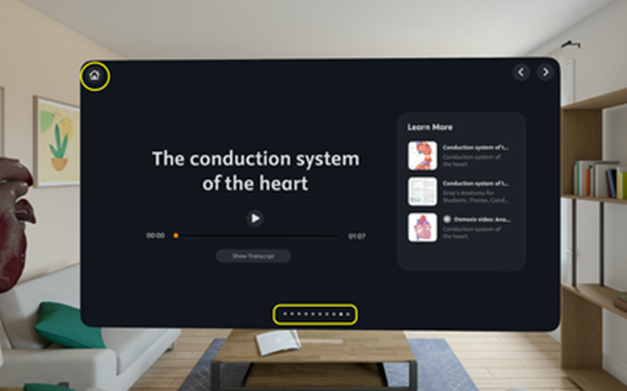
To return to the Home screen, press the ‘Home' button located on the upper left side of the window panel. Alternatively, you can use the 'Scene Selection’ options located on the lower part of the window panel
Did we answer your question?
Recently viewed answers
Functionality disabled due to your cookie preferences