
View by category
How do I project my headset view to a TV screen?
Last updated on March 18, 2026
If you would like to project your Complete HeartX view to a TV screen, follow these steps:
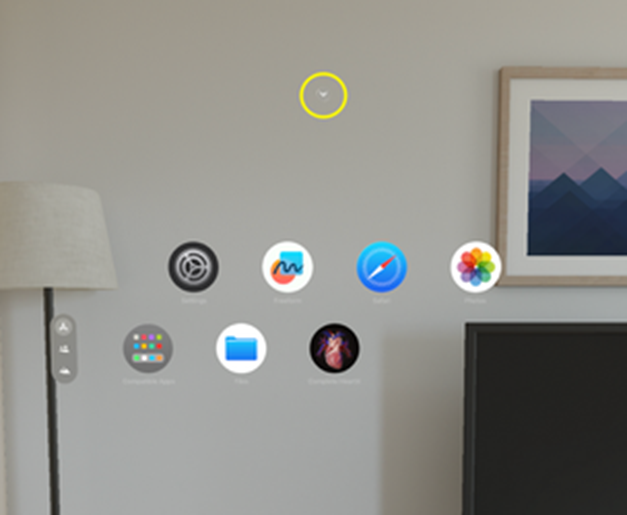
Look up with your device, you’ll see a small arrow floating at the top of the screen. Use the Pinch gesture to select it
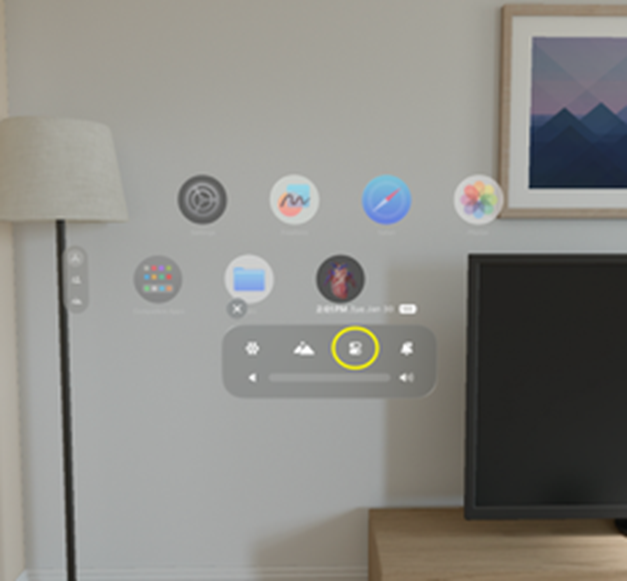
When the panel opens, select the 'Control Center'
Once the Control Center is open, choose 'Mirror My View'
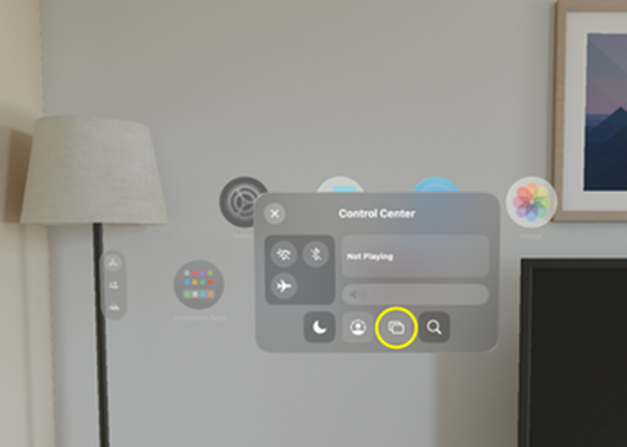
Finally, select the device you want to mirror your Vision Pro to.
Did we answer your question?
Related answers
Recently viewed answers
Functionality disabled due to your cookie preferences