
How can I login to Admin Console?
Last updated on May 20, 2026
Admin Console is a powerful tool for organization administrators to simplify tasks, manage access for users, view usage reports, view product entitlements, contact customer service, and more – all in one place.
Note:
Assuming you have Admin Console permissions, you will receive a welcome email and a link to reset your password. Follow the instructions in the email to reset your password.
Please ensure you reset your password with the following strong password requirements.
Once a new password is set up, go to the Admin Console login page and sign in.
Follow the steps below to access Admin Console.
How
- Click here to launch the Admin Console Url
- Click ‘Get Started’. You’ll be redirected to the welcome screen of ID+

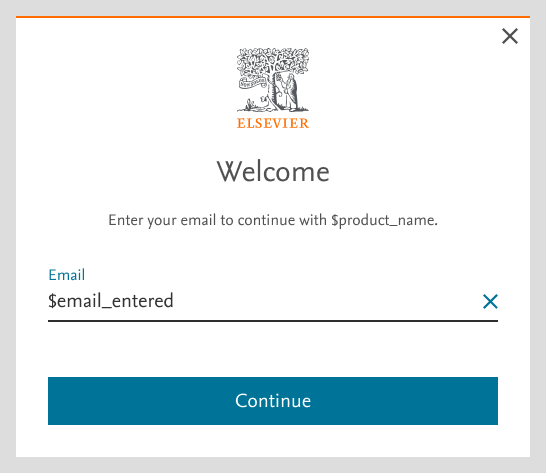
- Enter your email in the below screen. click ‘Continue’
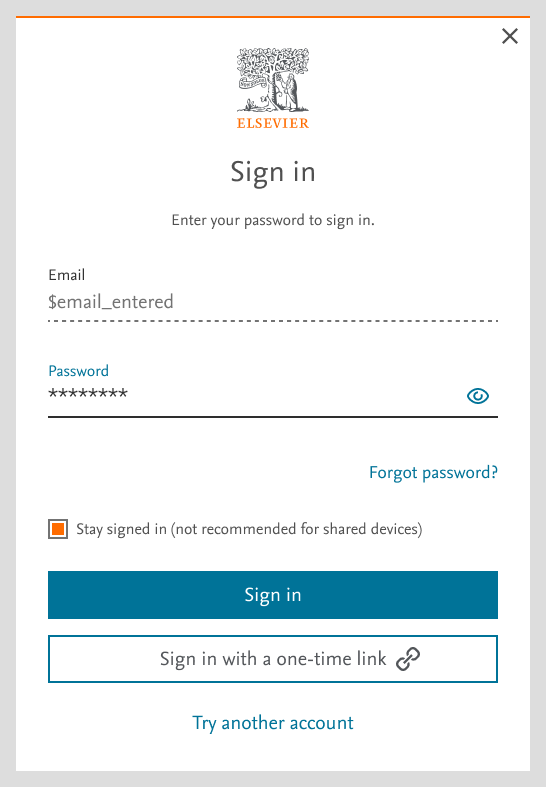
- Enter your password and click on ‘Sign in’
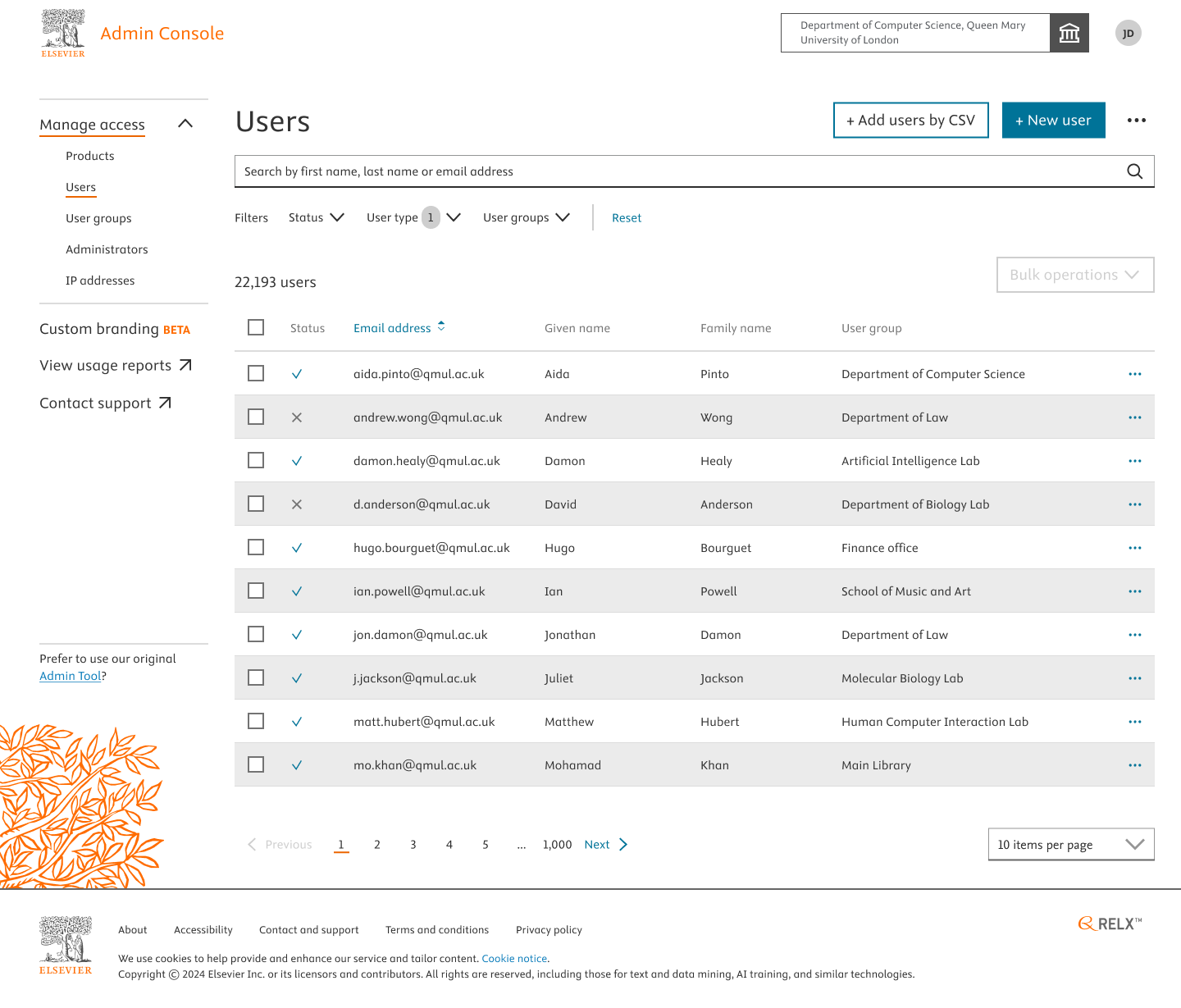
- Done. You are signed-in to Admin Console.
Did we answer your question?
Related answers
Recently viewed answers
Functionality disabled due to your cookie preferences