
View by category
How do I fill in the information requested while submitting corrections on the SciVal Support Center?
Last updated on January 02, 2024
Also available in
Please select contact reason 'Awarded Grants' and then select 'Awarded Grants Corrections'.
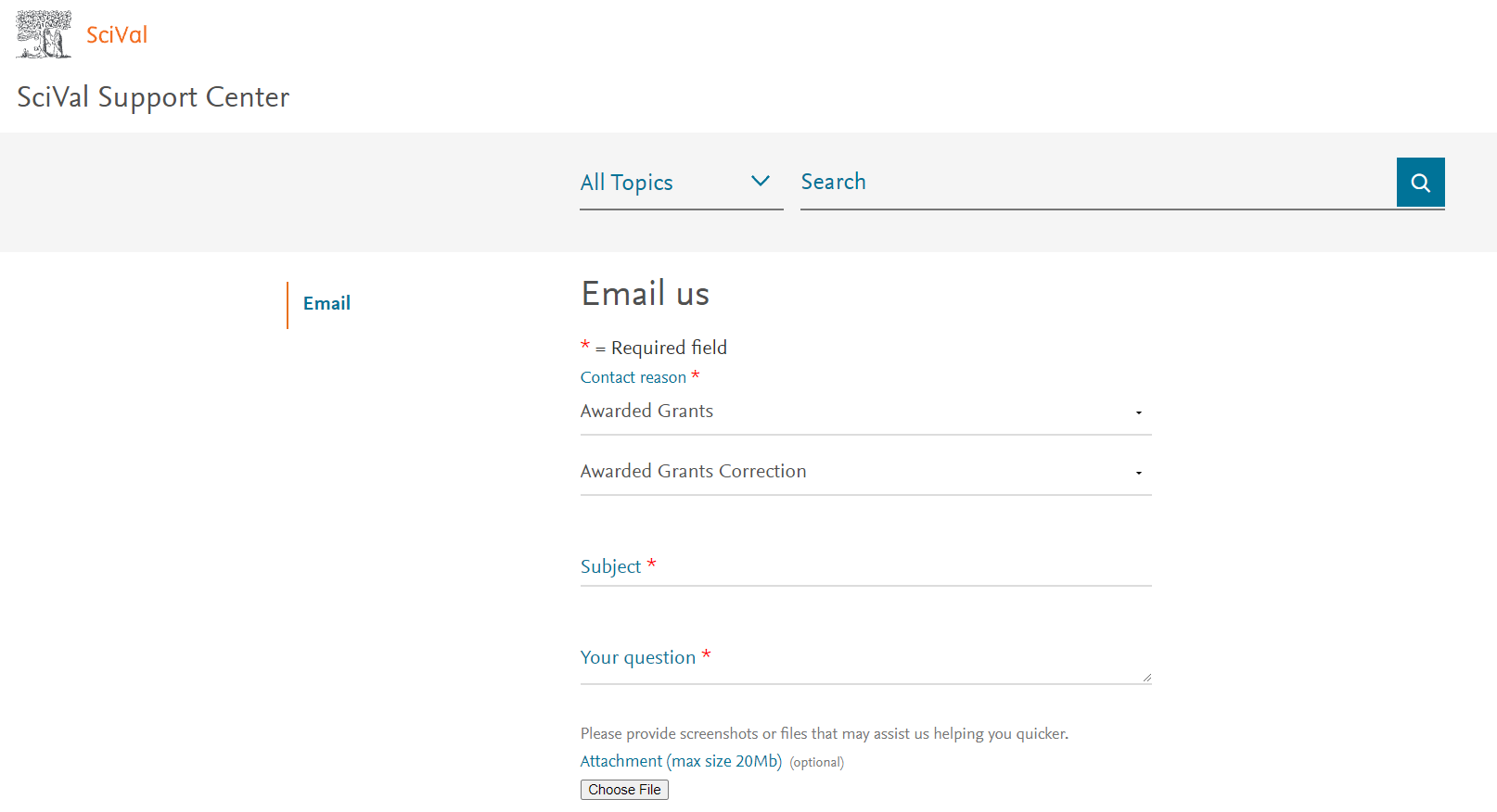
Please fill in the following information:
- Awarded Grant Title: Fill in the requested Awarded Grant Title.
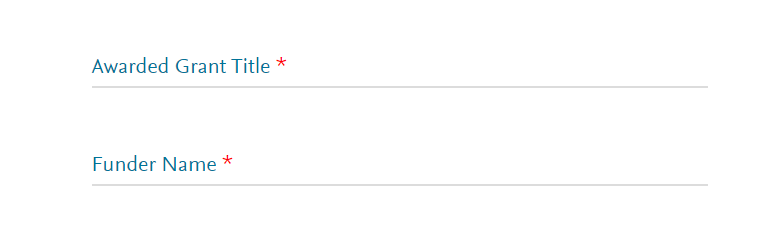
- Funder Name: Please fill in the respective funder name in which the erroneous content is available.
Please select contact reason 'Awarded Grants' and then select 'Missing Awarded Grants'.
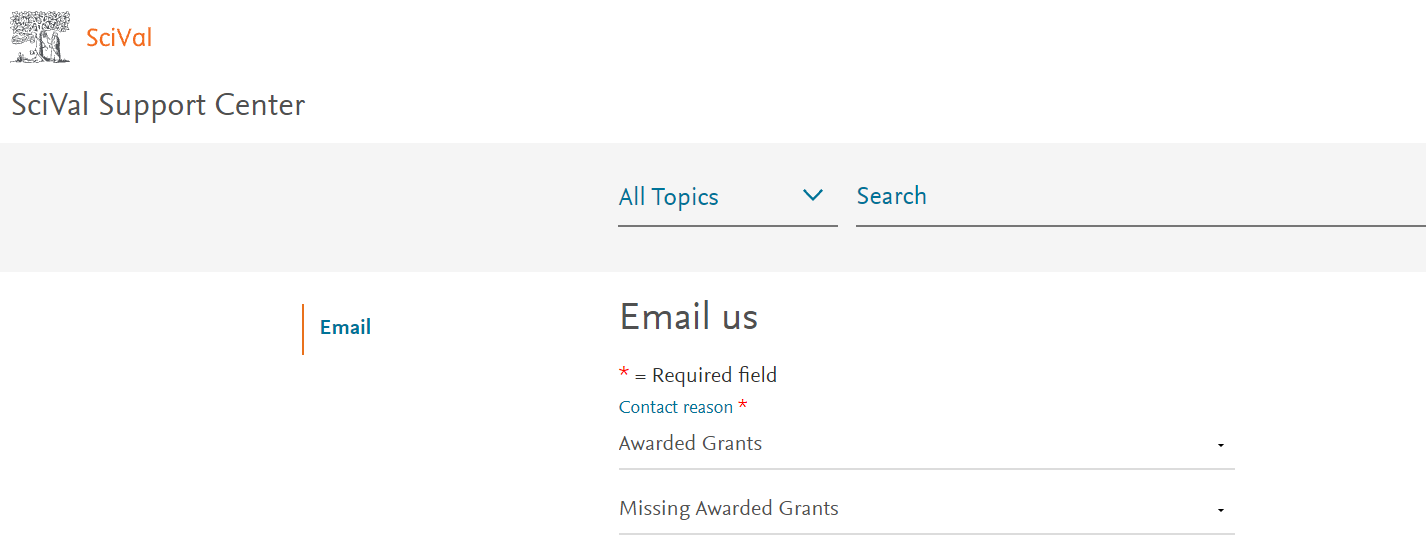
Please fill in the following information:
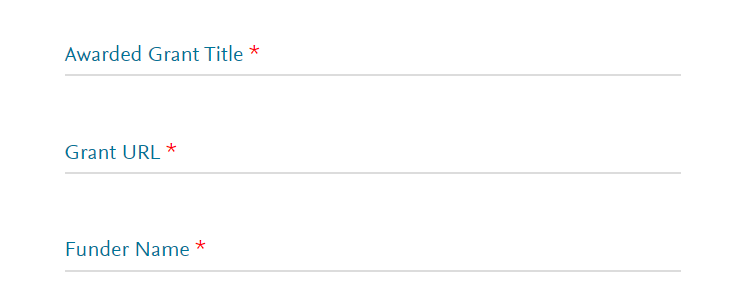
- Awarded Grant Title: Fill in the requested Missing Awarded Grant Title.
- Grant URL: Source URL of the reported Missing Awarded Grant Title.
- Funder Name: Funder name of the reported Missing Awarded Grant Title, after checking the list of funders covered in Scival available in the section "Which funding bodies do you cover?" in Awarded Grants in Overview FAQsopens in new tab/window for Overview module.
Please provide the full name of the funder, avoid providing funder acronyms.
Did we answer your question?
Related answers
Recently viewed answers
Functionality disabled due to your cookie preferences