
On the journal home page you can, among other things:
- Learn more about the journal.
- Search or navigate the journal content.
- Find a direct link to submit your articleopens in new tab/window.
- Find related journals and featured topics.
Select a topic below to learn more on the available options:
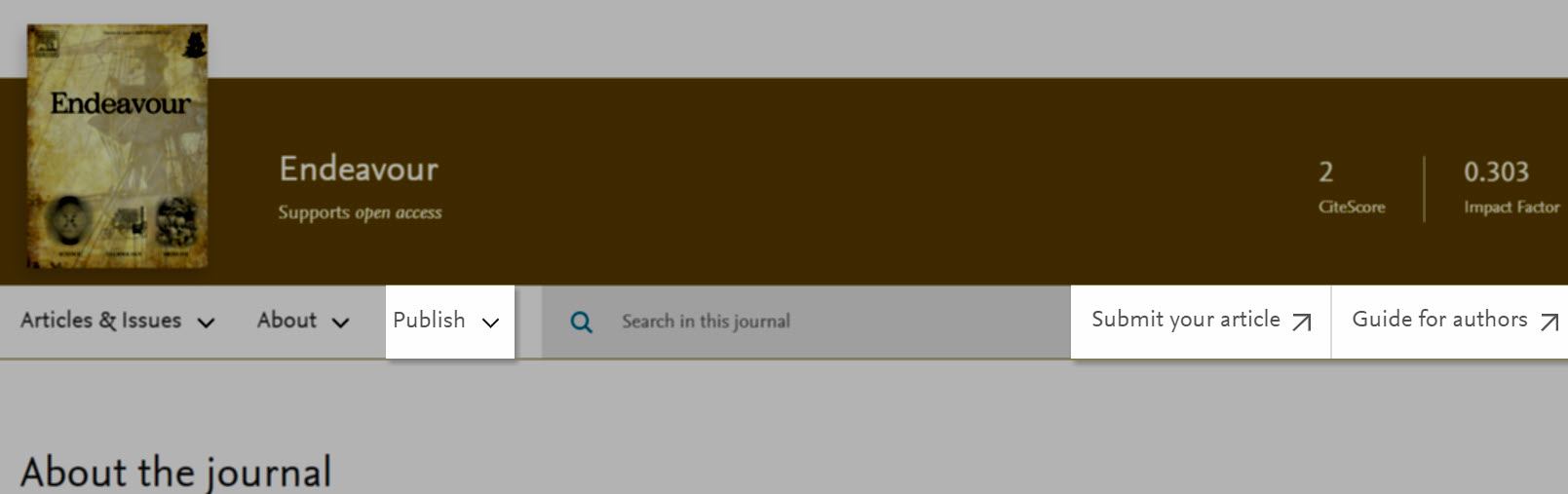
- Submit your article - Submit your article with Elsevieropens in new tab/window.
- Guide for authors - takes you to the journal-specific information and article submission requirements.
- Open Access options - view the journal's Open Access options.
View our Publishing with Elsevier: step-by-step pageopens in new tab/window to learn more on publishing with Elsevier or visit our Journal Article Publishing Support Centeropens in new tab/window for any other questions related to publishing with Elsevier.
Journal Metrics
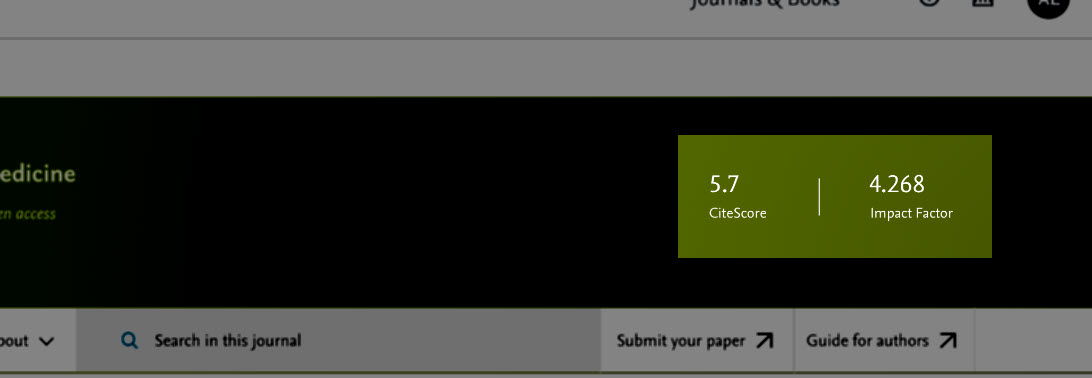
- Journal CiteScore - CiteScore measures the average citations received per document published in this title. CiteScore values are based on citation counts in a given year (e.g. 2018) to documents published in three previous calendar years (e.g. 2015-17), divided by the number of documents in these three previous years (e.g. 2015-17). View more detailsopens in new tab/window on the Scopus CiteScore Journal Metric FAQ page.
- Journal Impact Factor - The Impact Factor measures the average number of citations received in a particular year by papers published in the journal during the two preceding years. Please note: Not all journals have an Impact Factor. Learn more about Impact Factors
About the journal
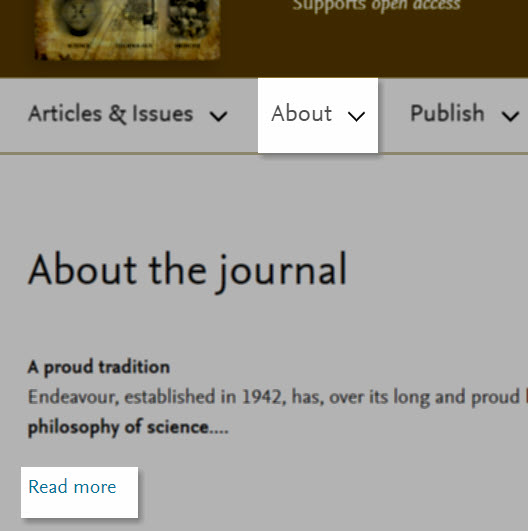
- Aims and Scope - describes the aims and scope of the journal.
- Editorial board - provides a list with Editorial board members and their affiliation.
- Abstracting & indexing - lists where the journal is indexed.
Search
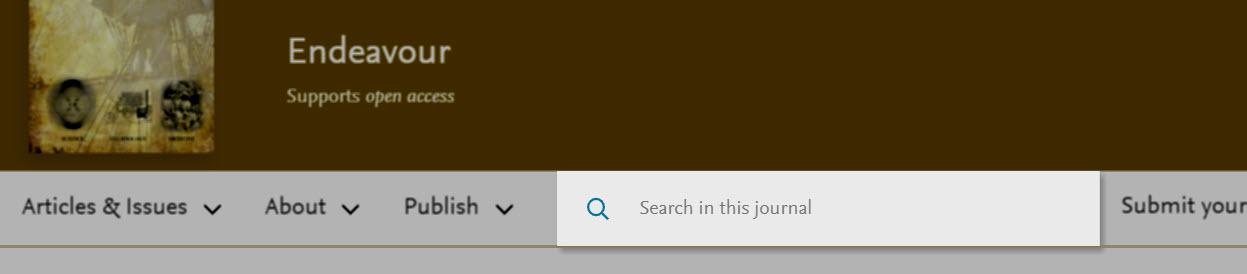
Use the search field at the top of the page to quickly find articles in this journal which contain your search terms.
Navigate by article
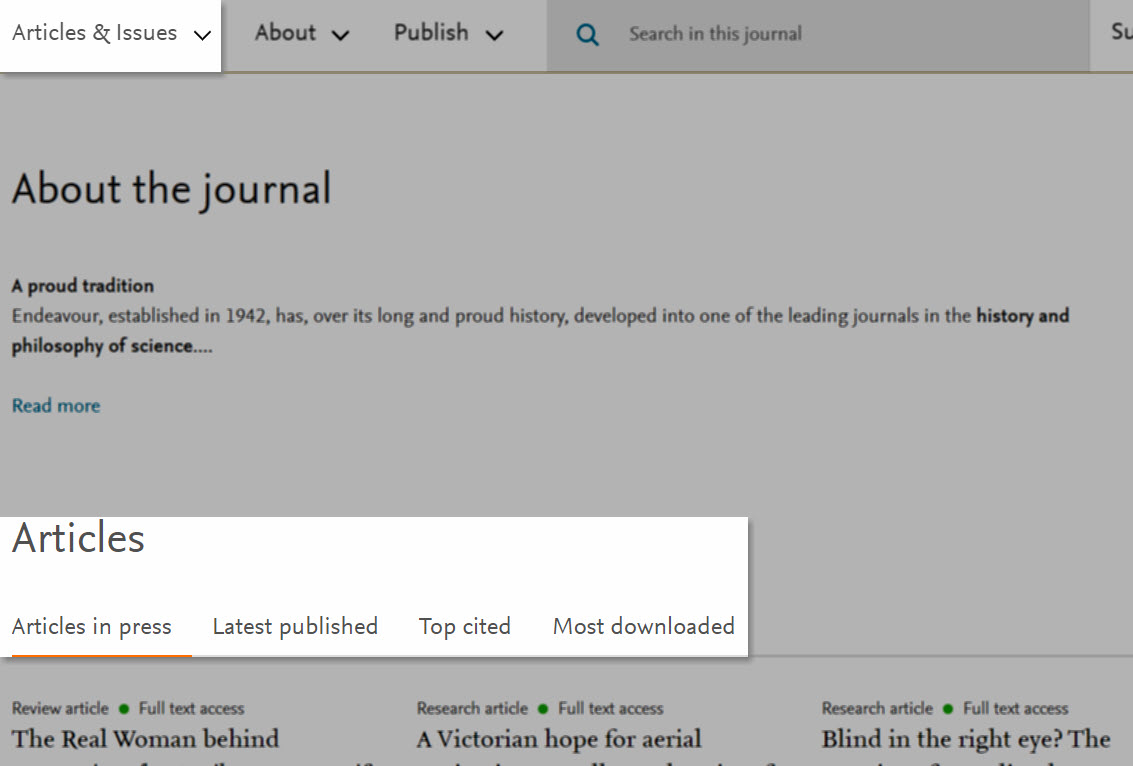
- Articles in press - View Articles in press titles, if available.
- Latest published - View the Latest published article titles.
- Top cited - View the 8 Top cited article titles (Powered by Scopus).
- Most downloaded - View the Most popular articles (articles most downloaded and viewed in the past 90 days).
Either read the article from your screen by clicking the title, or click 'Download' below the article description to download the article.
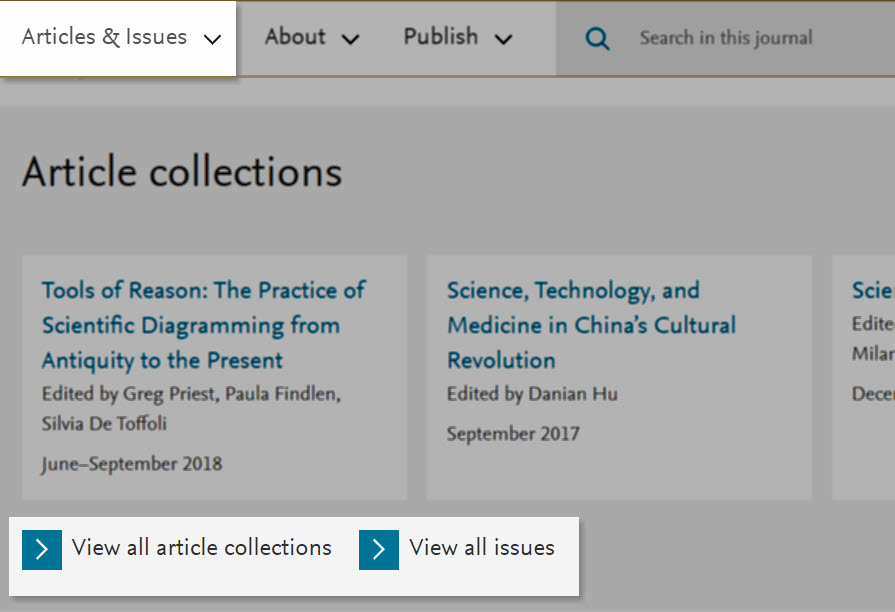
Navigate by issue
- Set up journal alerts - Set up a journal alert. Learn moreopens in new tab/window.
- RSS - Provides the RSS feed URL for the journal. Learn more.
- View all article collections - Shows all available article collections, special issues and supplements published within the journal.
- View all issues - Shows all published issues of the journal ordered by year.
After you've gotten familiar with the content of the journal don't forget to:
Did we answer your question?
Related answers
Recently viewed answers
Functionality disabled due to your cookie preferences