
What can I do on a journal issue page?
Last updated on March 02, 2026
On the journal issue page, you can:
- Explore the articles of a specific journal volume/issue
- Download or view the complete issue or specific articles in PDF format
- Export article citations and abstracts
Explore the articles of a specific journal volume/issue
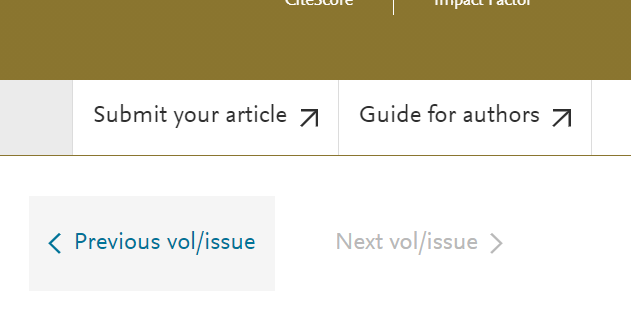
- View the articles of the current issue by clicking the article title.
- View previous/next issues, by selecting 'Previous vol/issue' or 'Next vol/issue'
Download or view the complete issue or specific articles in PDF format (max 100 downloads)
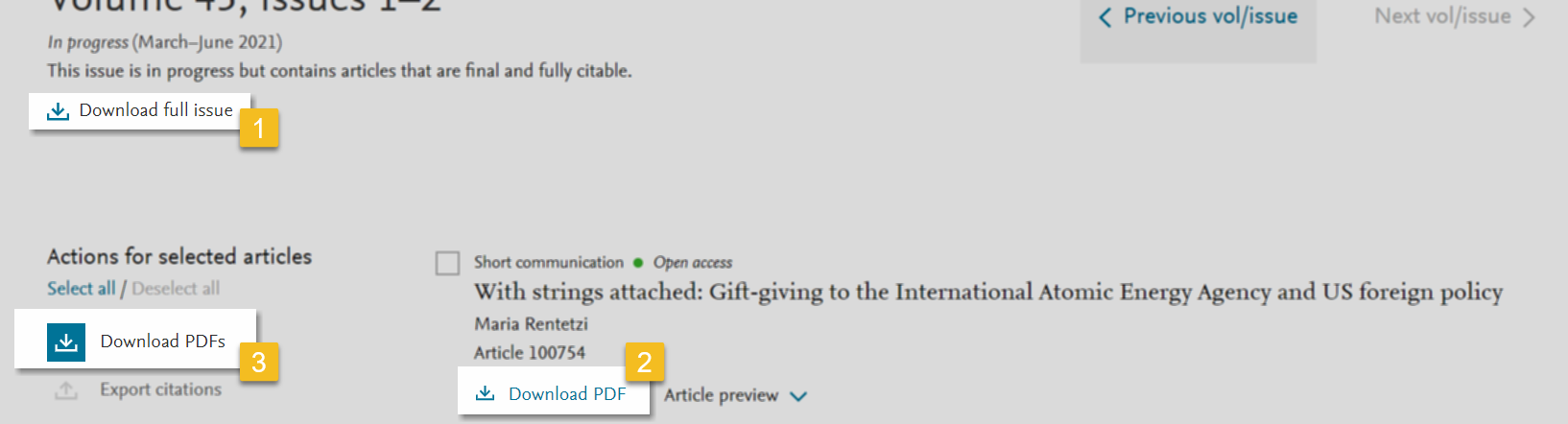
- Download the full issue - Select ‘Download full issue’ in the left hand pane.
- Download an article - Select 'Download PDF' below the article title.
- Download selected articles - Select the check box in front of the articles titles you'd like to download and click 'Download PDFs'
Export article citations
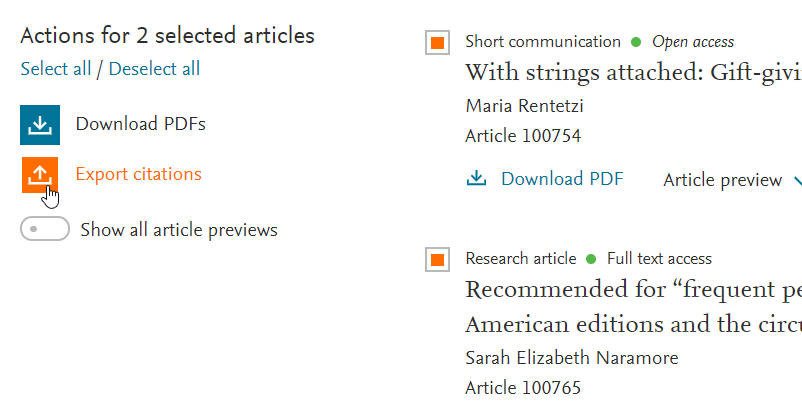
Follow these steps to export article citations:
- Select the article titles.
- Click ‘Export citation(s)’.
- Select the export format.
Did we answer your question?
Related answers
Recently viewed answers
Functionality disabled due to your cookie preferences