
View by product
What can I do when my dataset exceeds the 10GB per dataset limit?
Last updated on October 16, 2019
Currently, additional storage is only available for institutions that purchase RDMopens in new tab/window (Research Data Manager). Alternatively, you can split your datasets into small sizes and reference each accordingly i.e., we can reference datasets within datasets. See the steps below on how to do this.
If you have an existing dataset linked to an article and created a subsequent version it will be automatically redirected to the latest published version.
How
- Locate the dataset you want to edit.
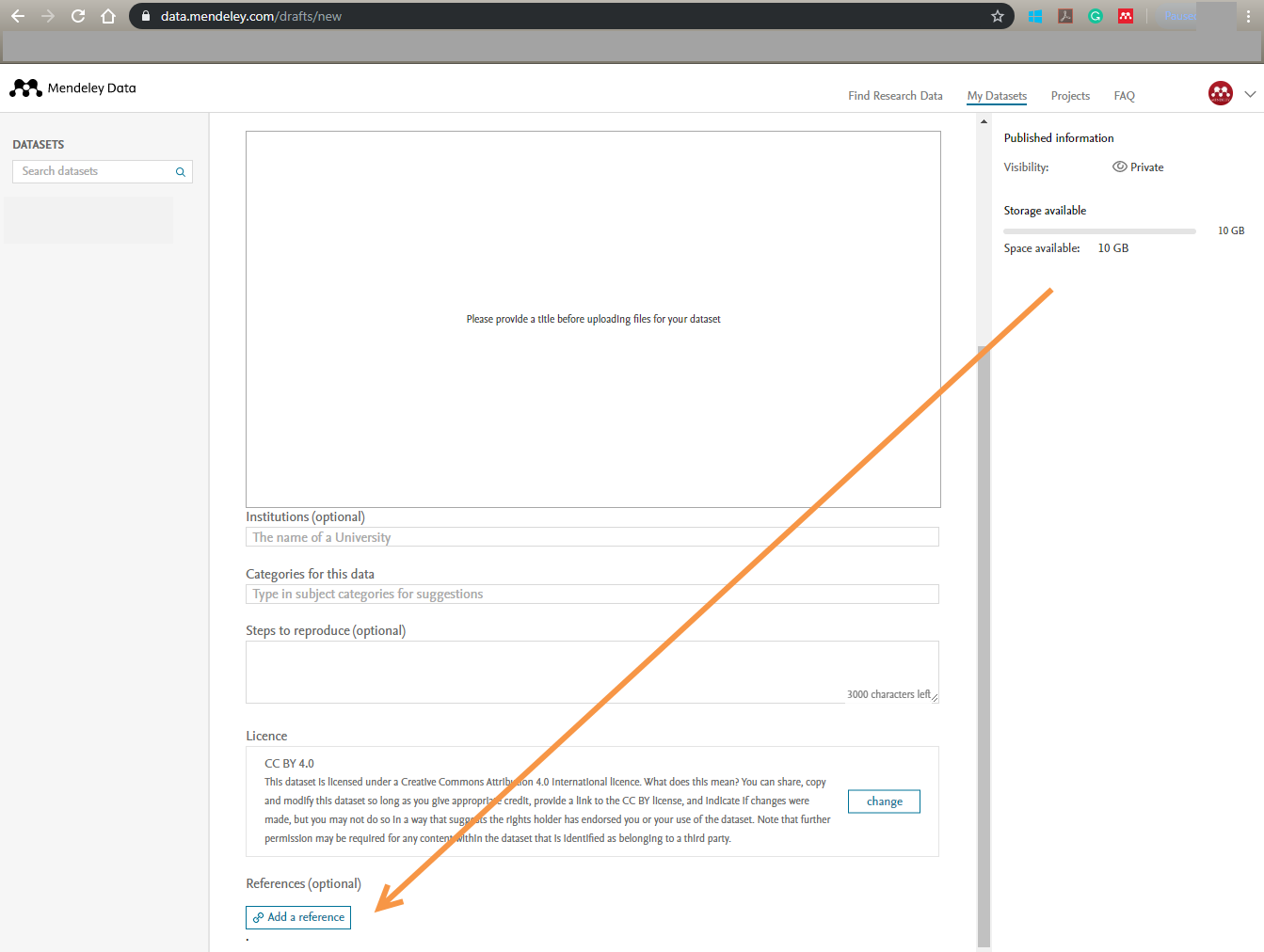
- On the edit dataset page, click 'Add a reference':
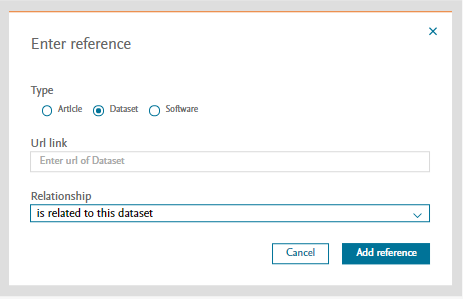
- Complete the required information and click 'Add reference'.
Did we answer your question?
Related answers
Recently viewed answers
Functionality disabled due to your cookie preferences