
View by category
How do I add members to a Curated Collection?
Last updated on August 17, 2026
To add a member to a curated collection, click 'Add member' when you are managing membersopens in new tab/window. The Add member pop-up window is displayed for you to enter the Windows user ID of a specific use.
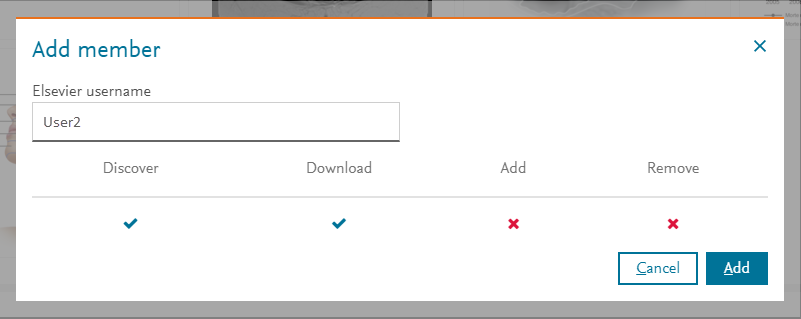
Click on each of the ( ) and (
 ) icons for each permission types to disable or enable that permission. You can specify the Downloadopens in new tab/window permission only if you have enabled the Discoveropens in new tab/window permission. Click 'Add' to add the specified user with the defined permissions.
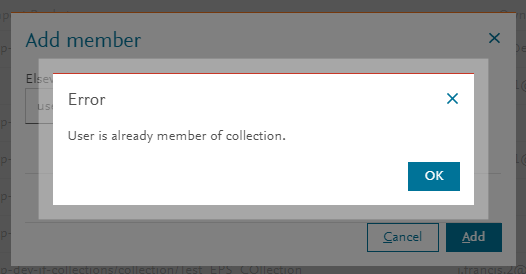
If permissions have already been set for that user, an Error message is displayed. Click 'OK' to acknowledge the error message and the user's permissions are not redefined again.
Did we answer your question?
Related answers
Recently viewed answers
Functionality disabled due to your cookie preferences