
View by category
We will send a link to your email inbox if for example, you reset your password or request remote access through your organization. This link is to make sure the email address you provided is real and belongs to you. By clicking the link, you confirm that you can access the email account.
For security reasons, forwarding links to a different email address will invalidate them, as they are intended for the original recipient only.
If a link has expired, it could be due to a few reasons:
Time limit: We make the link expire after a certain time to reduce the risk of unauthorized access. It's a security measure to ensure the link is only valid for a limited period.
The validity time of the link can be from a few minutes to 48 hours, and it will be specified in the screen requesting to check your inbox.
- Protecting your data: If the link fell into the wrong hands, it could expose sensitive information. Expiring the link limits the chances of a security breach.
- Activating your account: Setting an expiration time encourages users to verify their email addresses promptly and complete the necessary process within a reasonable timeframe.
- One-time use: Our verification links are meant to be used only once. This is to enhance security, like for password resets or confirming your email address. Once clicked, the link becomes inactive to prevent any further use. If you've already used the link, it won't work anymore.
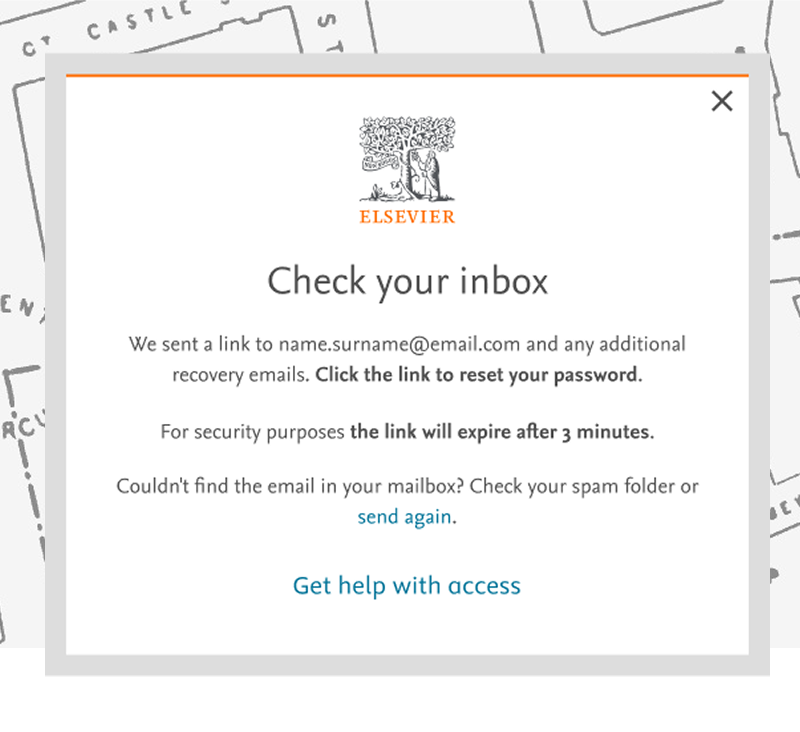
If your link has expired, either click on 'Resend link' on the corresponding screen, or follow the same steps to receive the link again.
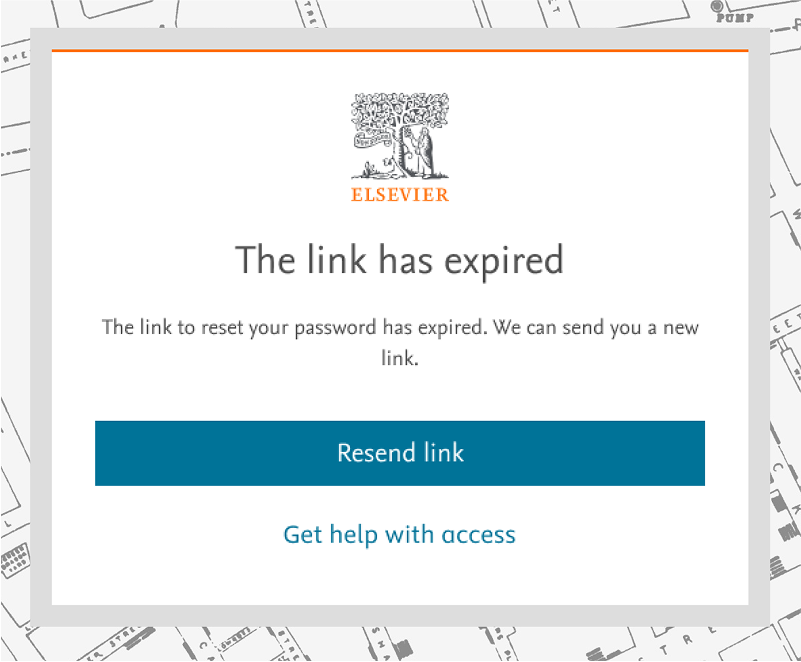
Sometimes, email providers may utilize an automated system to visit the link sent to you to verify the nature of the site. Although this is done for security reasons, this action may result in the link being marked as used and appearing as expired when you click on it. We are actively working on a long-term solution for this matter.
In the meantime, you organization’s IT department might be able to add the URL: id.elsevier.com to an 'allow list' or temporarily exclude this from Safe Links policies.
If you need additional help, feel free to contact our support team using our contact options.
Did we answer your question?
Related answers
Recently viewed answers
Functionality disabled due to your cookie preferences