
View by category
Account security check required
To help improve your account security, we may ask you to reset your password using a link sent to the email address on your profile.
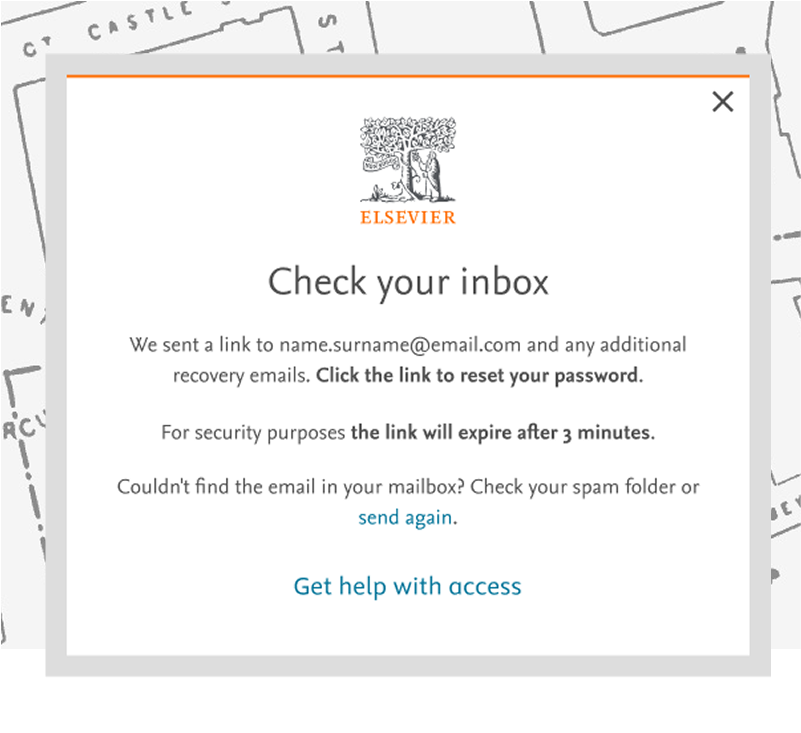
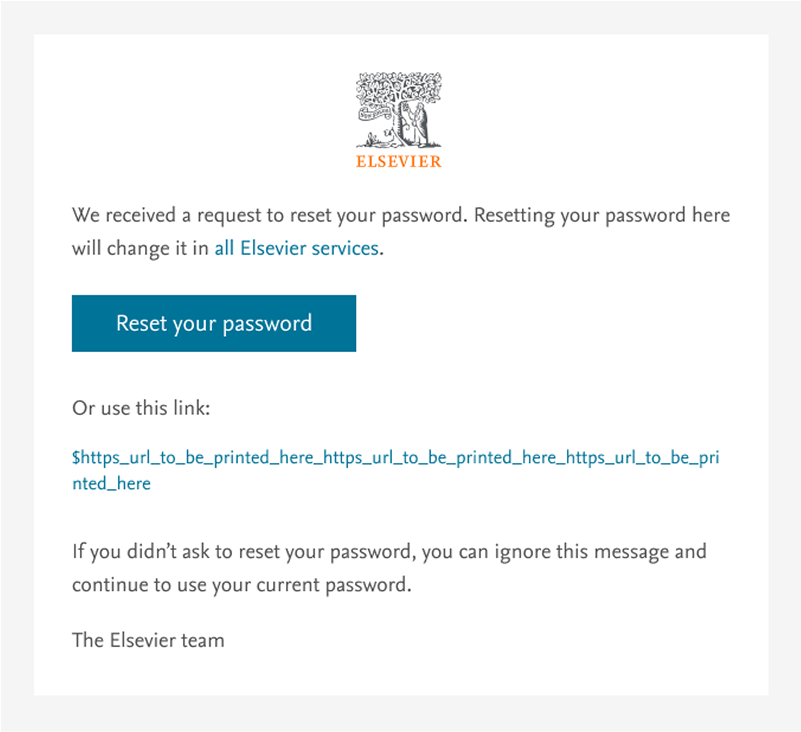
When signing in, you will see the “Check your inbox” screen (see Option 1 below). Then you will need to select “Reset your password” in the email sent to your inbox. Please check your Spam or Junk folder, as our emails can sometimes be filtered there.
After selecting “Reset your password” in the email, you will be prompted to add and confirm a strong new password. It must be at least 8 characters long and contain at least 1 number, 1 uppercase letter, 1 lowercase letter and 1 symbol.
To reset your password, go to the sign in page of the product you're using.
You will see an option to sign in, normally located in the top right corner of the product page. Click on the 'Sign in' or 'My Account' button (depending on the product you are in).
Alternatively, you can go to the Elsevier Account page, where you will be prompted to enter your email address to sign in. (If you see the 'Access through your organization' screen, you can click 'Cancel' and enter your email on the new screen)
Then, follow the steps below.
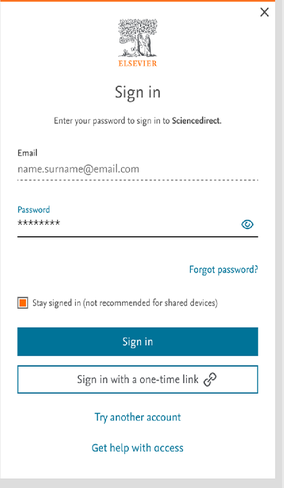
Once you are in the 'Sign in' screen, you can choose one of the two following options:
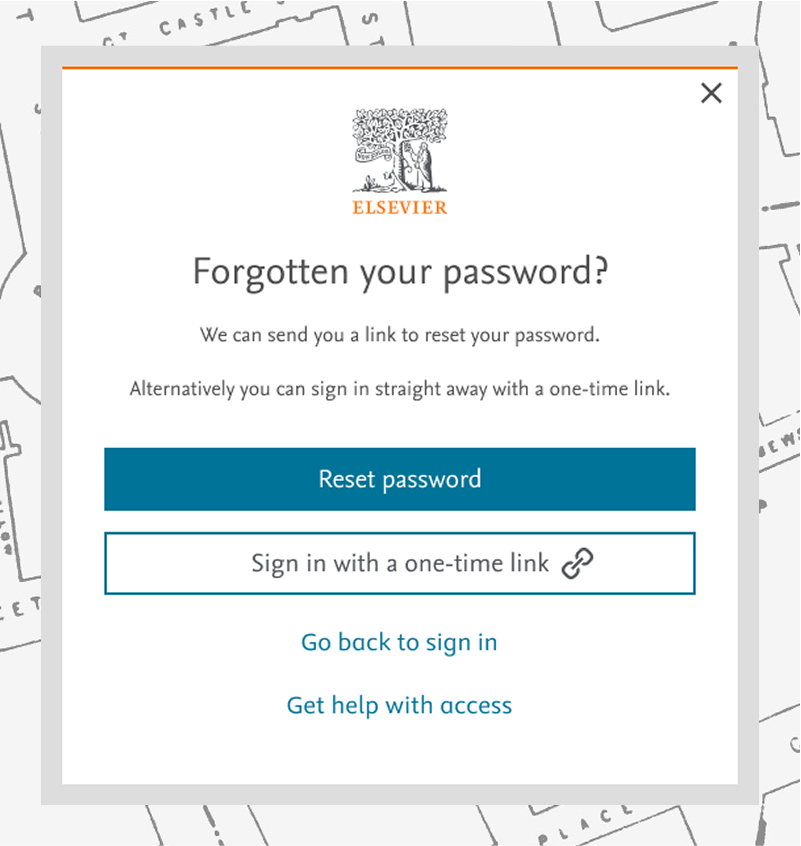
Choose to receive an email to reset your password. To do this click on 'Forgot password?' and then click on 'Reset password' in the following screen.
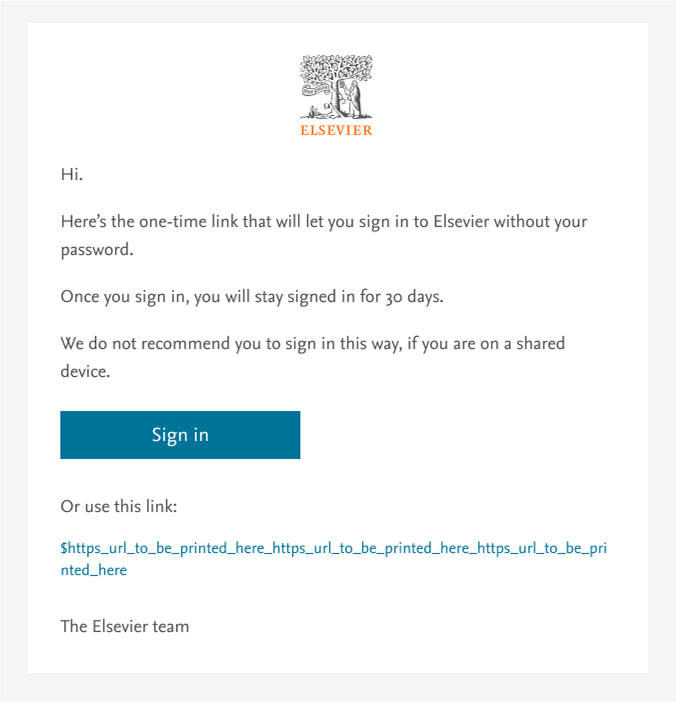
Get a one-time sign in link via email to sign in without entering your password.
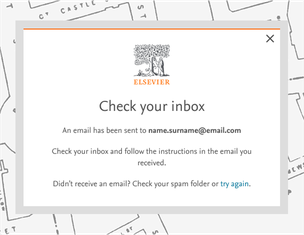
After we’ve sent you an email, follow the instructions provided in it.
|
|
Did we answer your question?
Related answers
Recently viewed answers
Functionality disabled due to your cookie preferences