
View by category
How can I add an additional email to my account?
Last updated on November 19, 2025
You can add multiple additional emails to your account in your account settings. Note that you will need to sign in first, to prove it is you accessing your account.
You may want to do this so that:
- You have a recovery address to help you get back in to your account should you lose access.
- You have an alternate email address which you can use to sign in.
You may add up to ten emails to your account.
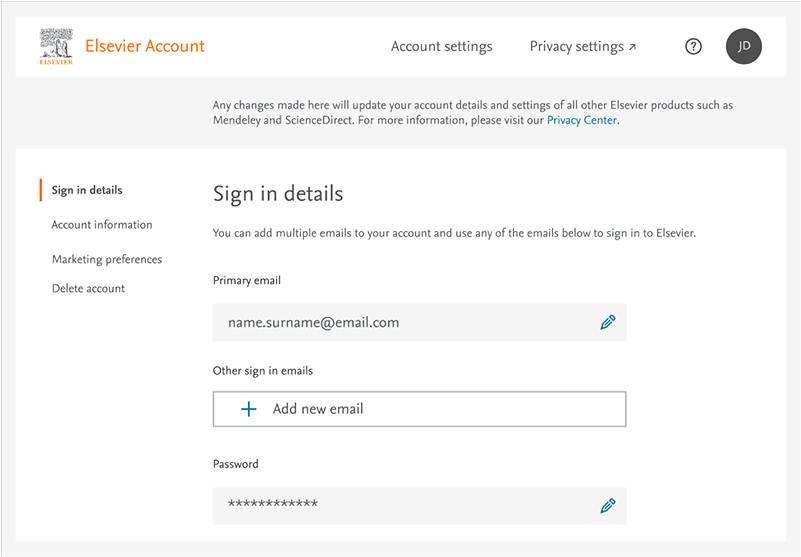
To add an email, you can do this in 2 simple steps.
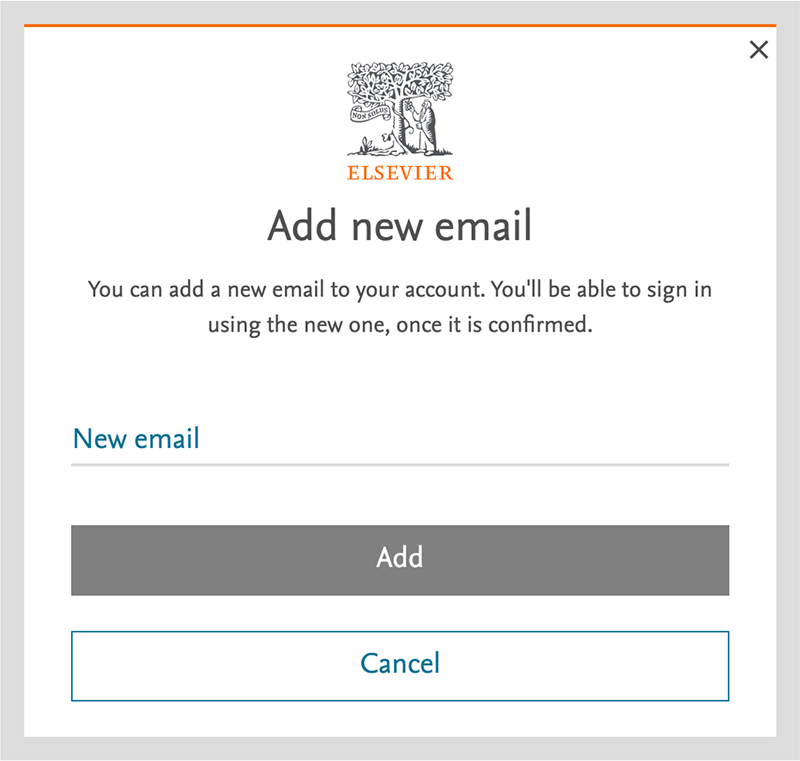
Click the “+” icon below “Other sign in emails” and follow the on-screen instructions.
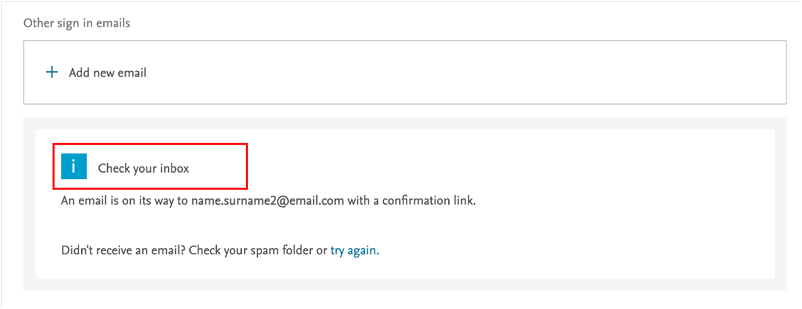
Then, you will need to confirm that the new email belongs to you.
Did we answer your question?
Related answers
Recently viewed answers
Functionality disabled due to your cookie preferences