
How do I view the users of my organization in Admin Console?
Last updated on July 15, 2024
Follow the steps outlined below to view users of your organization.
How
- To view users of your organization, you must be in a logged in state with Admin Console
- Navigate to the Manage Access section on the left pane and click on “Users”.
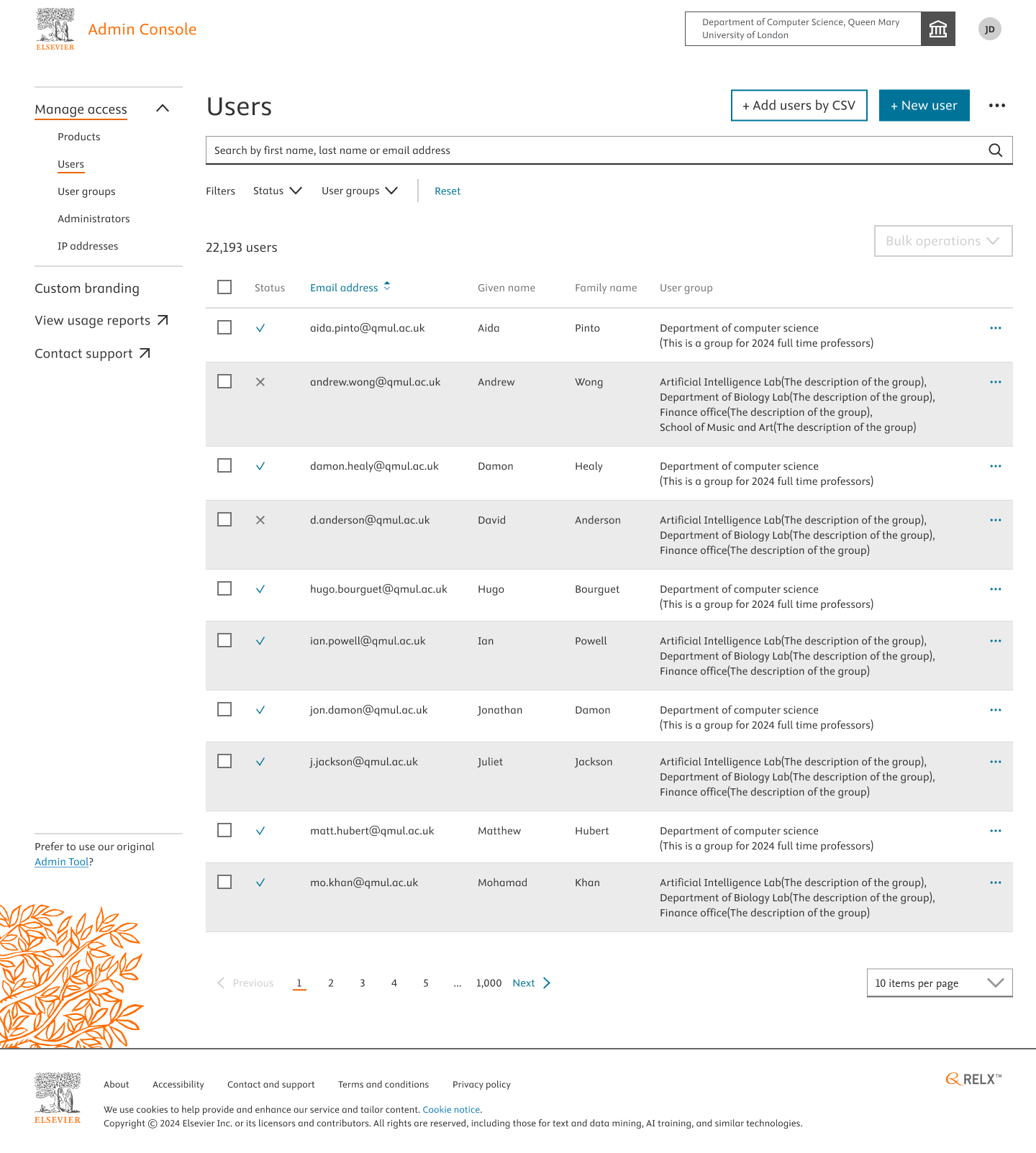
- All the users of your organization, the user groups they are part of, and the count of users of your organisation will be displayed.
Did we answer your question?
Related answers
Recently viewed answers
Functionality disabled due to your cookie preferences