
How do I sign out from Admin Console?
Last updated on June 24, 2025
Follow the steps below to sign out of Admin Console.
How
Navigate to the home page of Admin Console.
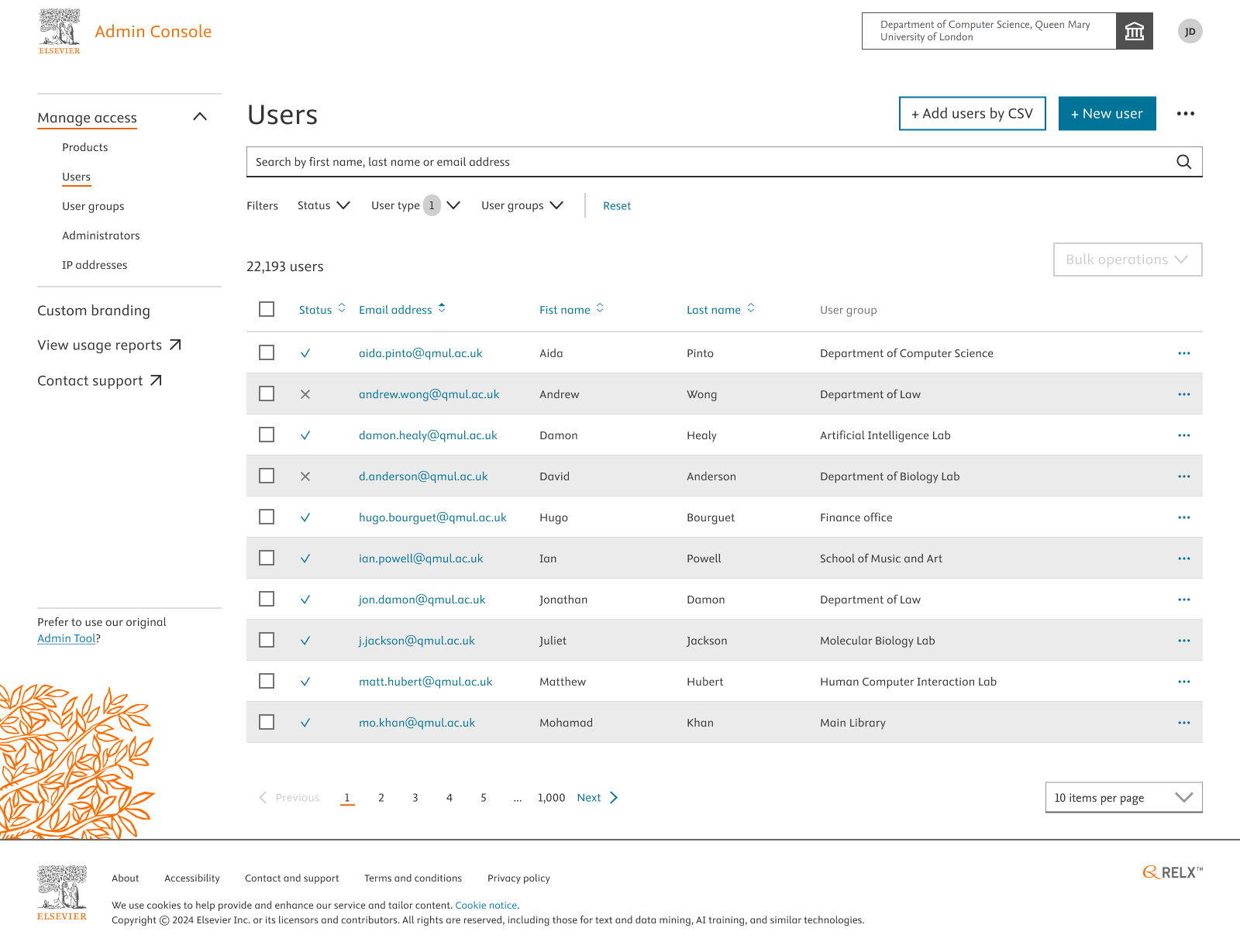
- Click on your profile icon on the top-right corner.
- You’ll be displayed with options to view your account and sign-out
- Click on sign-out to be logged out of Admin Console.
Did we answer your question?
Related answers
Recently viewed answers
Functionality disabled due to your cookie preferences