
How do I see the existing administrators of my organization?
Last updated on July 23, 2025
To view the existing administrators of your organization, you need to be an Account Level Administrator of your organization and signed-in to Admin Console
Navigate to the Home page and Click on ‘Users and Admins’ under the Manage Access menu.
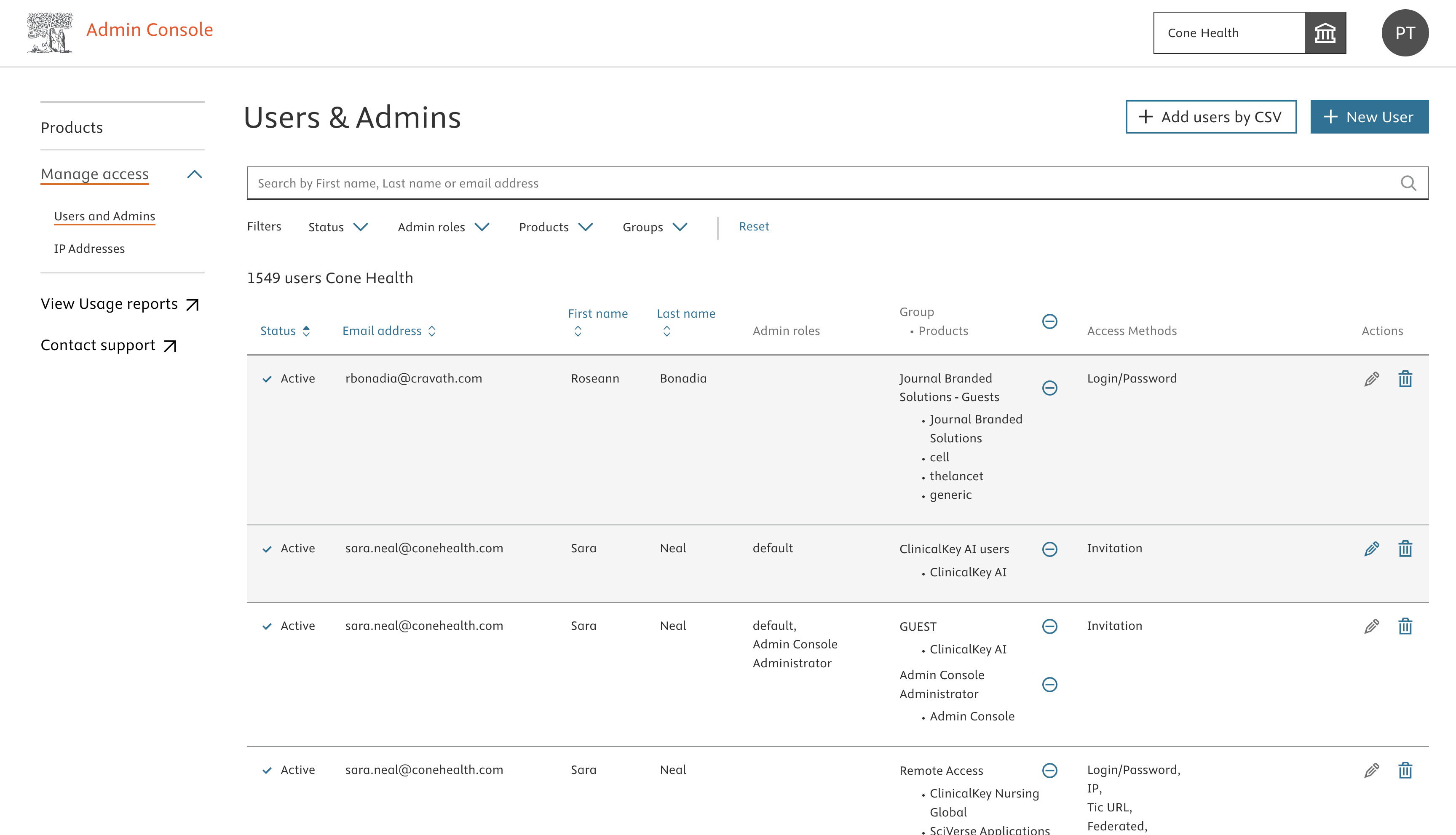
Use the ‘Admin roles’ filter to select the administrator role. After applying the filter, the page retrieves administrators of the organisation
Did we answer your question?
Related answers
Recently viewed answers
Functionality disabled due to your cookie preferences