
How do I download Electronic Holdings or KBART reports?
Last updated on March 02, 2026
Holdings reports list one of the following types of information:
- All titles to which you or your institution have full-text access
- All titles available in the product or website
- All packages available in the product or website
Tip: Automate your KBART data exchange
Create data exchange tokens in the ScienceDirect Admin Tool to set up KBART automation. Find the step-by-step instructions on our Knowledge Base Data Exchange FAQ page, including a 6-page Quick Reference Guide.
How
Follow these steps to browse the report list and download a report:
- Visit the Journals & Books pageopens in new tab/window on ScienceDirect.
- Select ‘Download holdings reports’, located at the bottom of the left-hand menu.
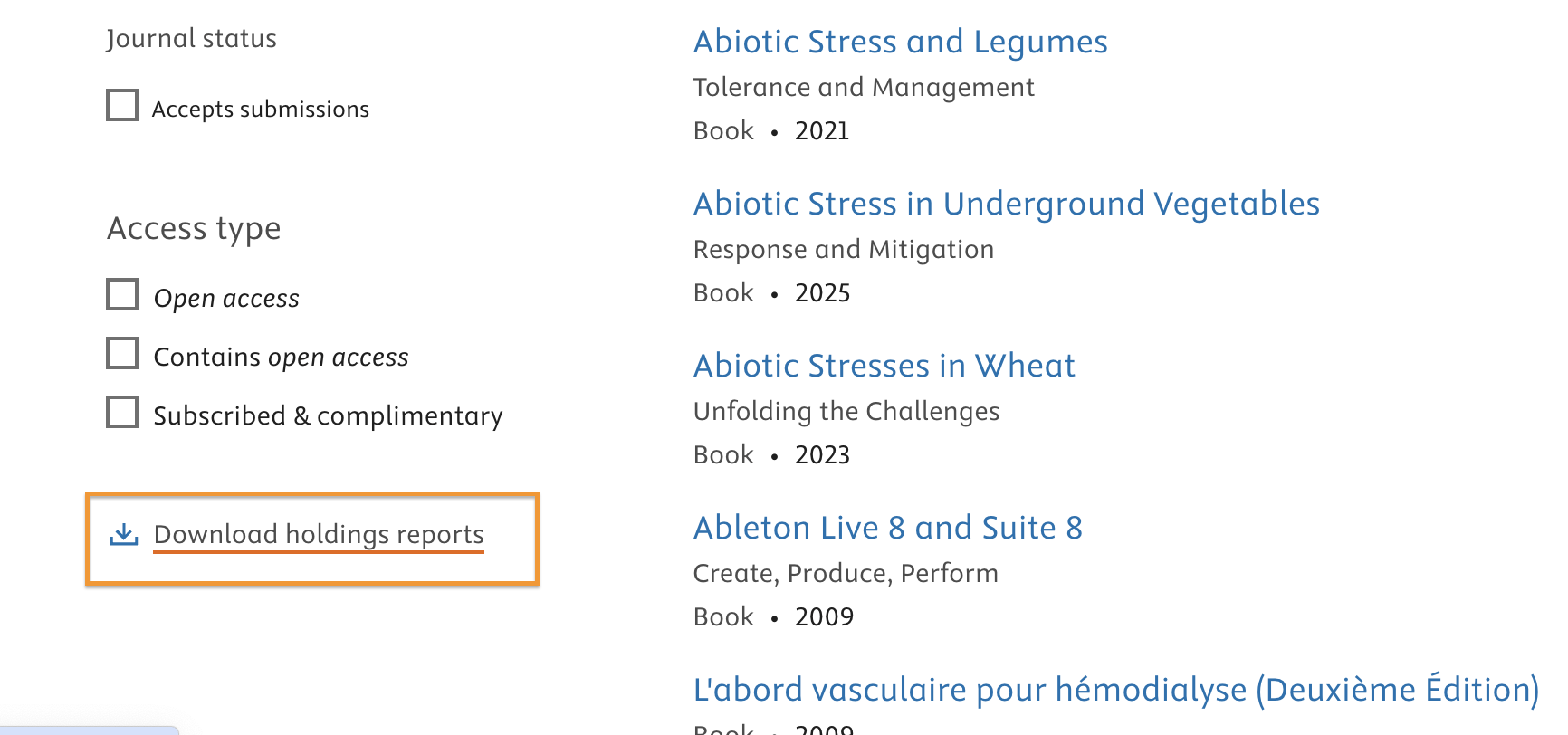
- Choose your preffered file format. Once you've selected the file format, the download will start right away.
To download a KBART report:
- Select ‘Get the KBART product and package reports’ in the right hand column under ‘Other reports’ .
- Browse the list to find your report, or search using the Report Name or Report ID button.
- Select ‘Download’ next to the report to retrieve it.
Learn more about the different fieldsopens in new tab/window included in a holding report and the difference between EHR (Electronic Holdings) and KBART (Knowledge Base and Related Tools) reports.
Did we answer your question?
Related answers
Recently viewed answers
Functionality disabled due to your cookie preferences