
Getting Started with the Osmosis Nursing Mobile App
Last updated on October 13, 2025
Also available in
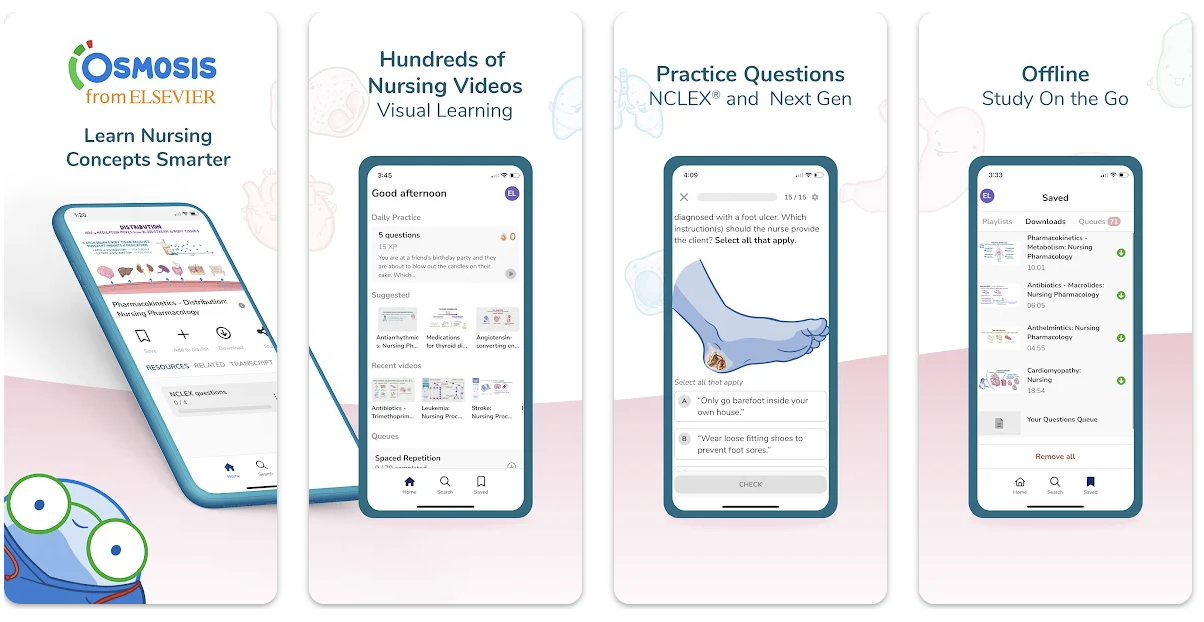
The Osmosis Nursing mobile app is designed to provide nursing students with an effective learning experience. Below are instructions on how to install the app, log in, and manage your settings.
Installation
You can download the Osmosis Nursing mobile app from the following links:
App Store: Download for iOSopens in new tab/window
Google Play Store: Download for Androidopens in new tab/window
Logging In
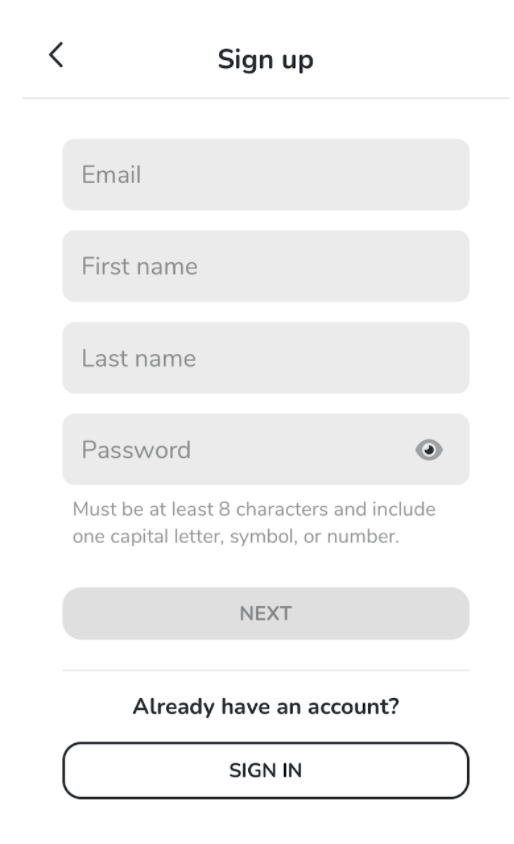
Enter Your Details: Provide your school email, name, and chosen password. If you don’t have a school email, that's acceptable, though we recommend using one for a tailored experience.
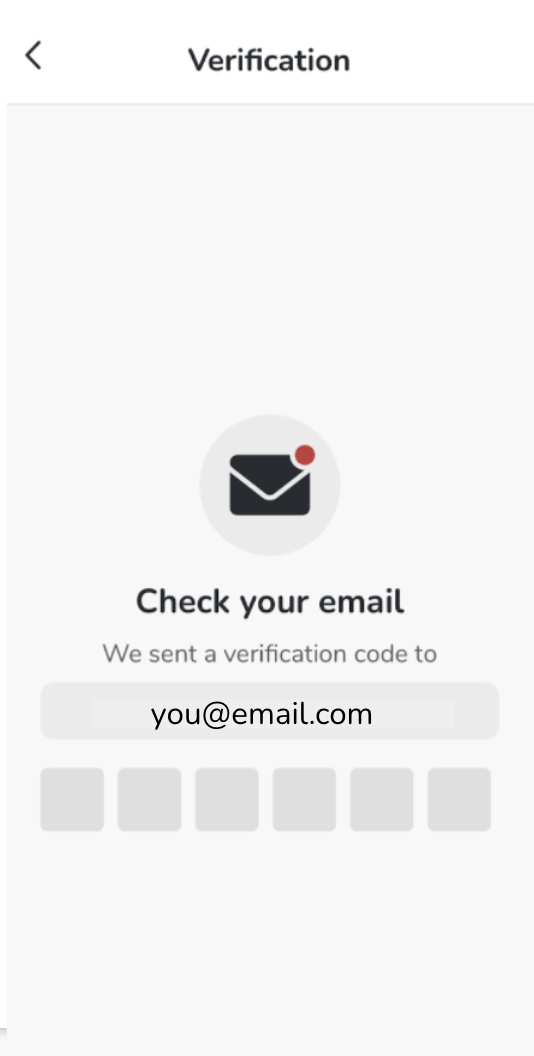
Verification Code: You will receive a verification code via email. Enter this code when prompted.
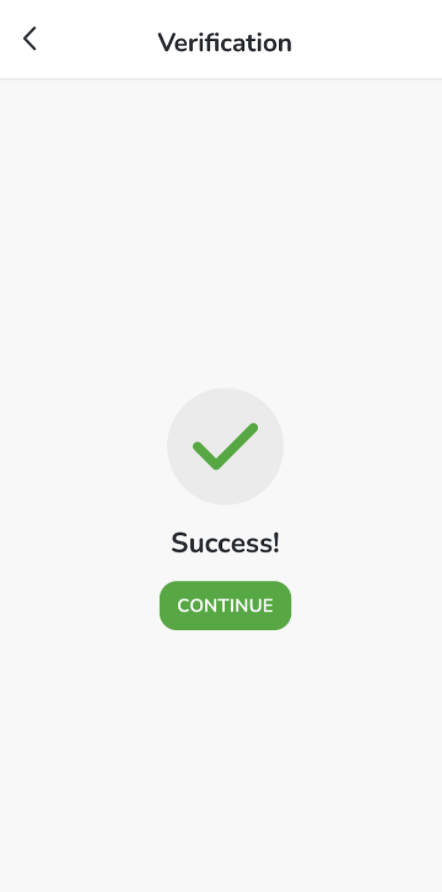
Registration Success: Once confirmed, click Continue.
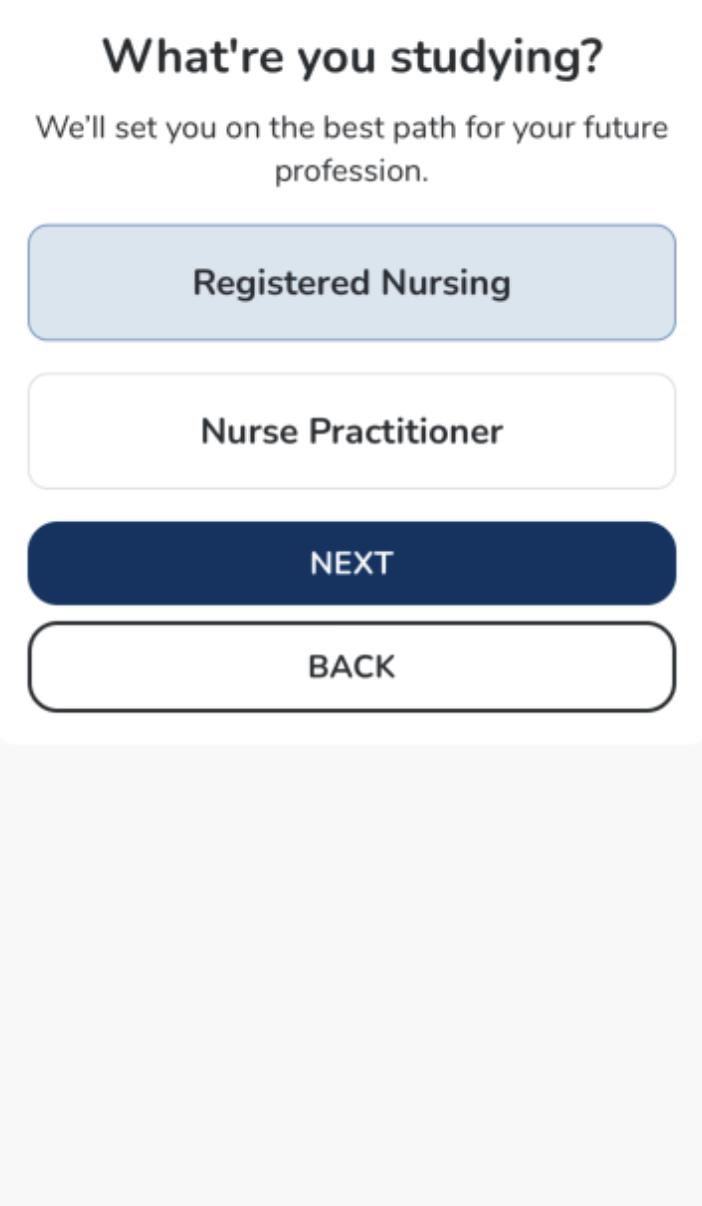
Update Your Profile: Fill in your profile information.
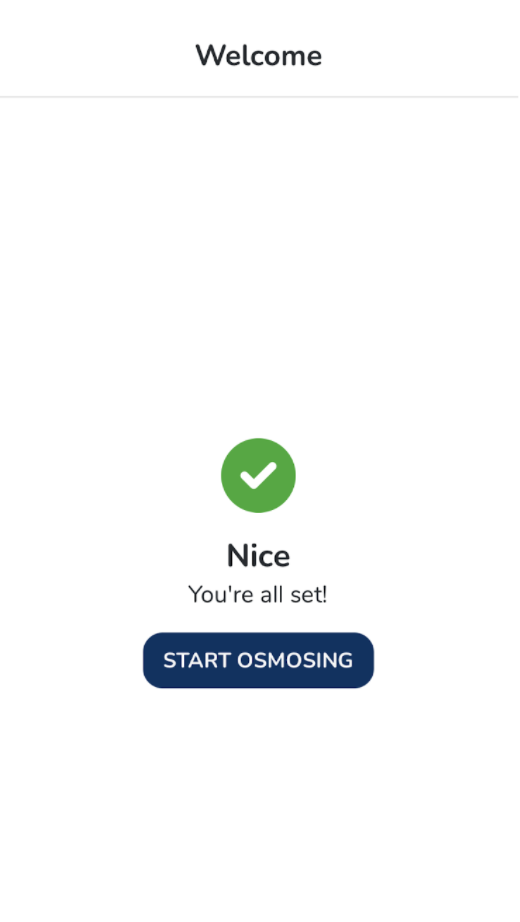
Start Osmosing!
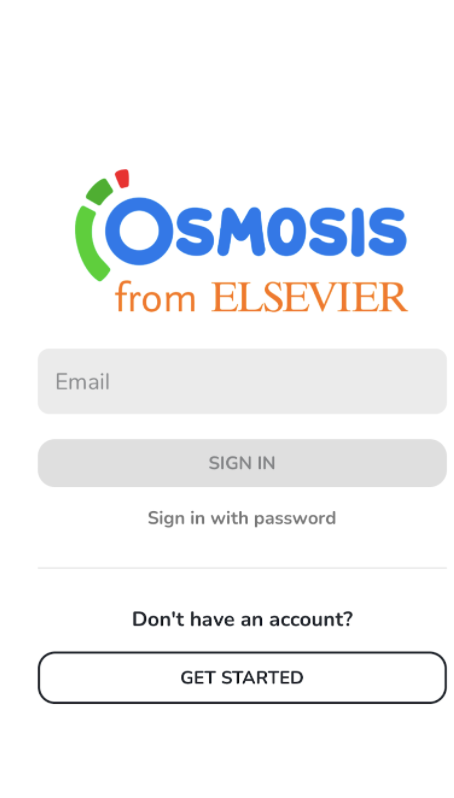
a. Sign In with Email Code
Enter Your Email: Input your registered email address.
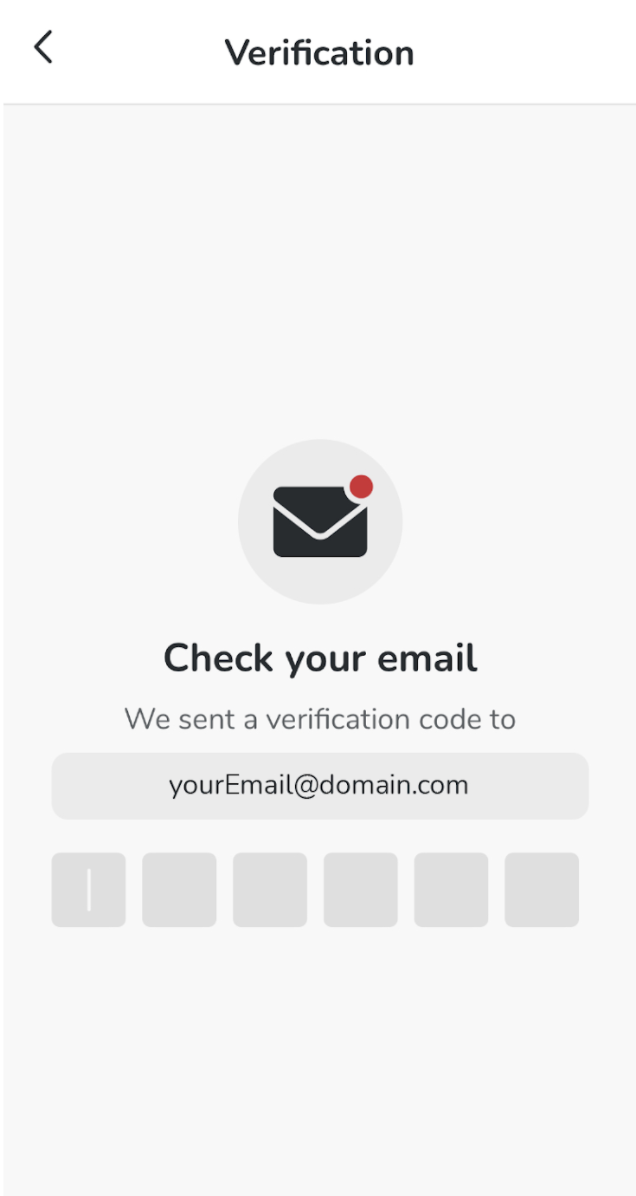
Receive Verification Code: A verification code will be sent to your email. Use this code to sign in on the mobile app, and your password (if you have one) on the web.
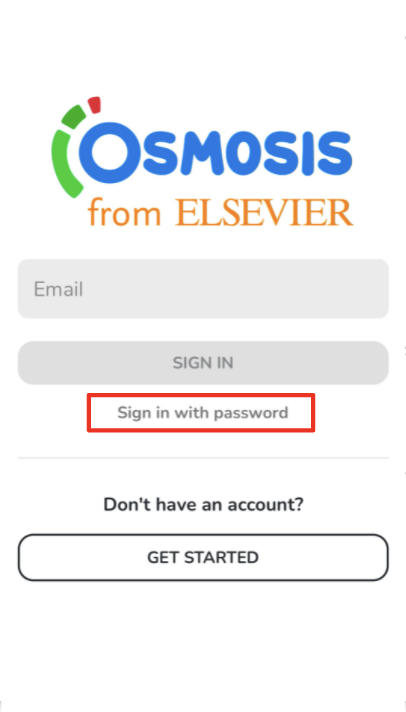
b. Sign In with Email and Password
Click Sign in with Password on the sign-in page.
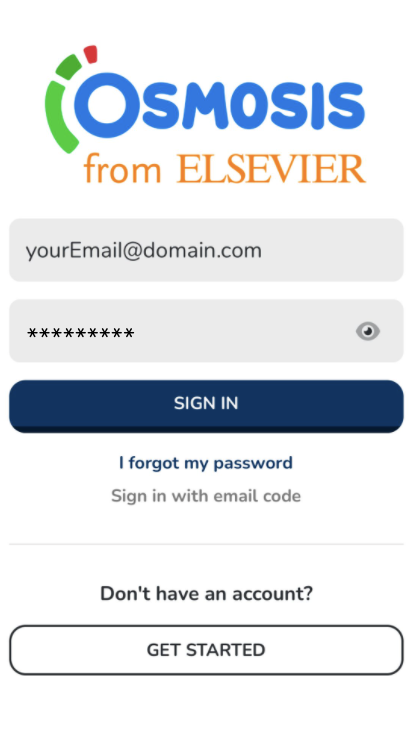
2. Enter your email and password to log in.
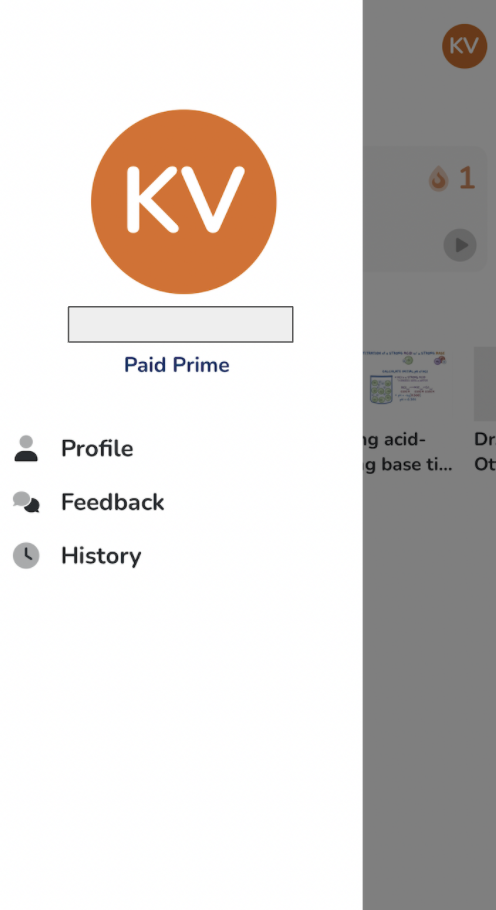
Accessing Your Account Information and App Settings
To view your account profile and settings:
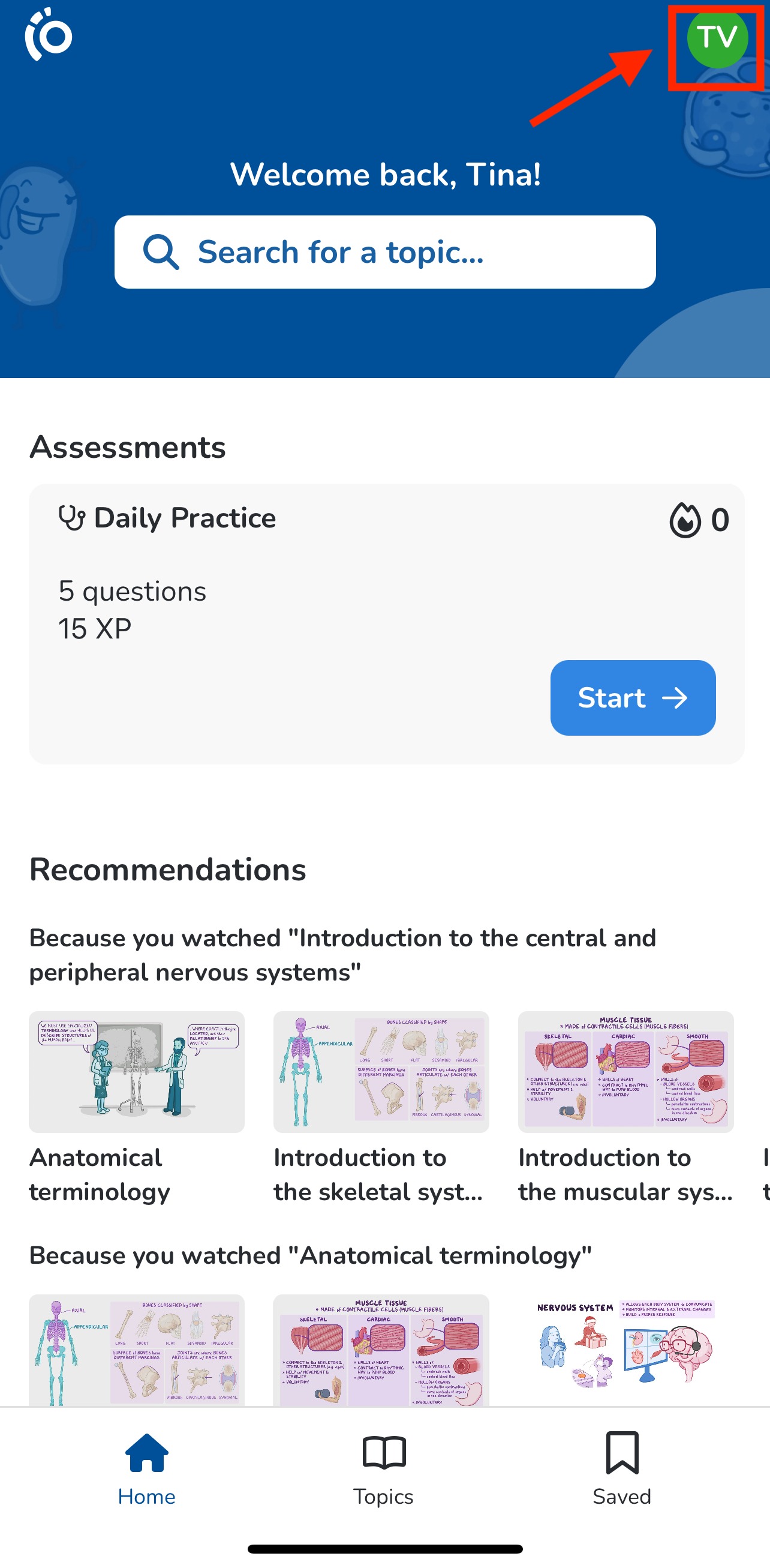
Click the profile button in the upper right corner of the screen. This menu allows you to access:
Your Profile Information
Submit Feedback
View History (e.g., videos watched, flashcards answered, etc.)
App Settings
If you encounter any problems or need further assistance, please use the chat bubble located on the Osmosis website, or contact us at [email protected]. Happy learning!
Did we answer your question?
Recently viewed answers
Functionality disabled due to your cookie preferences