
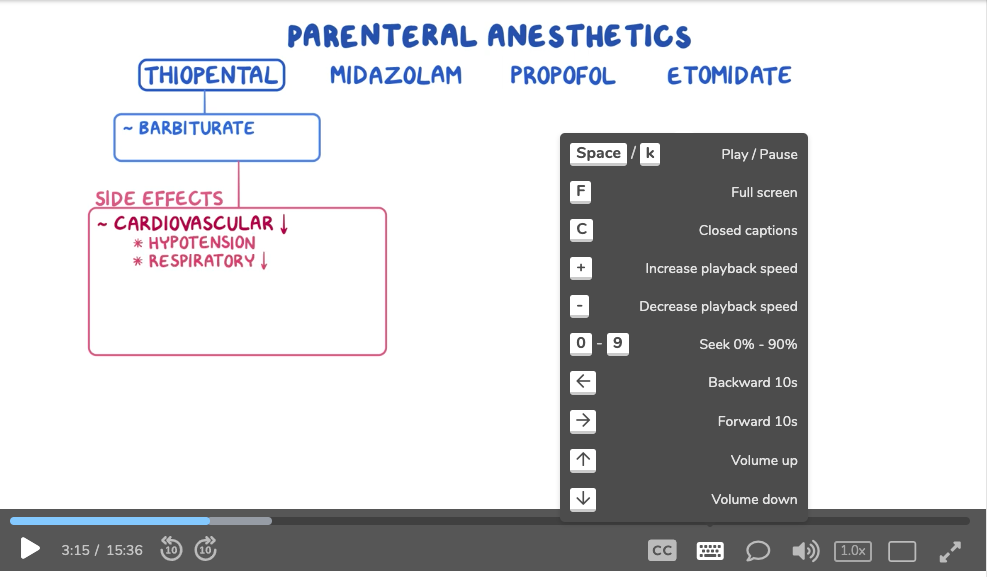
Skip ahead in 10 percent time intervals: Numbers 1-9
Pressing number keys 1-9 will allow you to jump ahead in ten percent time intervals within a video. To jump to 10 percent, for example, press 1. To jump 40 percent of the way into a video, press 4.
Fast forward: Right arrow key
Press the right arrow once to fast-forward five seconds.
Hold down the right arrow to fast-forward 10 seconds.
Pause: Space bar
Press the space bar to pause a video. Press the space bar again to resume play.
If you have questions, please feel free to contact [email protected]opens in new tab/window.
Did we answer your question?
Recently viewed answers
Functionality disabled due to your cookie preferences