
Activating Your Account Using the Cohort Link
Last updated on October 13, 2025
Welcome to Osmosis! We look forward to supporting you on your educational journey. Follow the steps below to redeem access to your account using your cohort link.
If You Don't Have an Osmosis Account:
Click the Cohort Link: Click on the link provided to you (cohort link).
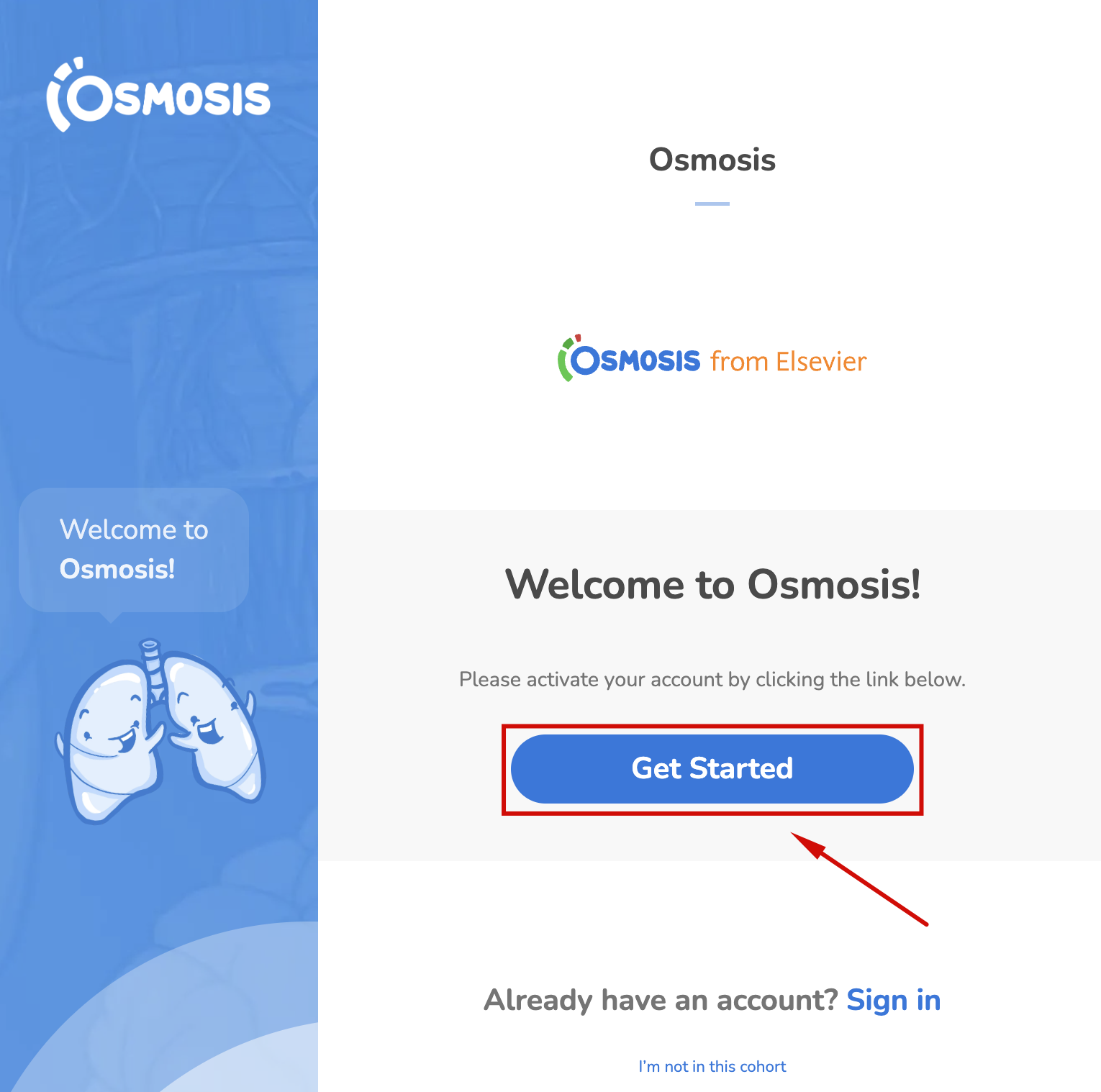
Enter Your Credentials: Fill in your details when prompted.
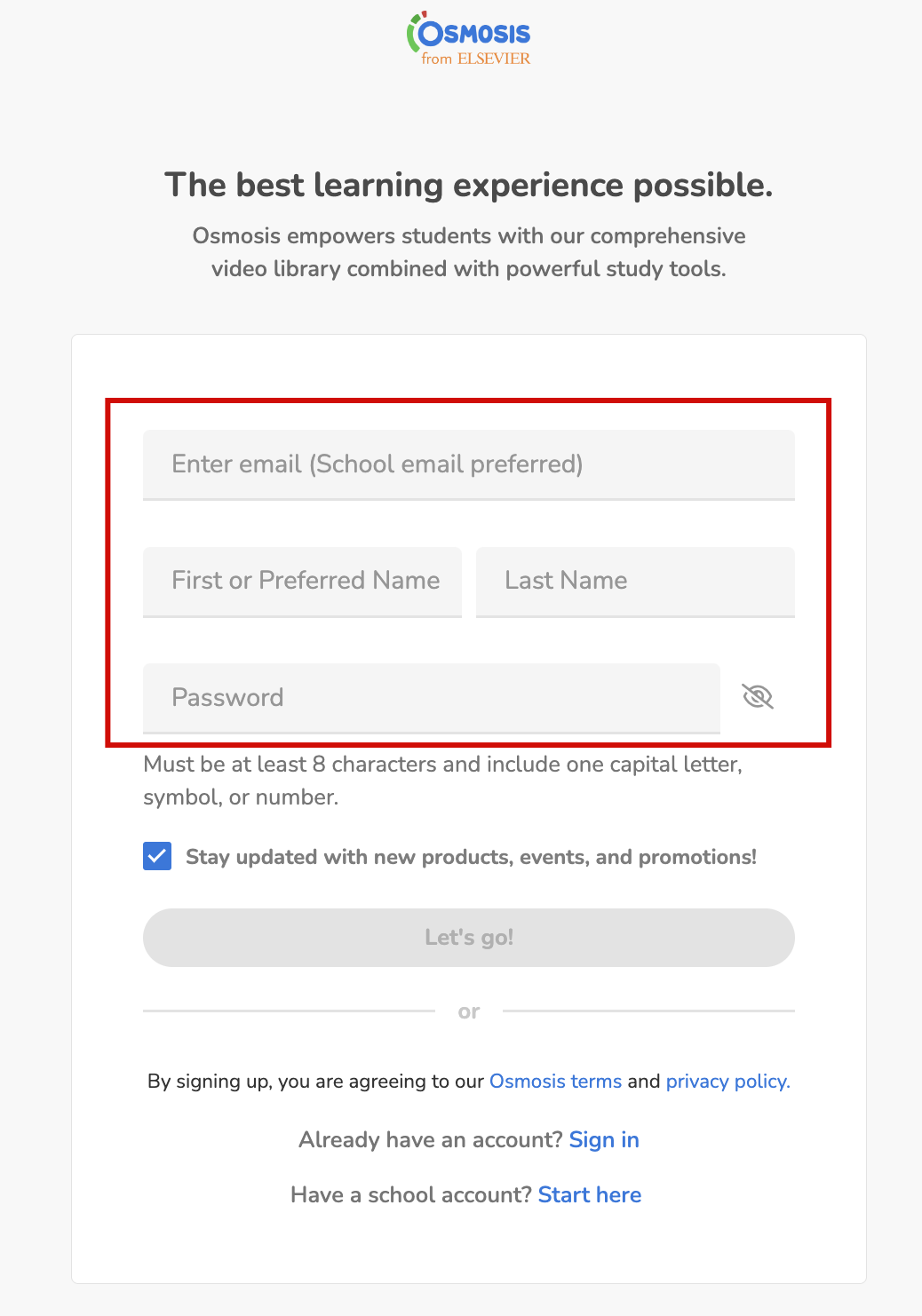
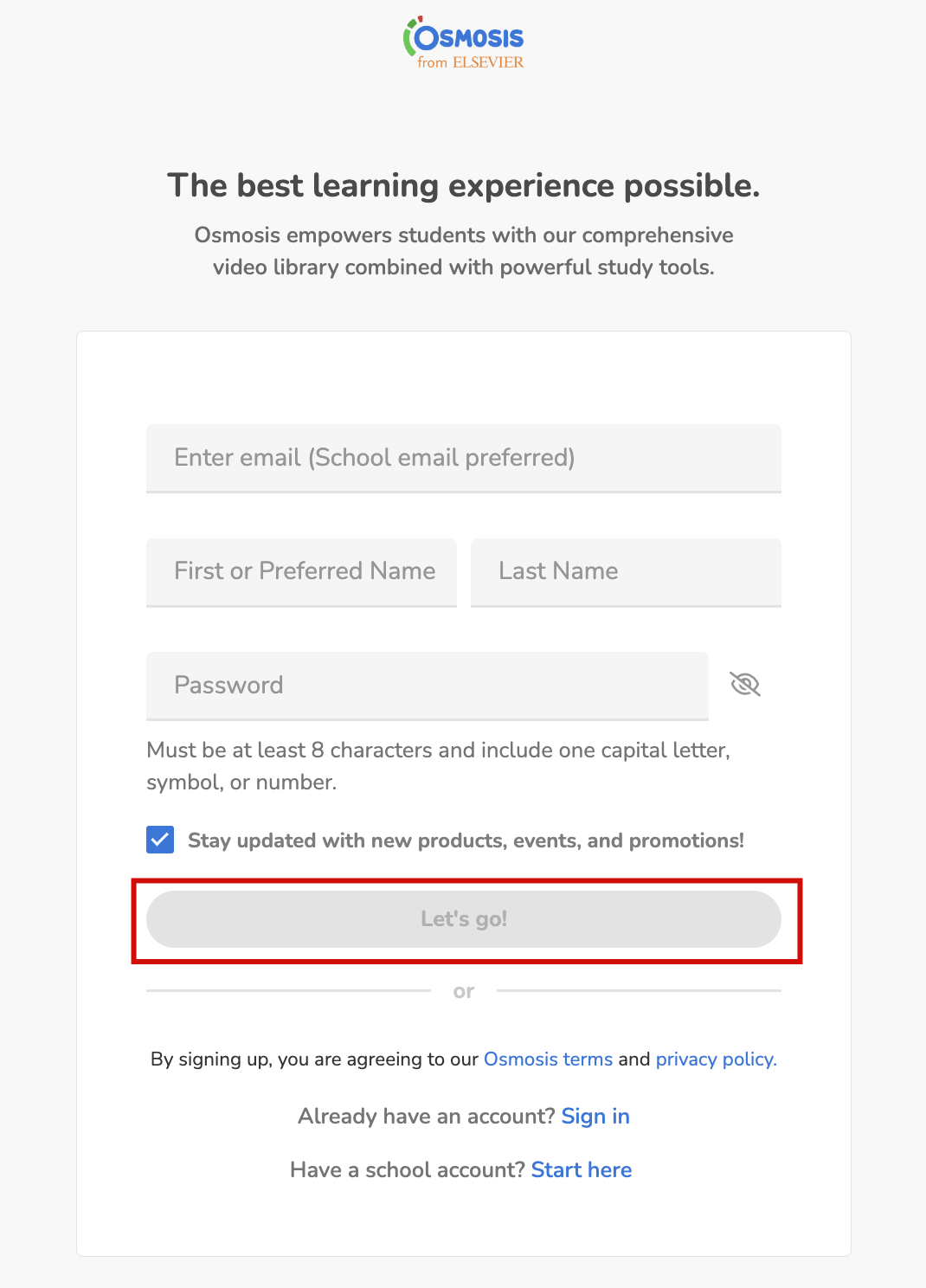
Click 'Let's Go': Confirm your input by pushing the Let's Go button.
Check Your Email: Look for an account verification link in your email and click to verify your account.
Confirm Your Access: Log in and check your profile to confirm your paid Osmosis access.
If You Already Have an Osmosis Account:
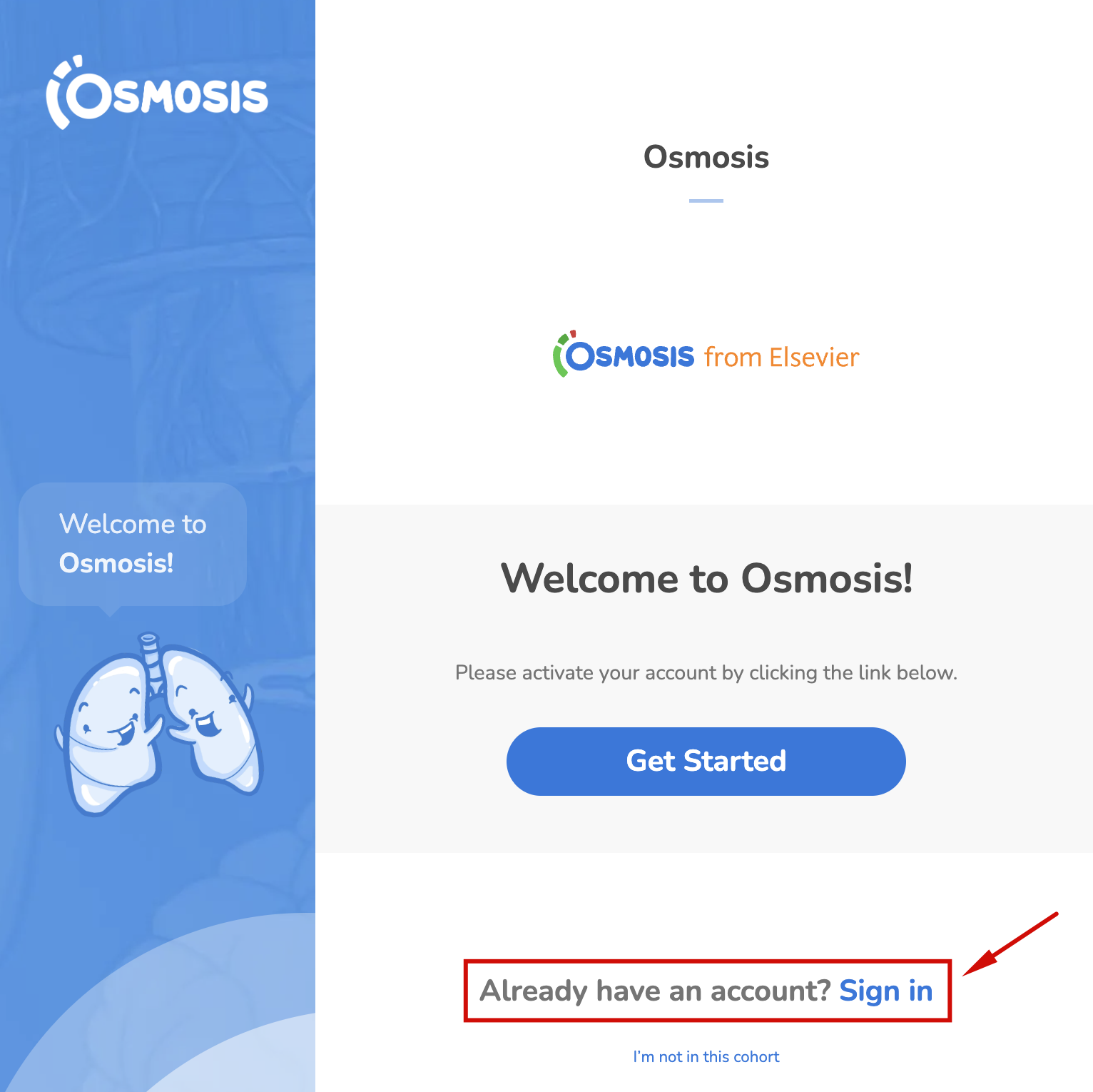
Click the Cohort Link: Click on the link provided to you (cohort link).
Click 'Join Now': Select the Sign In option.
Redirect to Homepage: You should be directed to the Osmosis homepage.
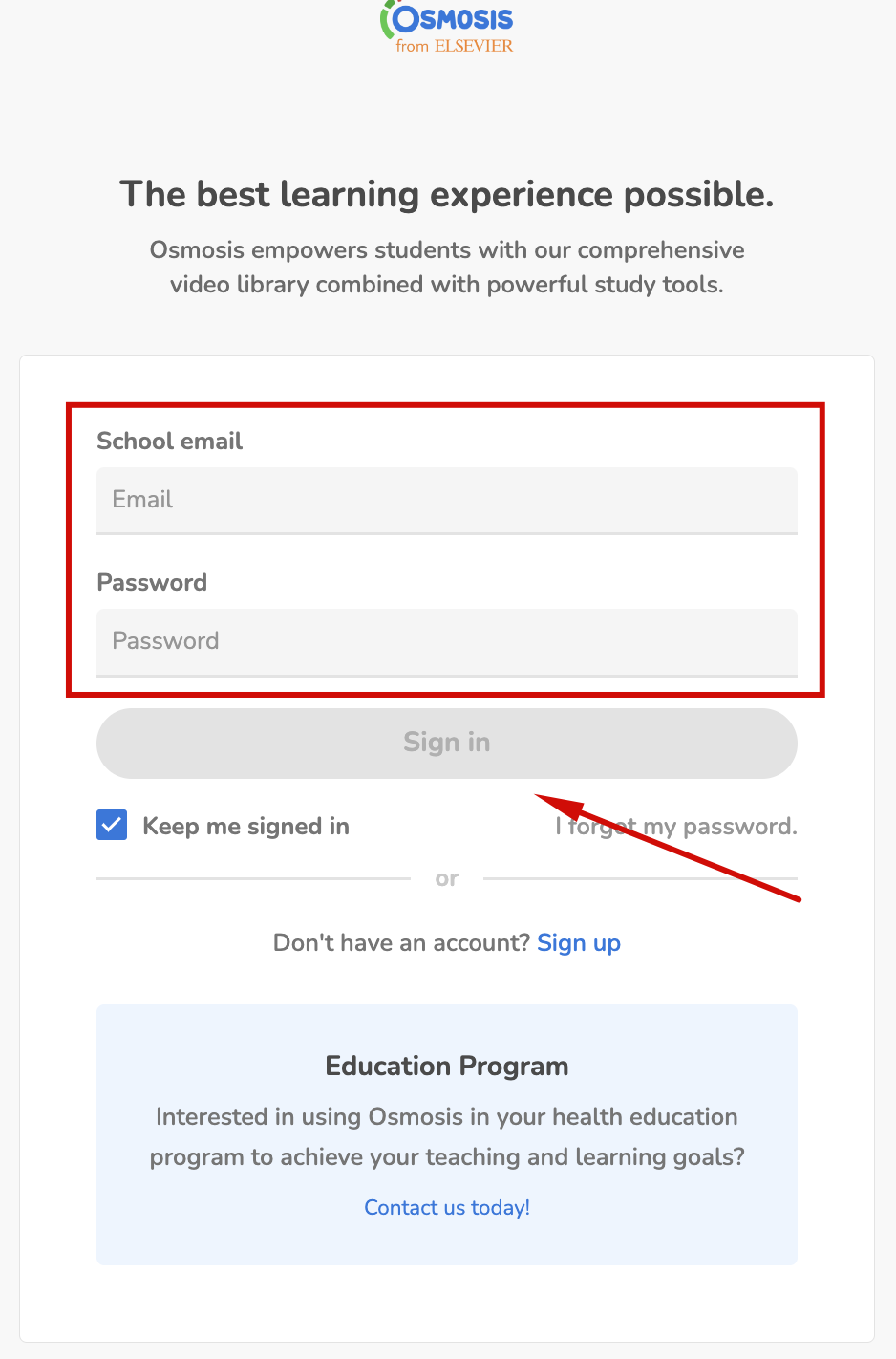
Confirm Your Access: Check your profile to ensure that your paid Osmosis access has been added.
If you encounter any problems or need further assistance, please use the chat bubble located on the Osmosis website, or contact us at [email protected]. Happy learning!
Did we answer your question?
Recently viewed answers
Functionality disabled due to your cookie preferences