
Keeping your information accurate and up to date on the Osmosis.org website is important. You can easily edit your profile from your Profile page by following these steps:
How to Access Your Profile
Visit Your Profile Page: Go to https://www.osmosis.org/account/profileopens in new tab/window.
Options for Updating Your Profile
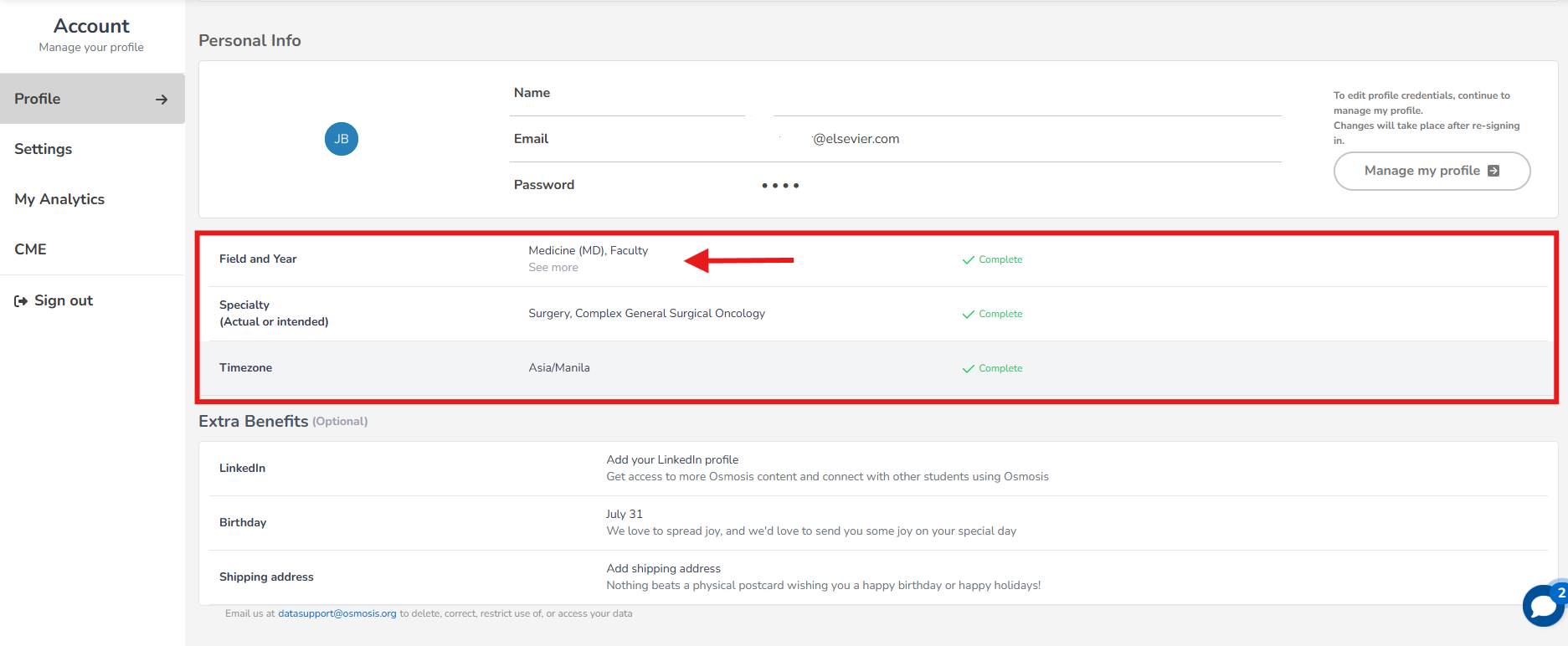
On the profile page, you can set up or edit the following:
Select Your School
Input Your Field & Year: Specify your current stage and exam preparation details.
Set Your Timezone
Editing Your Profile
Click on the option you wish to set up or edit.
Once you have made your changes, click 'Save Changes' to ensure all updates are recorded.
If you have any questions or encounter any issues, please feel free to contact us at [email protected]opens in new tab/window. We're here to assist you!
Did we answer your question?
Recently viewed answers
Functionality disabled due to your cookie preferences