
View by category
How do I opt-out or unsubscribe from Elsevier marketing communications via my Elsevier account?
Last updated on February 04, 2026
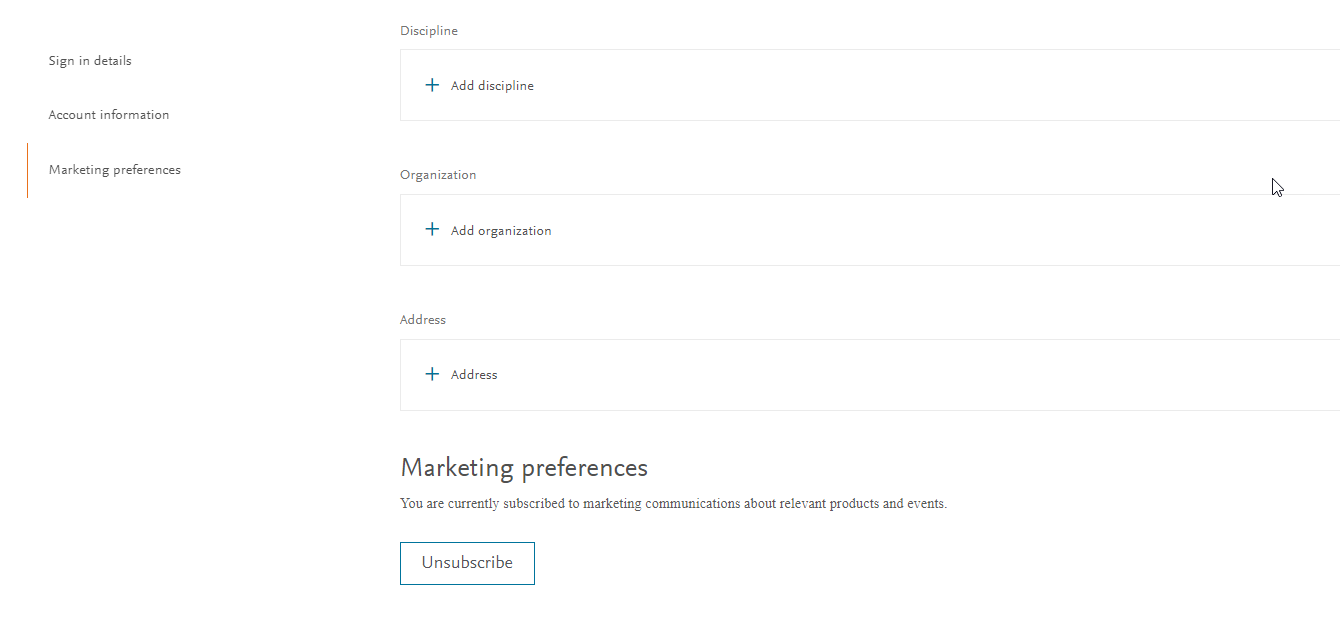
- Sign in to your Elsevier Account settings page and go to the Marketing preferences section.
- Click 'unsubscribe to opt out of Marketing preferences.
You can also update your marketing preferences via the Elsevier Preference Center. Additionally, you will always see a link to update your preferences in the footer of any marketing message we send you.
Currently takes about 48 hours for data to process through to Preference Center, so a user will not be able to see preferences in Preference Center immediately after creating Elsevier account.
Did we answer your question?
Related answers
Recently viewed answers
Functionality disabled due to your cookie preferences