
How do I register for a remote access account using a Registration ID and Passcode?
Last updated on June 16, 2025
To access your institution’s Scopus subscription from anywhere, you must activate your registration ID.
How
Registration ID activation involves a few simple steps:
Please note:
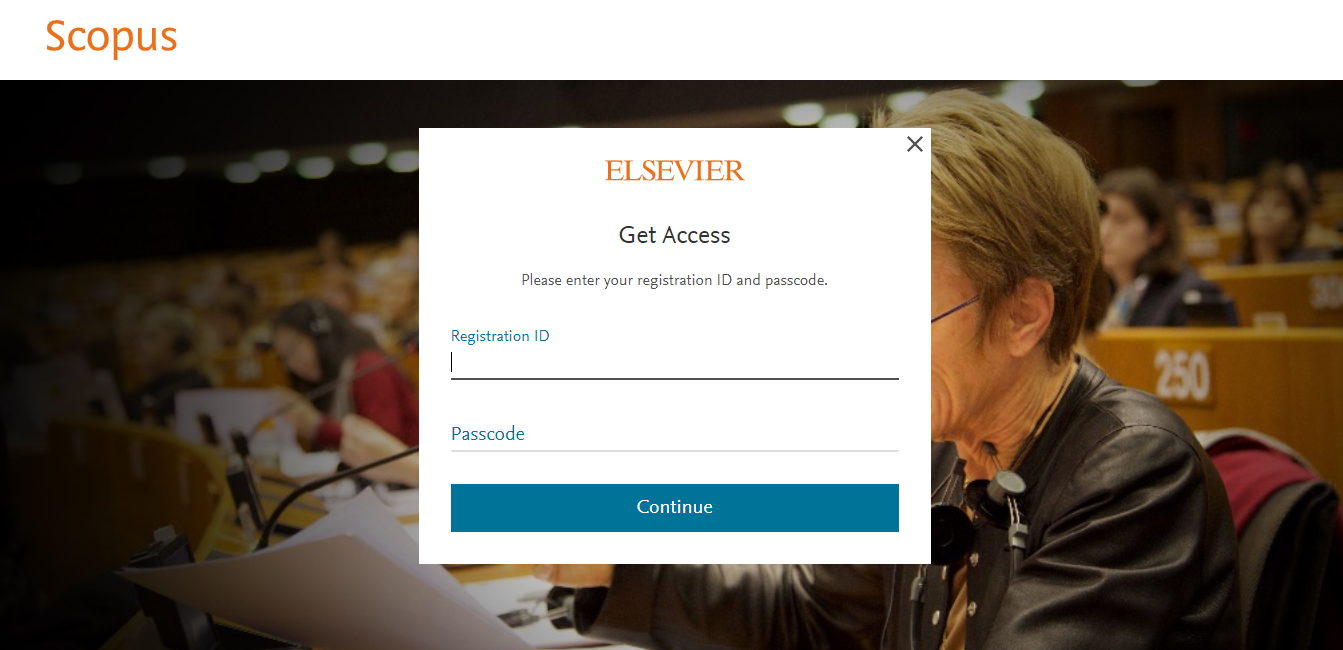
- These entry fields are case sensitive. Please ensure the correct character strings have been entered into the Registration ID and Passcode.
- Do not 'Copy and Paste' the Registration ID or Passcode to prevent any extra characters and spaces.
- Enter the Registration ID and Passcode on the field provided, and click 'Continue'.
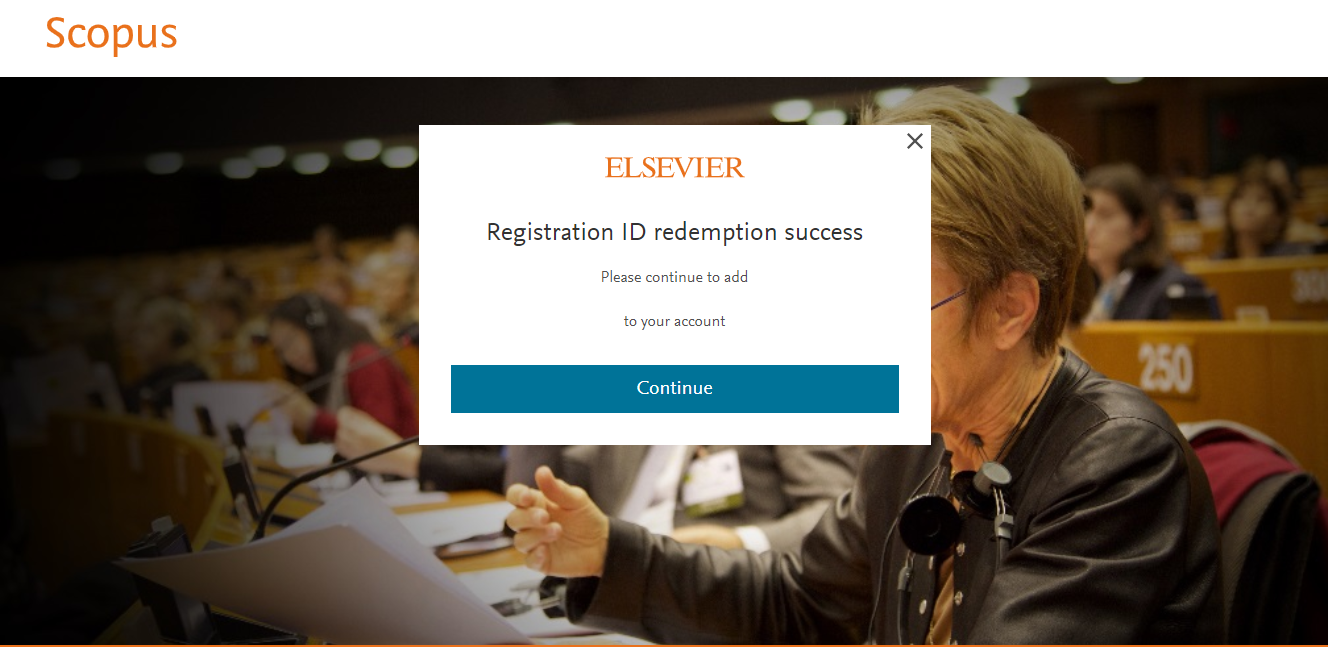
- A message will be displayed on the screen confirming that your Registration ID redemption is successful. Click 'Continue'.
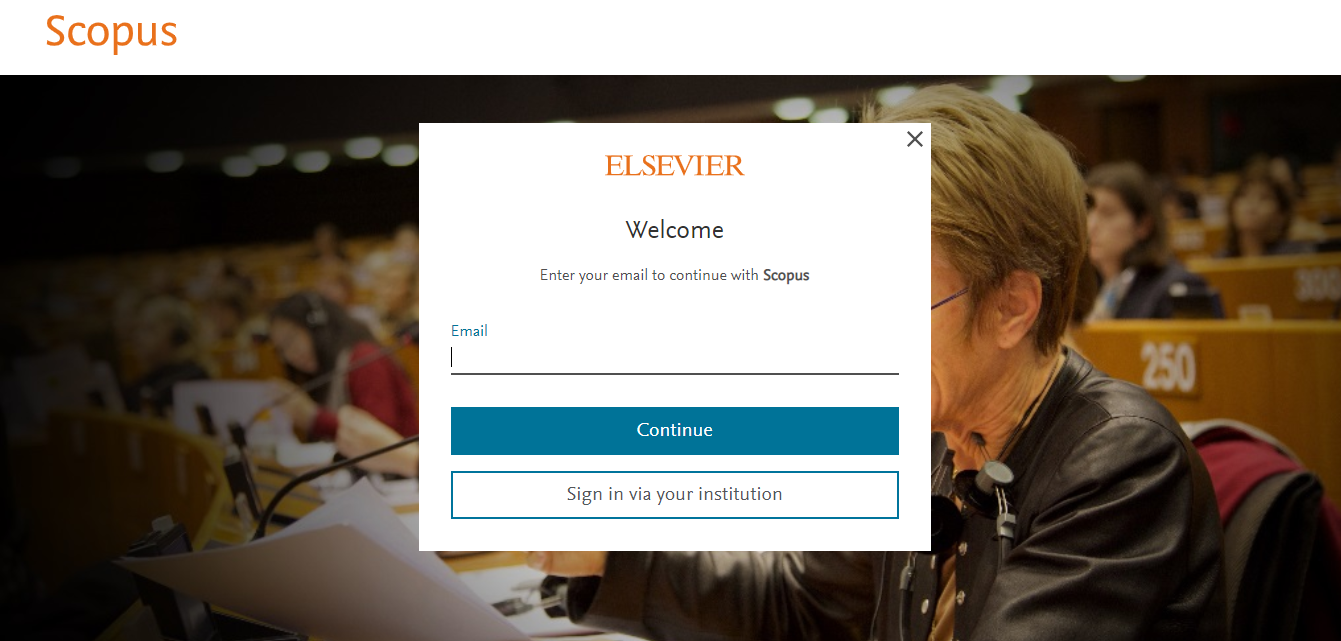
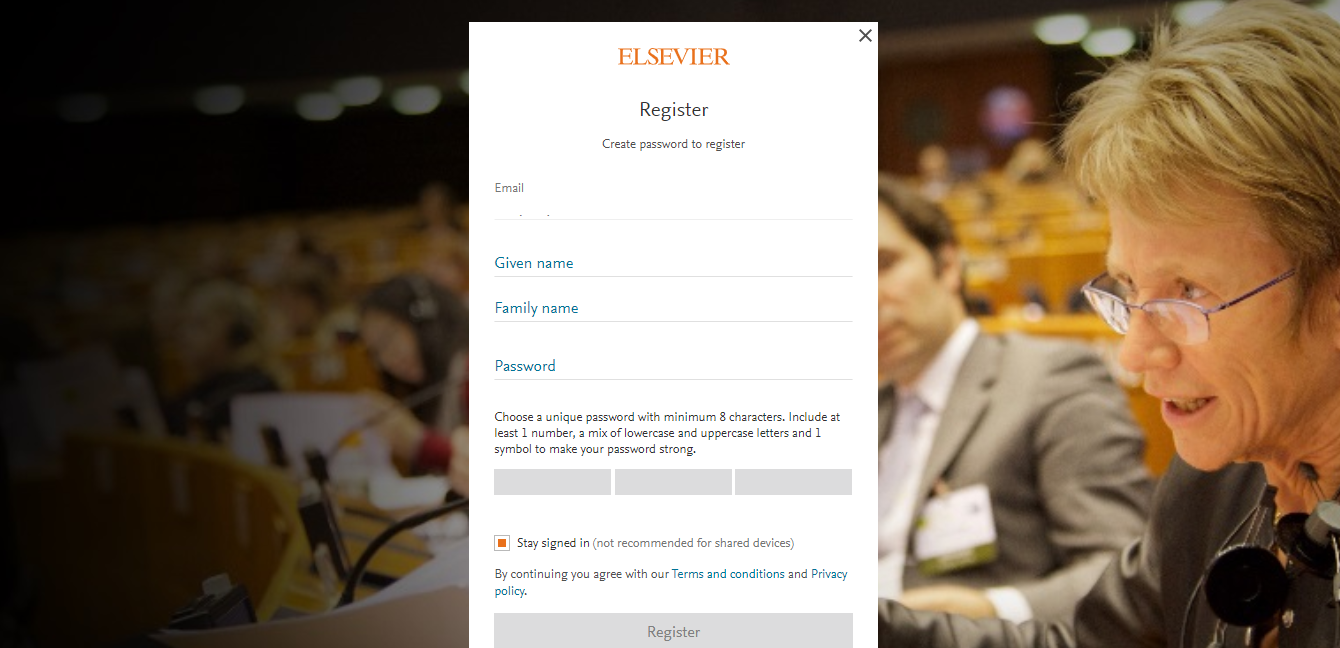
- The next step depends if you already have an existing Elsevier account or not.
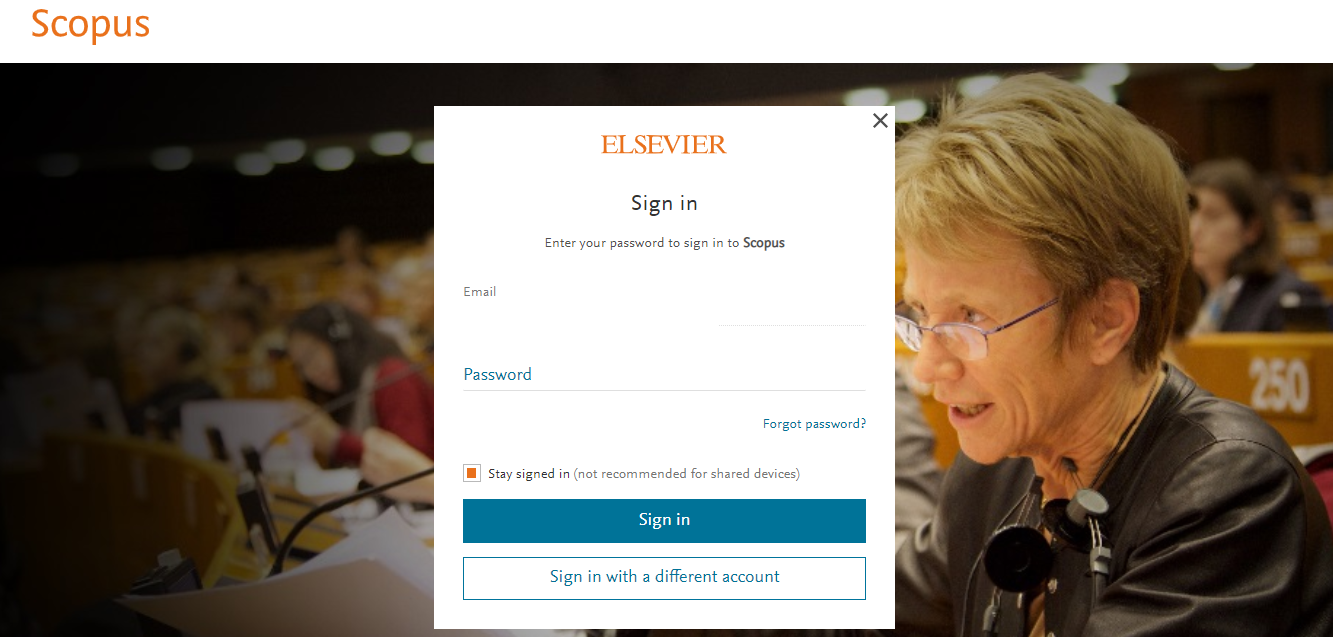
- If you have an existing Elsevier account, enter your email address and password, and click 'Sign in'
- If you do not have an Elsevier account, you will be asked to register to gain access to your institutional subscription.
Did we answer your question?
Related answers
Recently viewed answers
Functionality disabled due to your cookie preferences